

Design
AI Brand Moodboard Generator
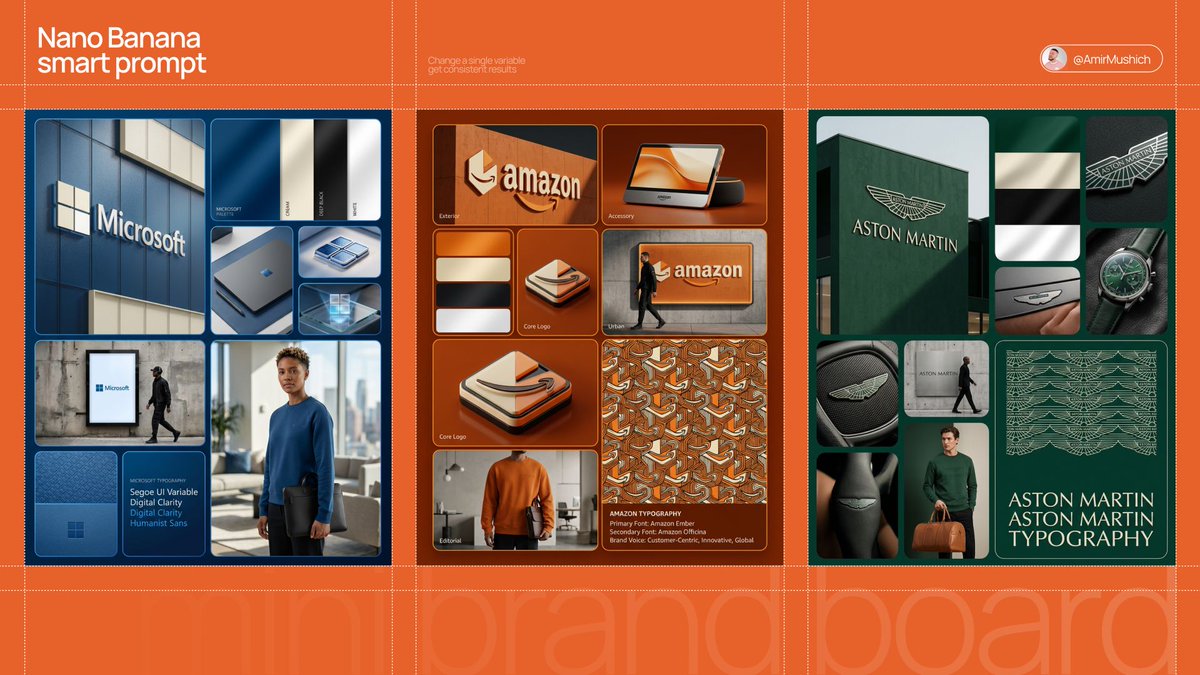
Create brand moodboard images with coordinated color, typography, product scenes and material references. Explore a visual direction before designing assets.
Start creatingA starter prompt is ready in the generator. Make it your own.
Prompt
Create one brand moodboard image for a fictional neighborhood coffee roaster. Arrange a warm brown and cream palette, tactile paper samples, simple typography examples, a coffee bag mockup and two calm cafe photography panels in a tidy editorial grid. Keep the visual language consistent and leave the brand-name area blank. Use realistic materials and balanced spacing, without claiming a complete or editable brand system.
View full promptCollapse prompt
Create one brand moodboard image for a fictional neighborhood coffee roaster. Arrange a warm brown and cream palette, tactile paper samples, simple typography examples, a coffee bag mockup and two calm cafe photography panels in a tidy editorial grid. Keep the visual language consistent and leave the brand-name area blank. Use realistic materials and balanced spacing, without claiming a complete or editable brand system.
Make it your own
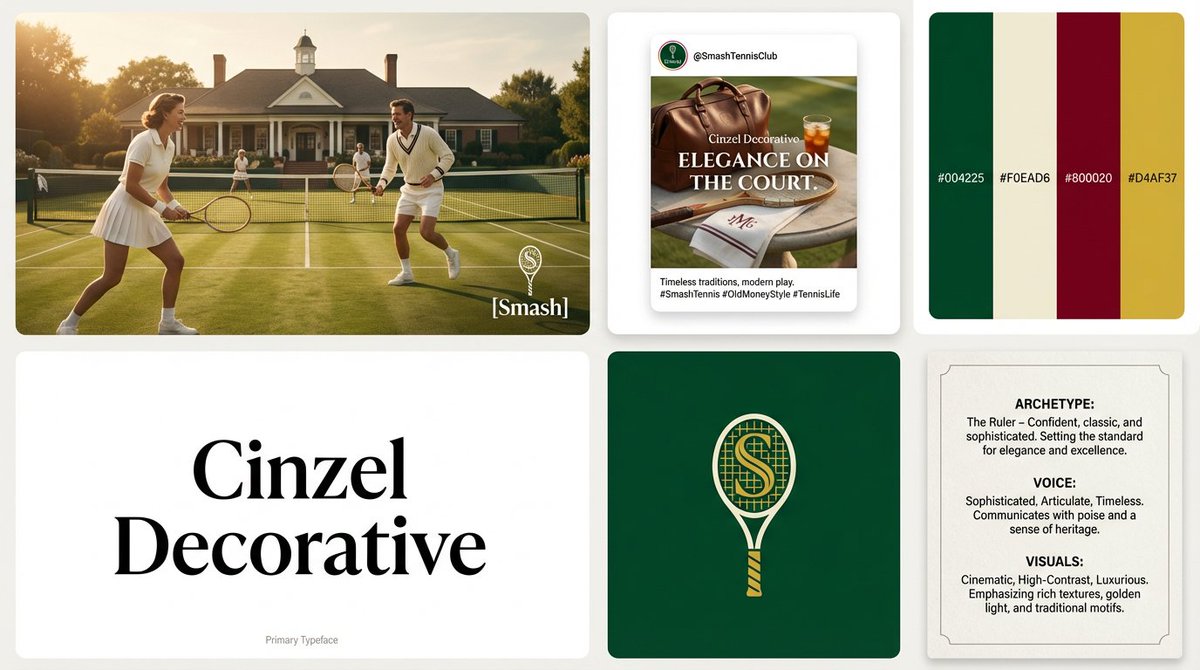
A brand moodboard is a compact visual brief. It can bring together a color palette, type direction, imagery and material cues so a team can discuss one coherent aesthetic. The examples focus on how elements belong together rather than generating isolated logos or unrelated attractive pictures.
Explore prompts and examples
10 examples. Open an image to see its original prompt, then create your own version.
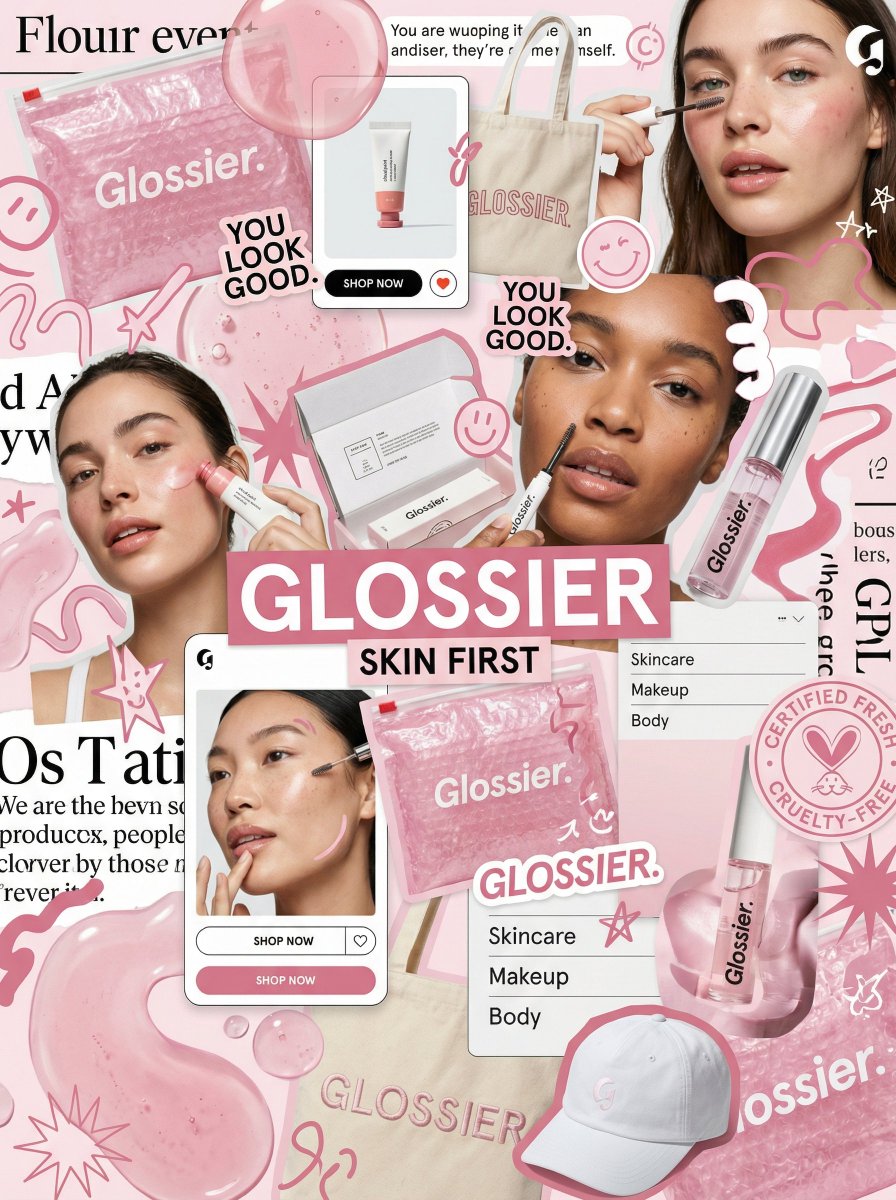
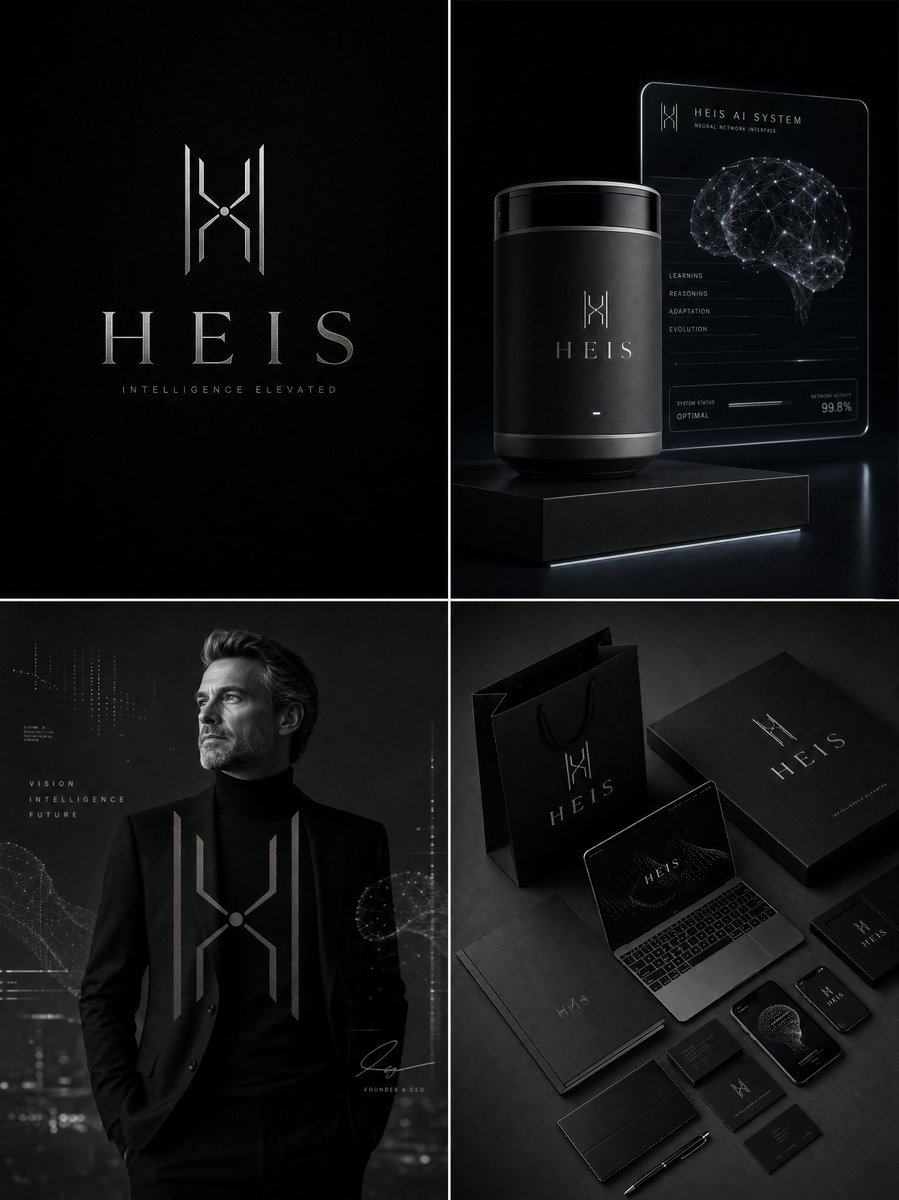
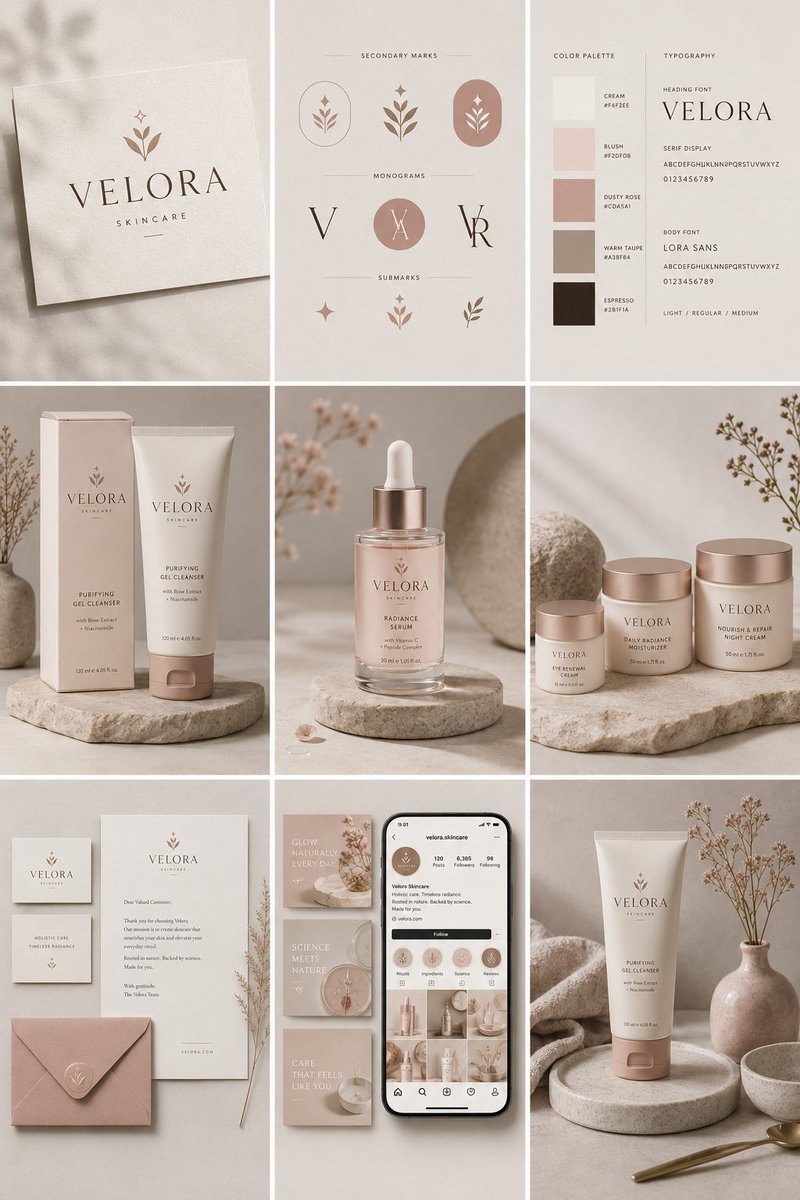
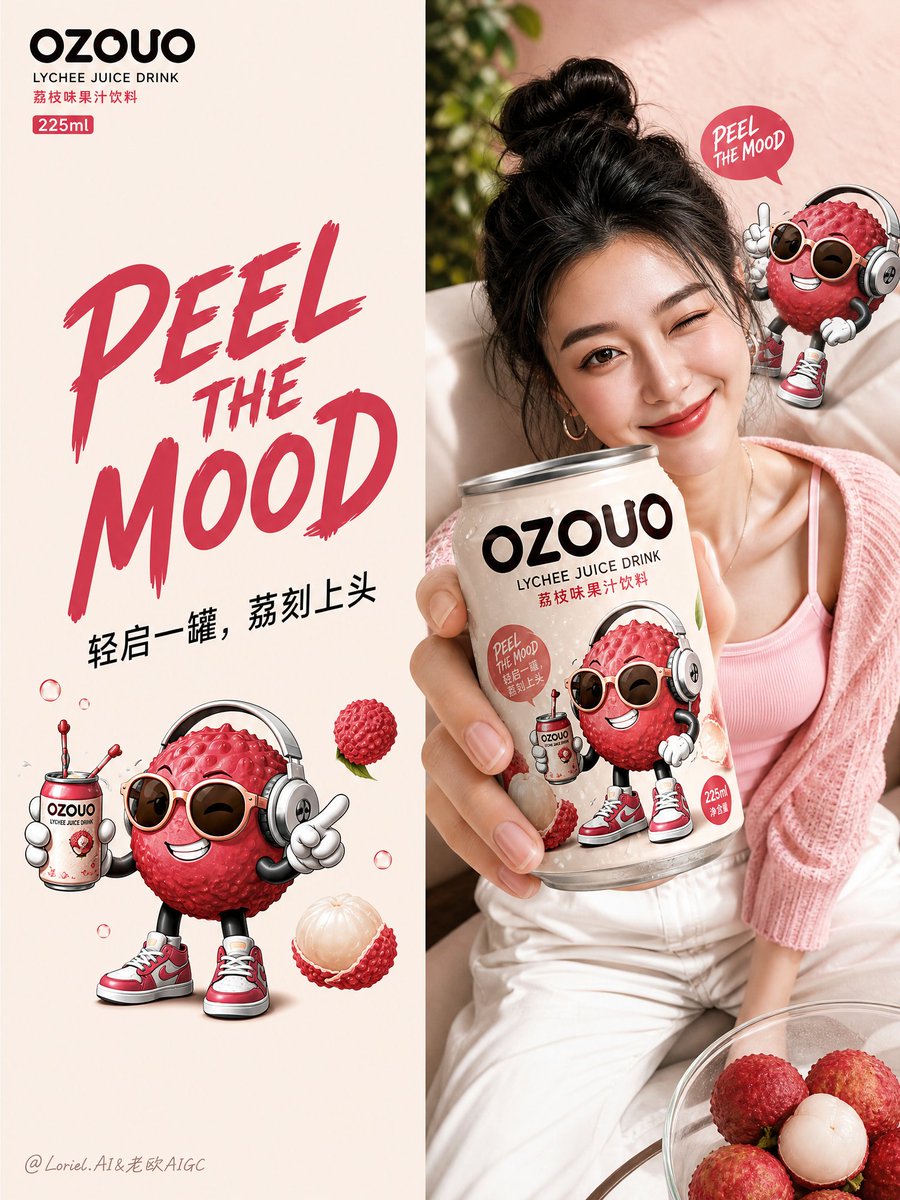
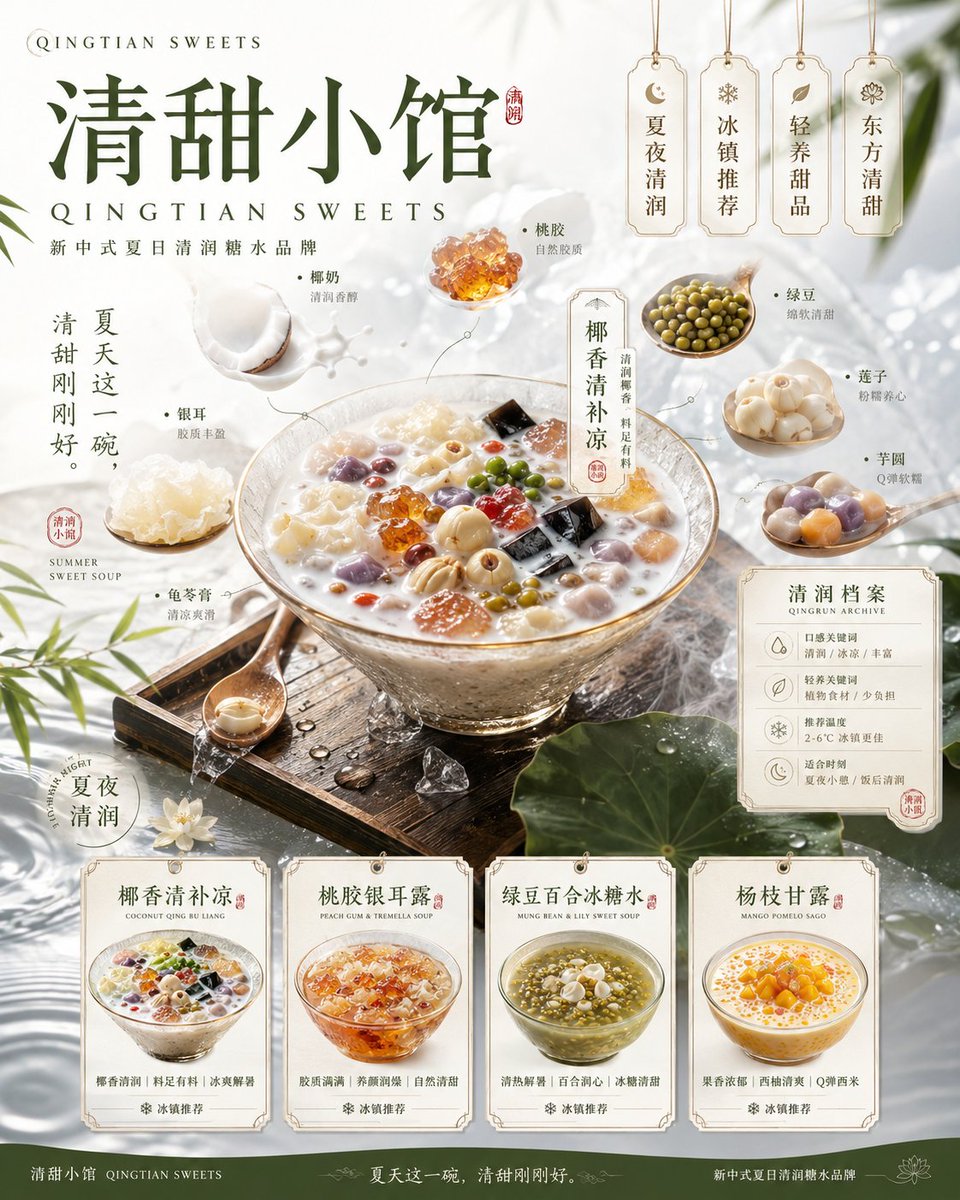
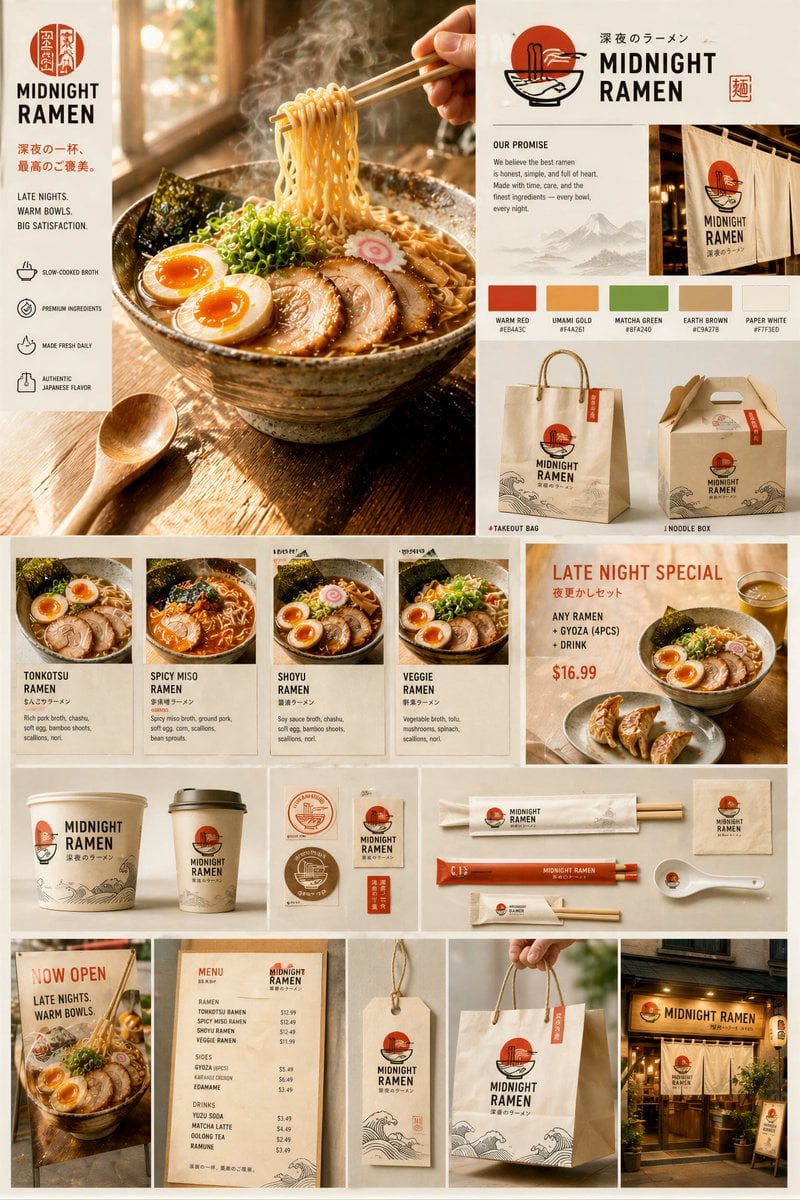
State the brand personality in concrete terms
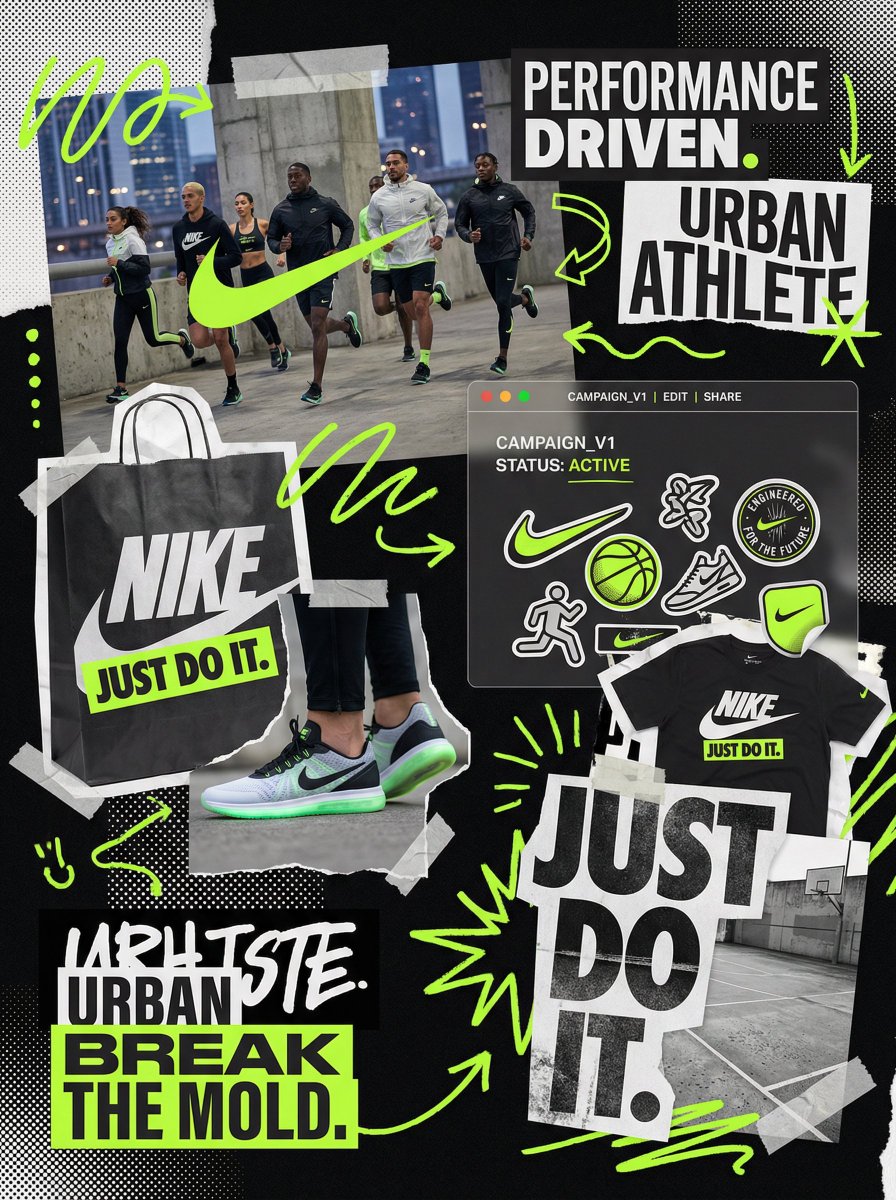
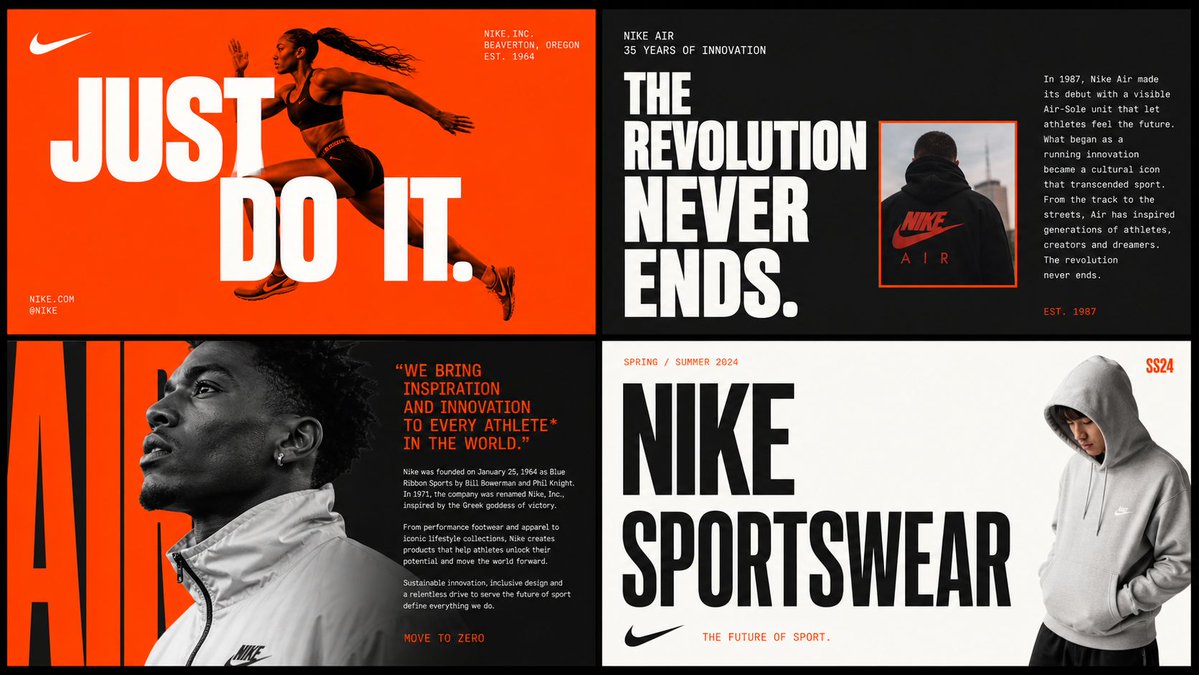
Describe the audience and the visual feeling you want: quiet and tactile, bold and athletic, or bright and playful. Pair those ideas with specific materials, colors and image subjects. Avoid a list of abstract adjectives that produces no clear design direction.
Make each panel do a different job
Use separate areas for color, typography, imagery and packaging. Keep the same visual language across them rather than repeating the logo in every box. A good board lets someone explain why the choices belong together and what the next design step should be.
Use the board to make decisions
Compare a small number of coherent directions and choose the one that fits the project. Then develop the actual logo files, type specifications and production artwork separately. The generated board is a visual starting point, not an editable identity system or a trademark clearance check.
Common questions
- Can I start with an existing logo?
- Yes. Add the logo as a reference and describe the supporting colors, imagery and materials you want to explore.
- How is this different from a photo collage?
- A brand moodboard organizes decisions for one identity. A photo collage primarily combines images into a composition and does not need to define a brand system.