

Design
AI Event Poster Generator
Create event poster images for concerts, community gatherings and festivals. Explore clear information hierarchy, distinctive artwork and ready-to-edit prompts.
Start creatingA starter prompt is ready in the generator. Make it your own.
Prompt
Create a vertical event poster for a fictional neighborhood jazz evening. Use an expressive brass-instrument illustration, midnight blue and warm ochre, a strong headline area and clearly separated spaces for date, time and venue. Use only event details supplied by the user; otherwise leave those areas blank. Keep the visual hierarchy simple enough to read on a phone and avoid invented sponsors or ticket links.
View full promptCollapse prompt
Create a vertical event poster for a fictional neighborhood jazz evening. Use an expressive brass-instrument illustration, midnight blue and warm ochre, a strong headline area and clearly separated spaces for date, time and venue. Use only event details supplied by the user; otherwise leave those areas blank. Keep the visual hierarchy simple enough to read on a phone and avoid invented sponsors or ticket links.
Make it your own
An event poster has a practical job: tell someone what is happening, when and where. The artwork should set the mood while leaving those details easy to find. Choose a concert, festival or community-event example, then replace the visual theme and event information with your own.
Explore prompts and examples
20 examples. Open an image to see its original prompt, then create your own version.
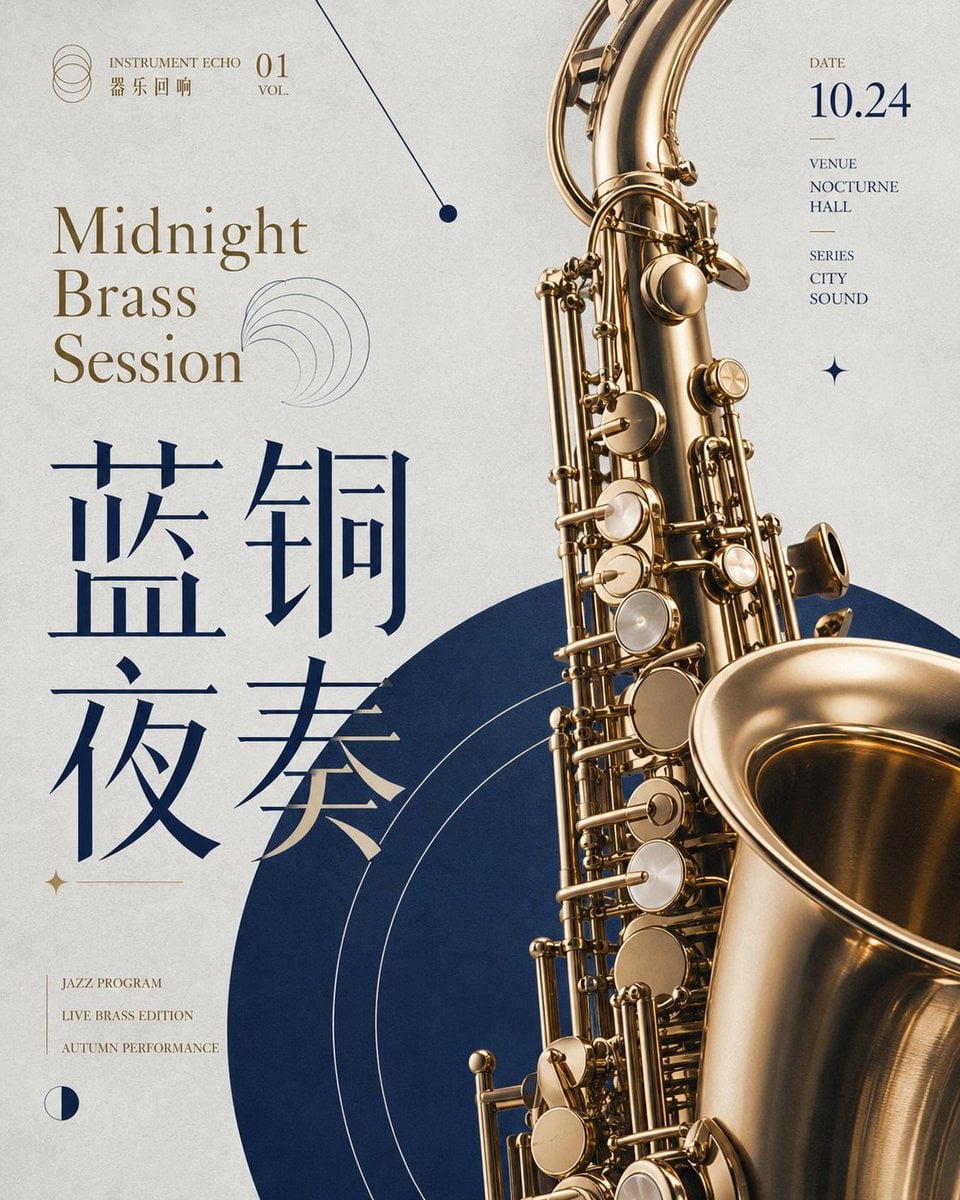 Midnight Brass Concert Poster
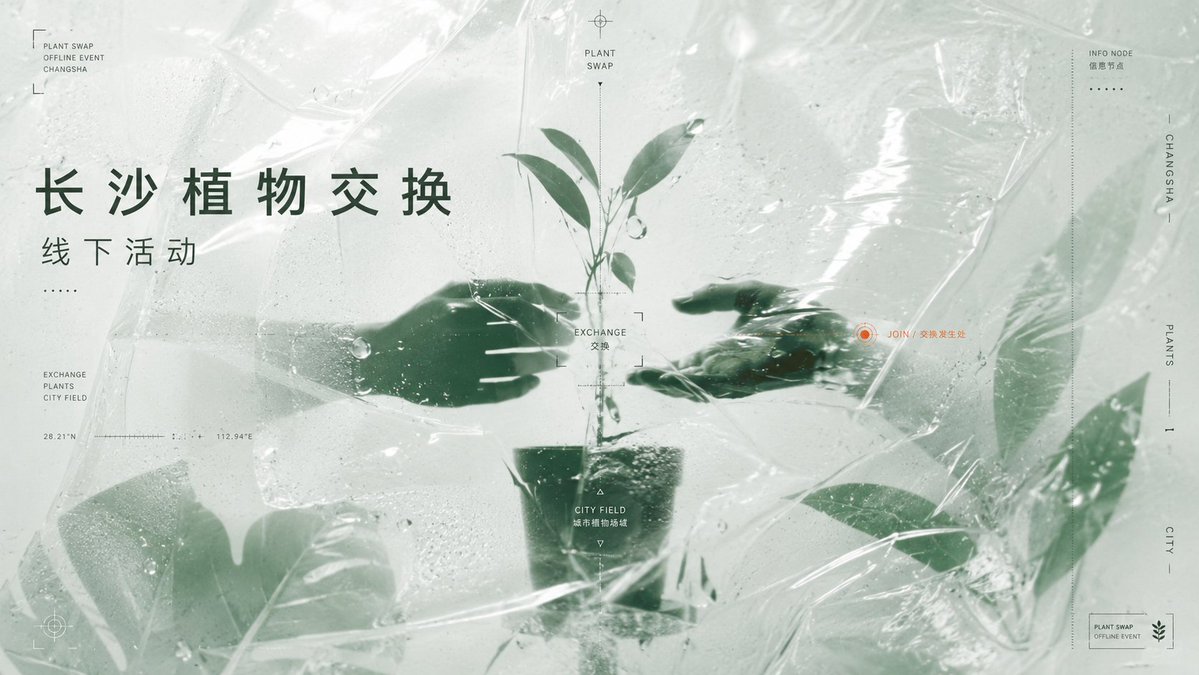 Plant Swap Event Poster
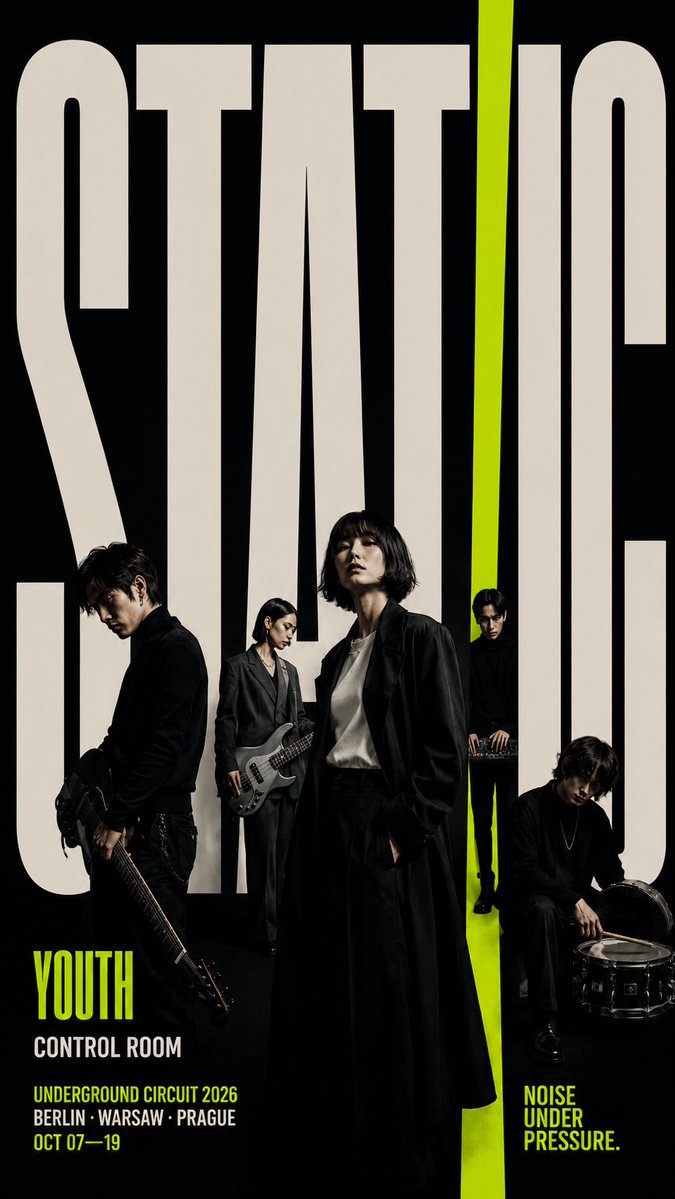 Youth Music Festival Poster
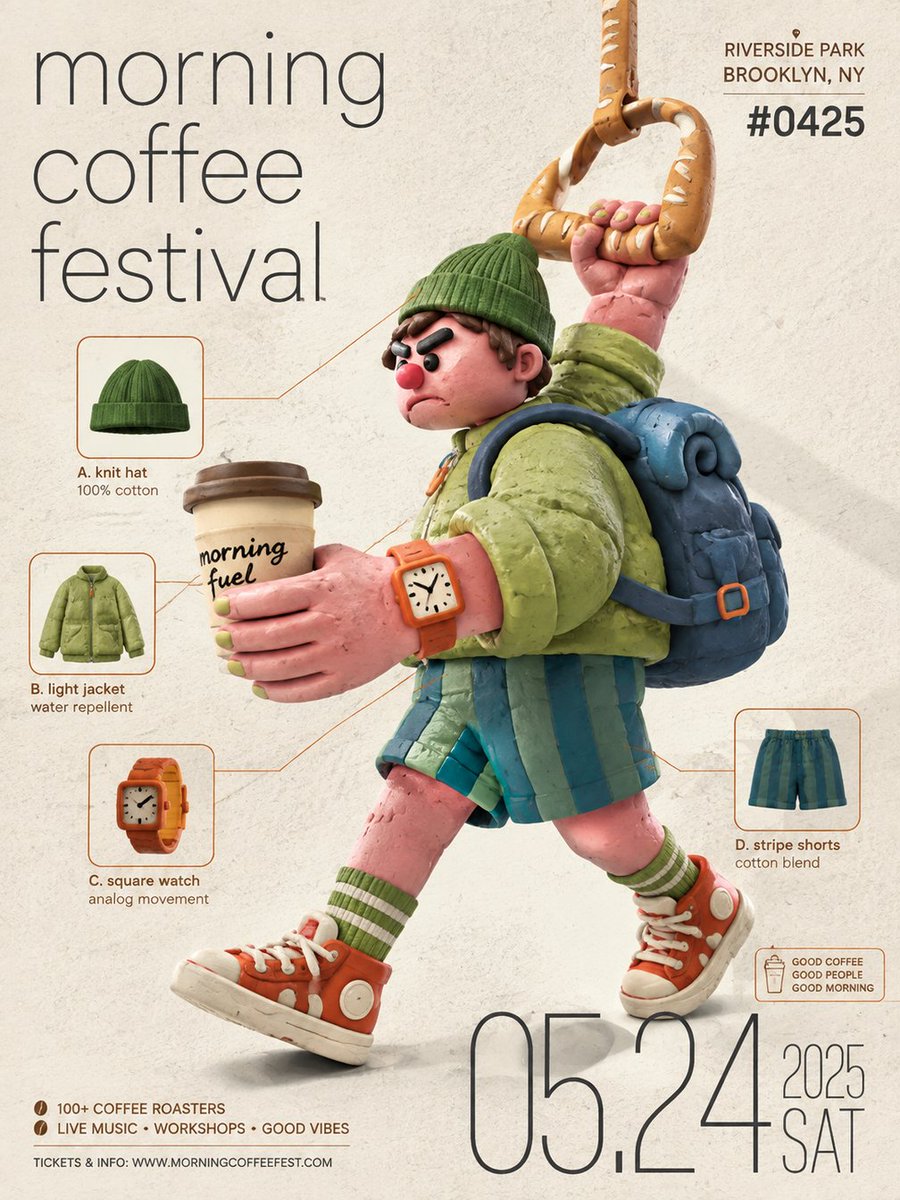 Clay Coffee Festival Poster
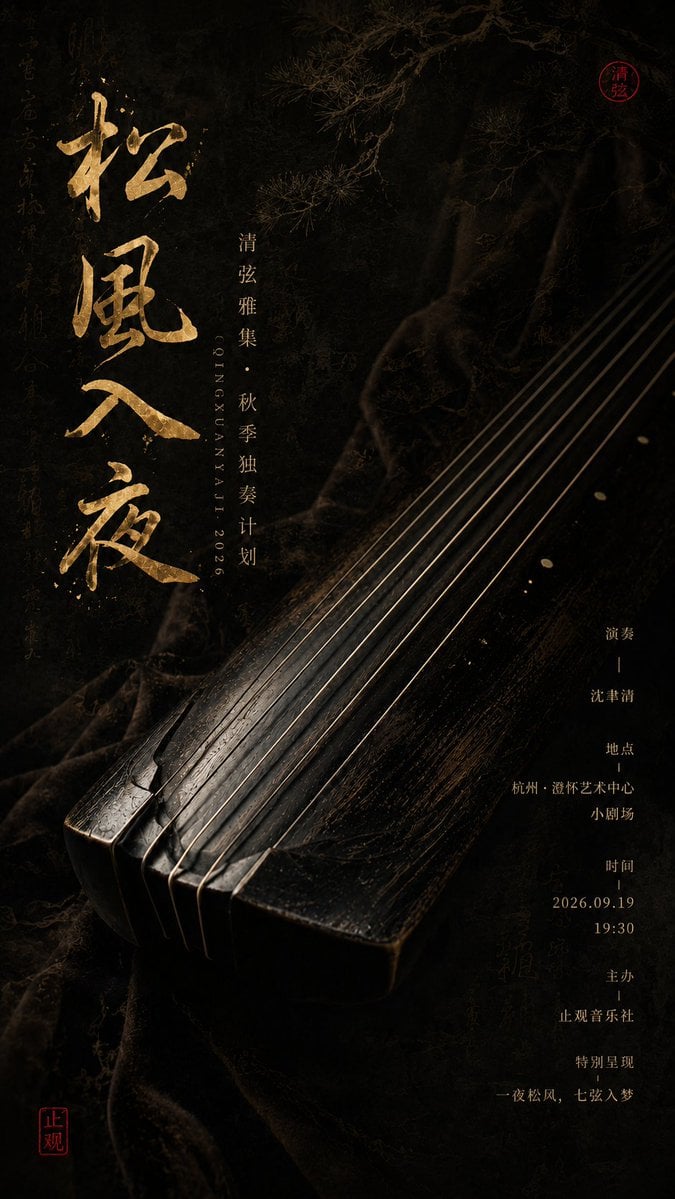 Chinese Instrument Concert Poster
 Modern Dragon Boat Festival Poster
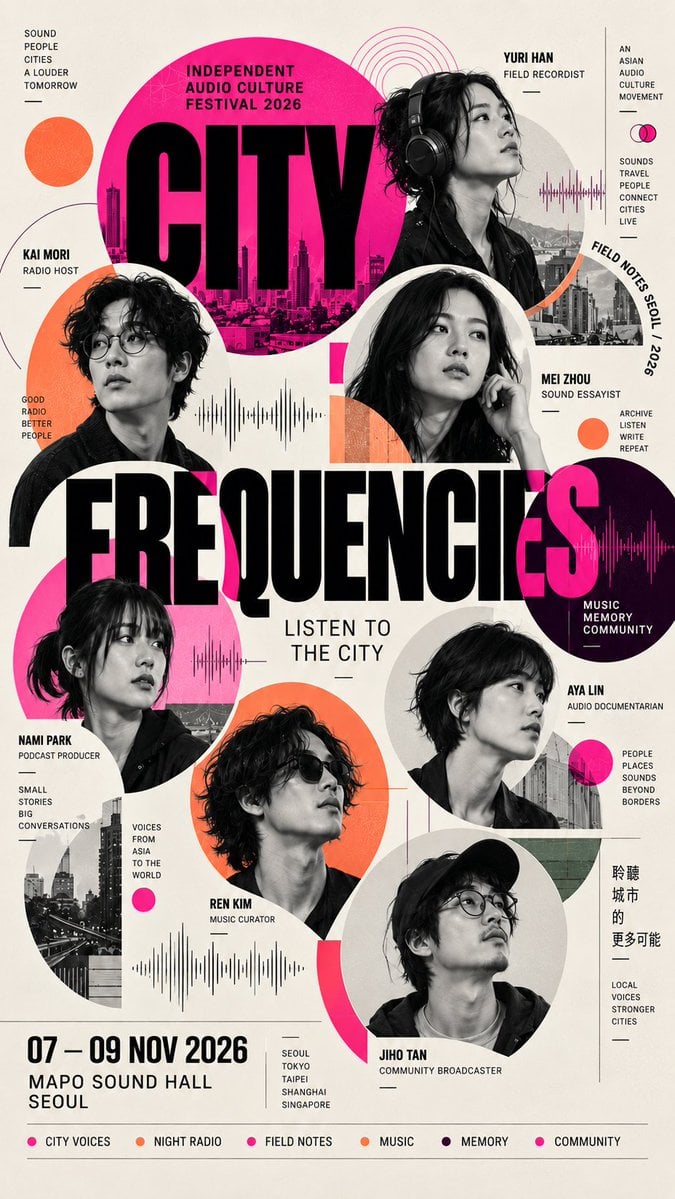 Editorial Festival Poster Grid
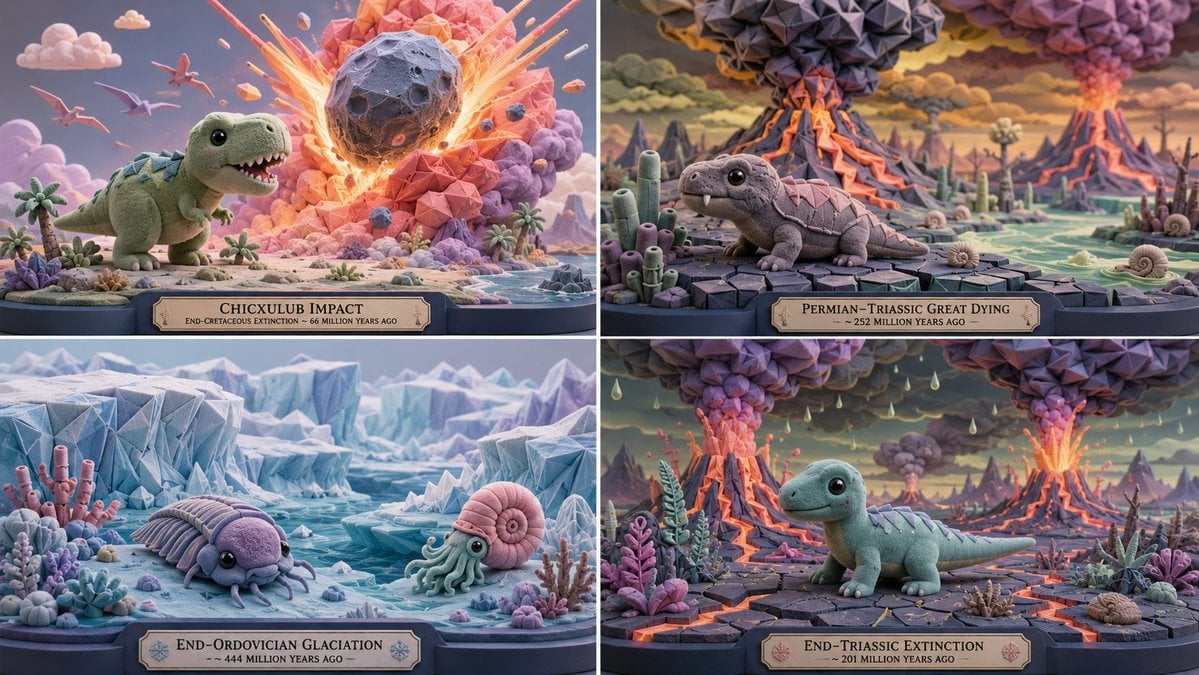 Cute Extinction Event Posters
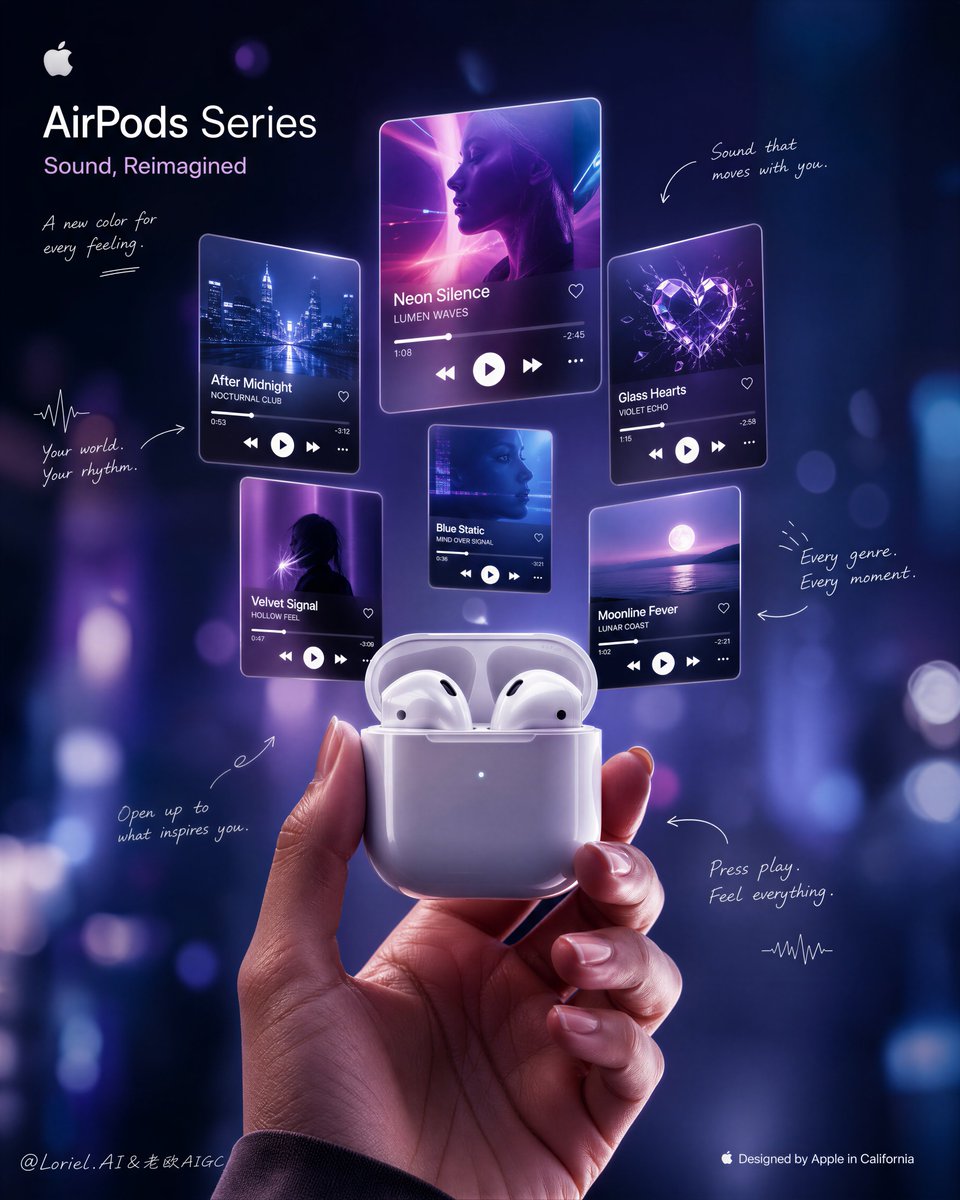 Earbuds Music Mood Poster
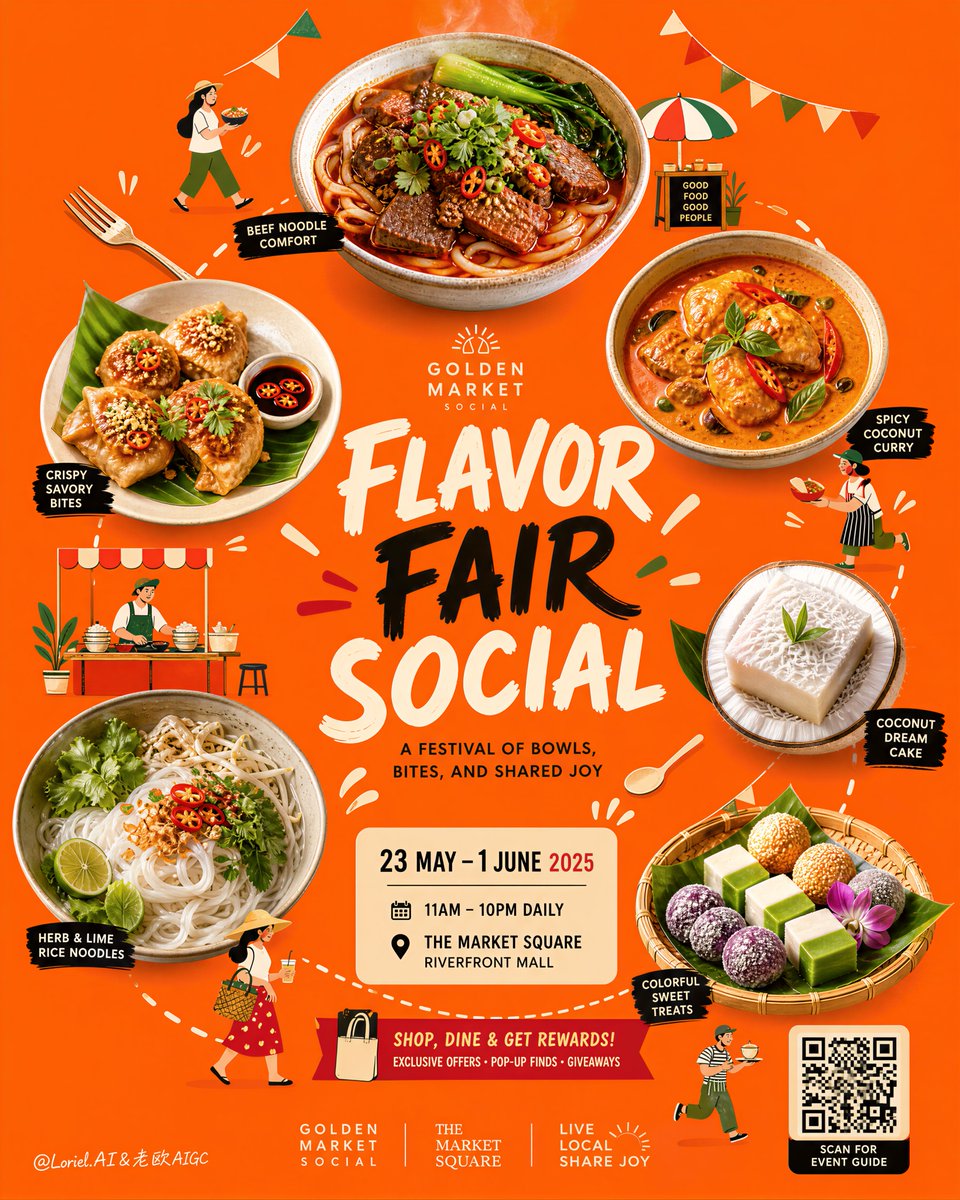 Festival Food Poster
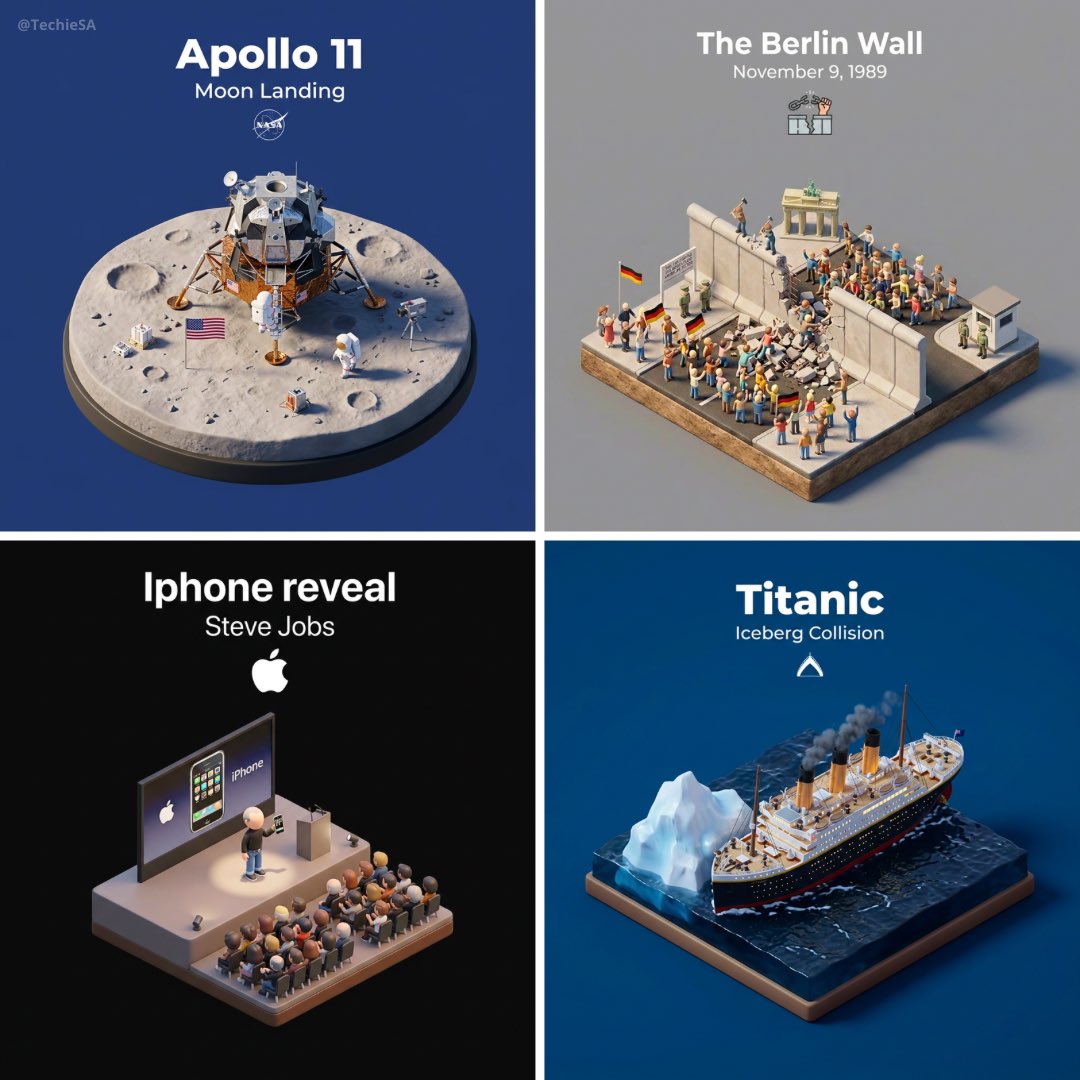 Historical Event Diorama Poster
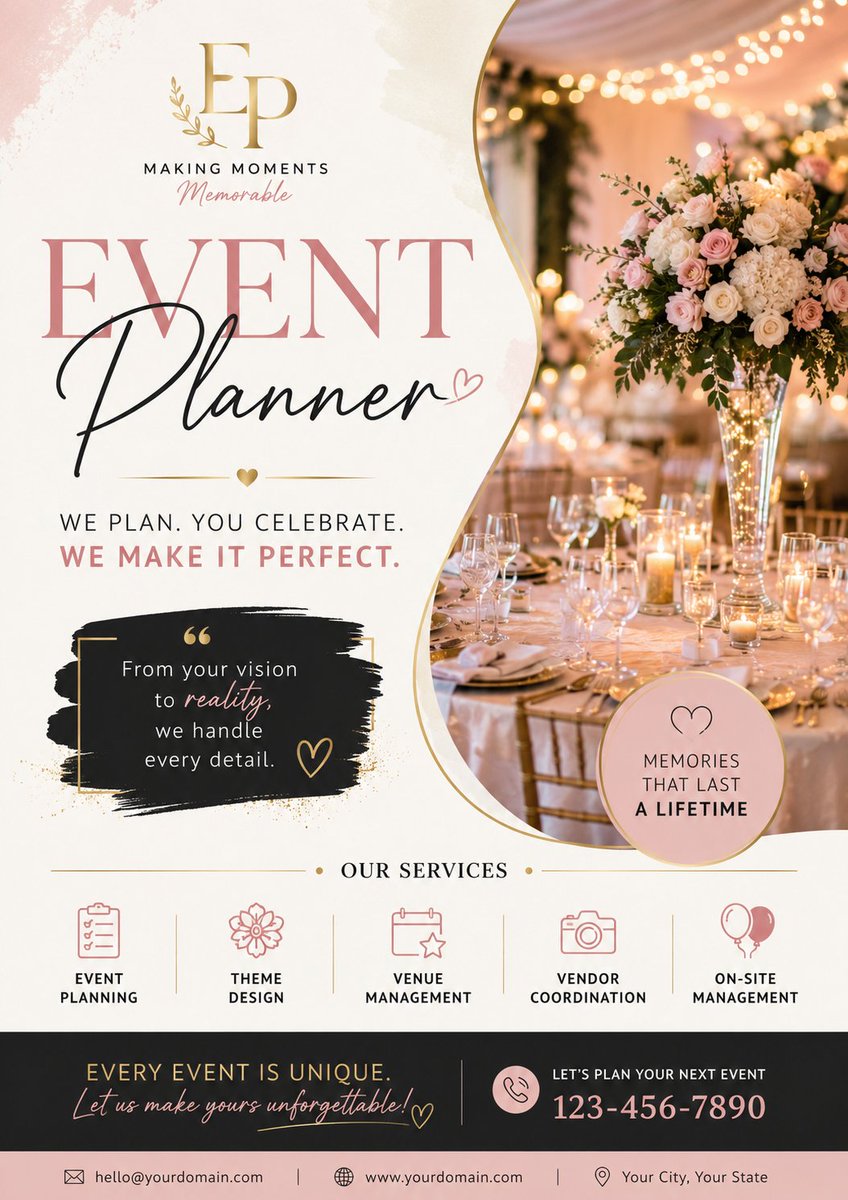 Luxury Event Planner Poster
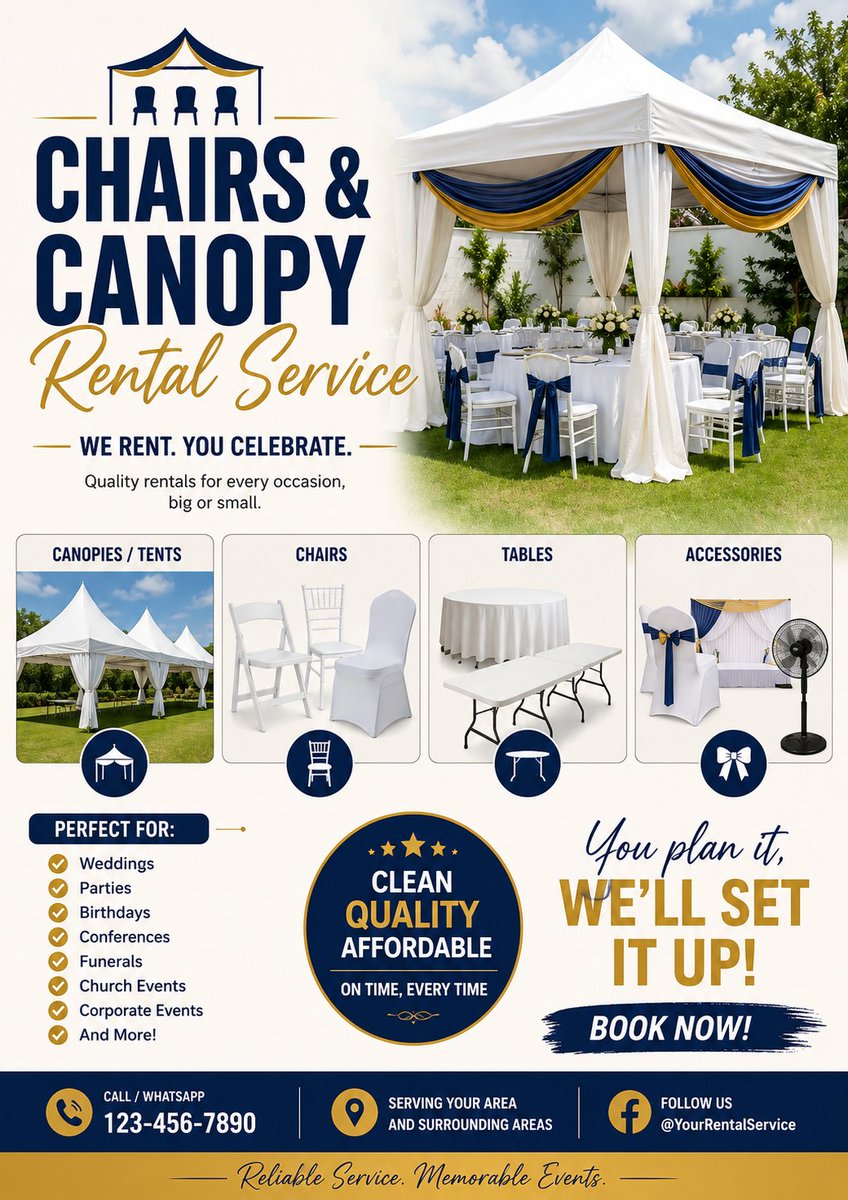 Luxury Event Rental Poster
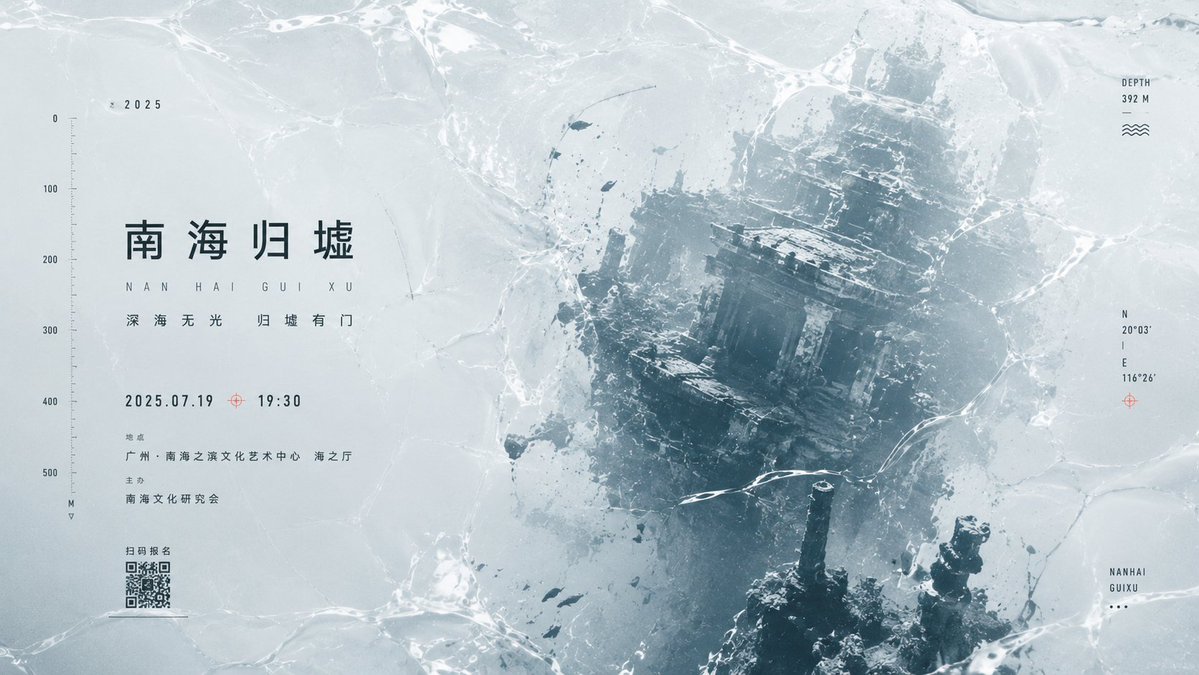 Minimal Wet-Texture Event Poster
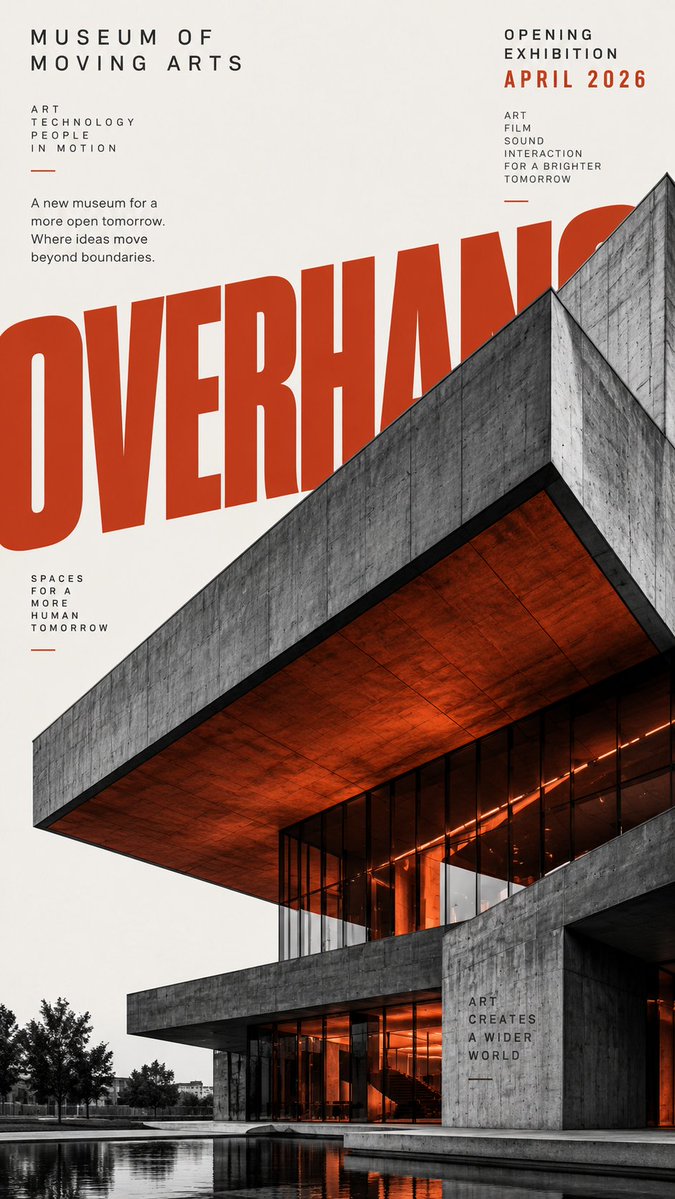 Modern Architecture Event Poster
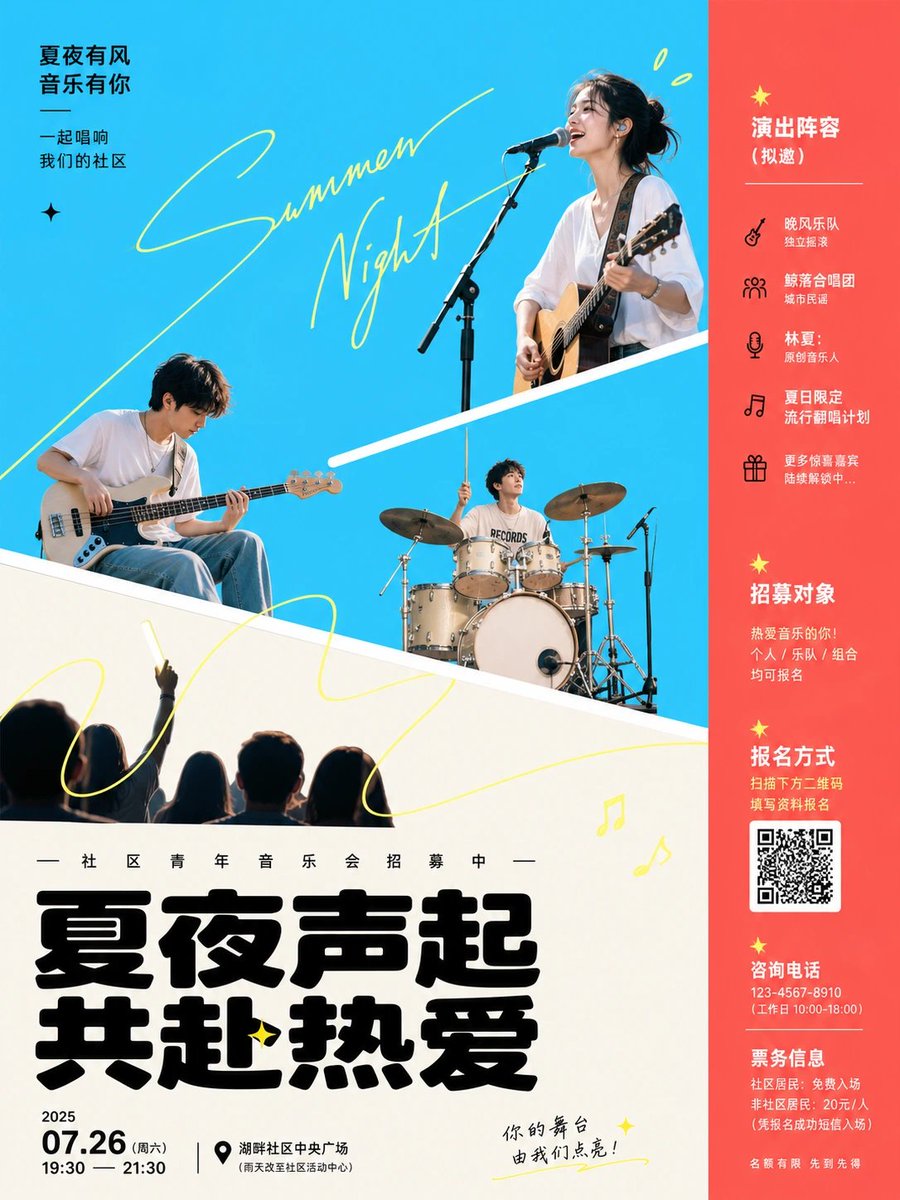 Modern Concert Recruitment Poster
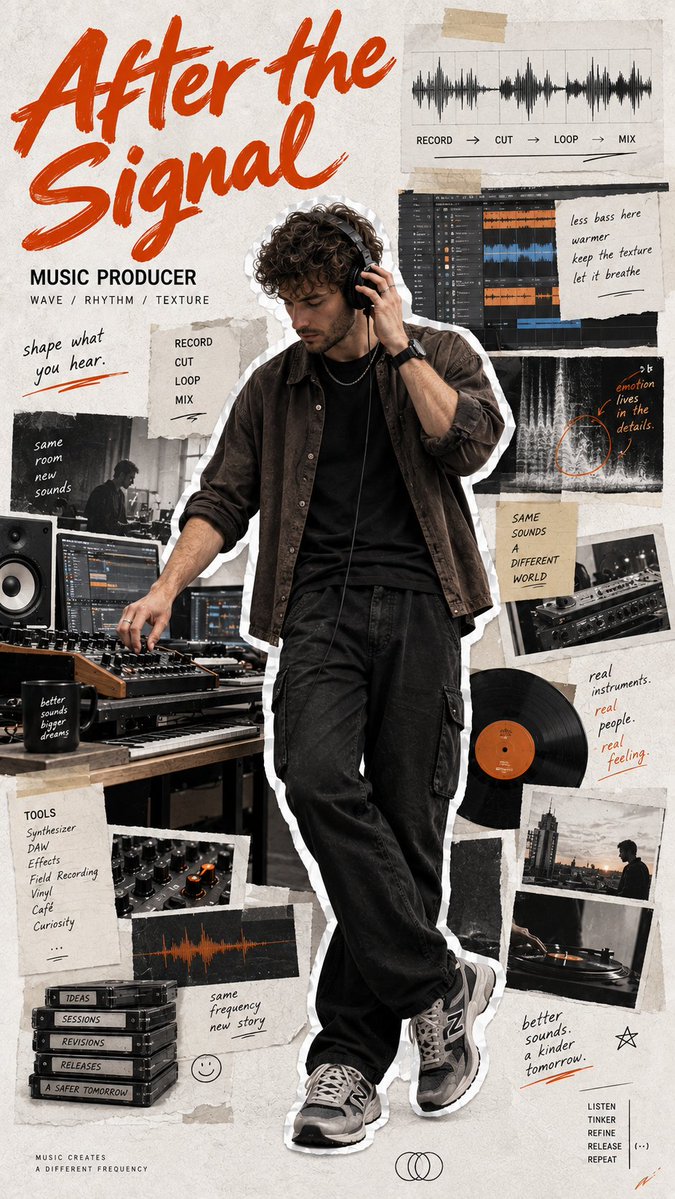 Music Producer Scrapbook Poster
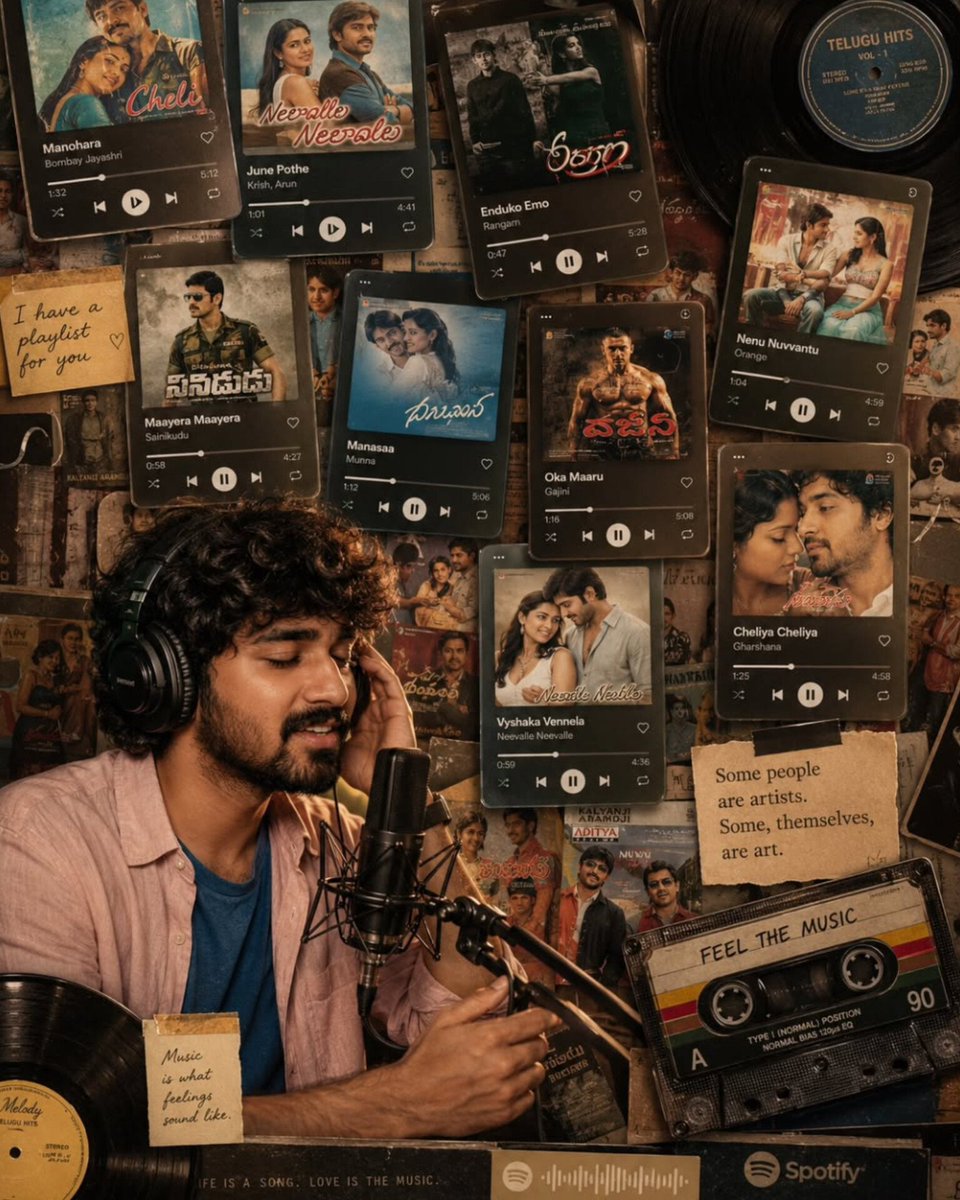 Nostalgic Music Collage Poster
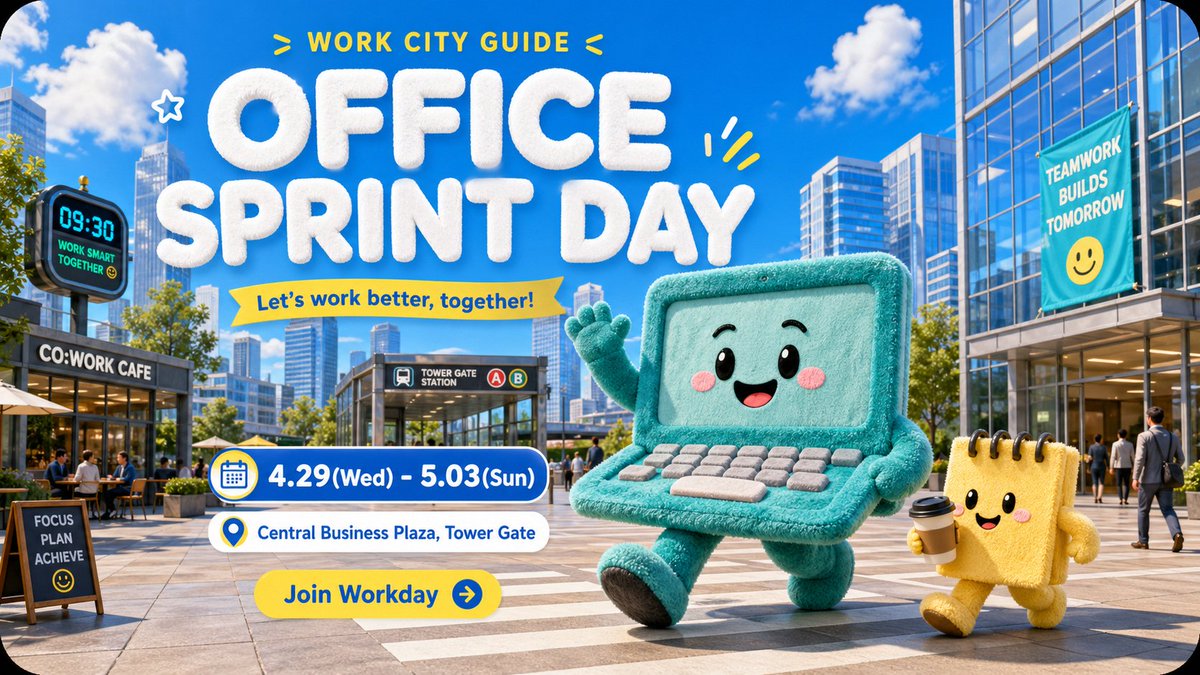 Plush City Office Festival Poster
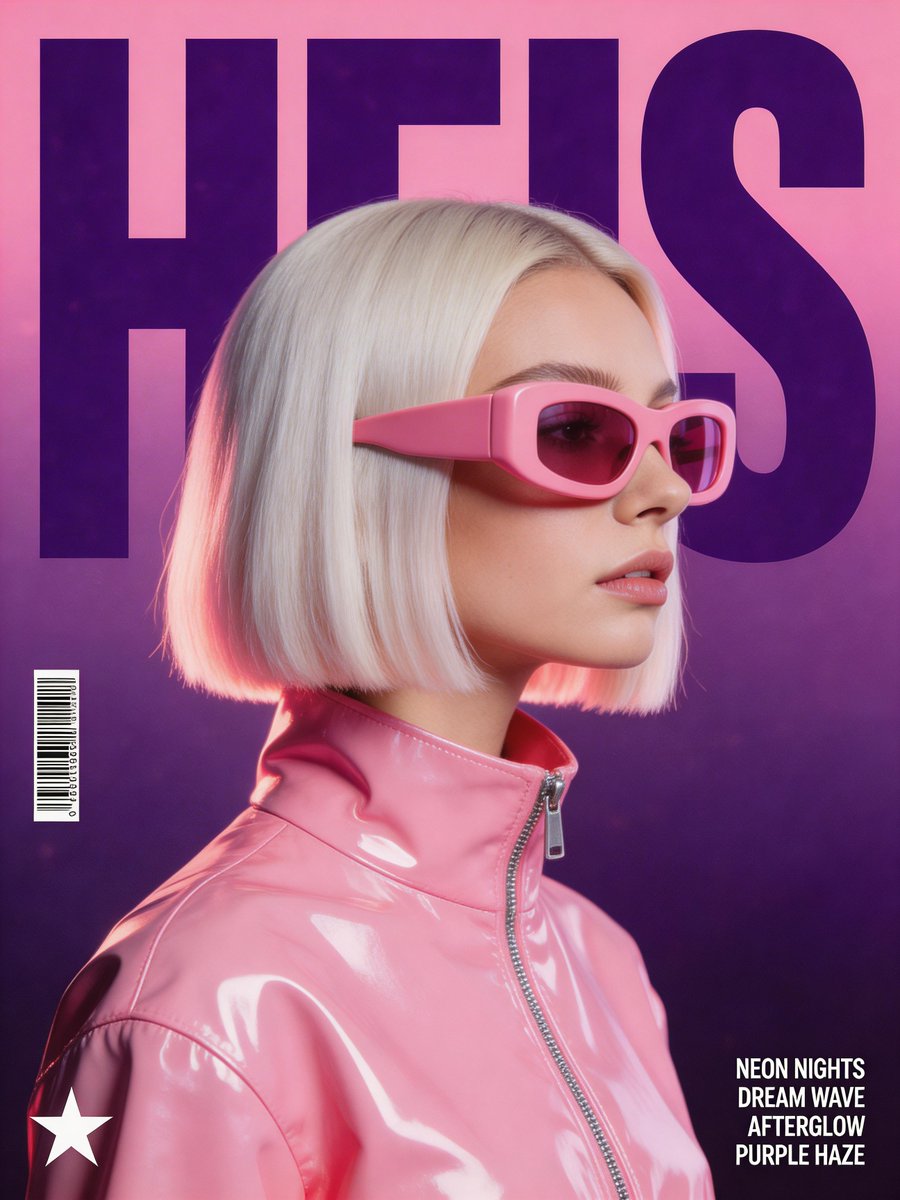 Synthwave Music Poster Portrait
Put the event information in order
Provide the event name, date, time, venue and any necessary entry details. Tell the generator which is most important. A bold event title should not force the date or location into an unreadable corner, especially when the same design will be viewed on a phone.
Make the artwork fit the event
A jazz night, plant swap and sports meetup need different visual cues. Choose a subject, palette and type mood that reflect the actual event rather than adding generic confetti. Keep optional sponsor marks or logos separate from the main information block.
Check the poster before sharing it
Verify every date, name and address in the generated lettering. Leave QR codes and ticket URLs for a tool that can create and test them. For printed posters, check image resolution and final sizing in your print workflow instead of assuming the concept is ready at every size.
Common questions
- Can I generate a concert poster?
- Yes. Supply the artist or event name, music style and venue details, then choose a visual direction that leaves the practical information readable.
- Will generated QR codes work?
- Do not rely on drawn QR-like patterns. Add a real, tested code in your layout tool after you have chosen the poster image.