

Photography
AI Jewelry Photography Generator
Explore jewelry photography with macro detail, controlled sparkle and styled campaign scenes. Generate ring, necklace and accessory image concepts.
Start creatingA starter prompt is ready in the generator. Make it your own.
Prompt
Create a studio jewelry photograph of a simple gold ring holding one clear oval gemstone on a warm ivory surface. Use soft directional light, narrow controlled highlights along the band, a delicate contact shadow and a macro viewpoint that keeps the setting visible. Include no extra gems, engravings or brand marks. Keep the stone facets plausible and the background quiet so the ring remains the focal point.
View full promptCollapse prompt
Create a studio jewelry photograph of a simple gold ring holding one clear oval gemstone on a warm ivory surface. Use soft directional light, narrow controlled highlights along the band, a delicate contact shadow and a macro viewpoint that keeps the setting visible. Include no extra gems, engravings or brand marks. Keep the stone facets plausible and the background quiet so the ring remains the focal point.
Make it your own
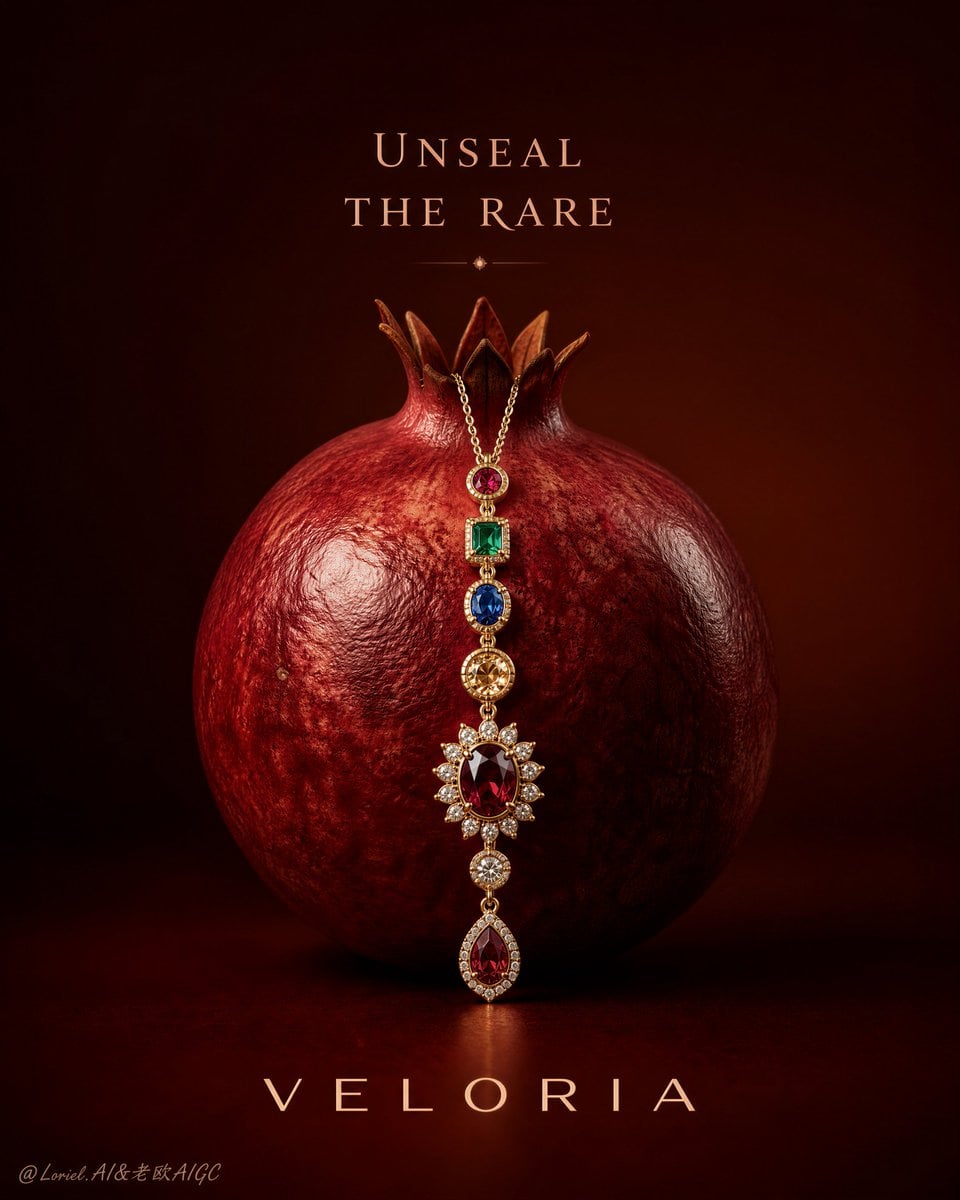
Jewelry needs enough light to reveal metal and stones without losing its shape in glare. Start with a product close-up, an on-person composition or a small still life. The examples show several ways to establish scale, surface texture and a clear focal point around a small object.
Explore prompts and examples
10 examples. Open an image to see its original prompt, then create your own version.
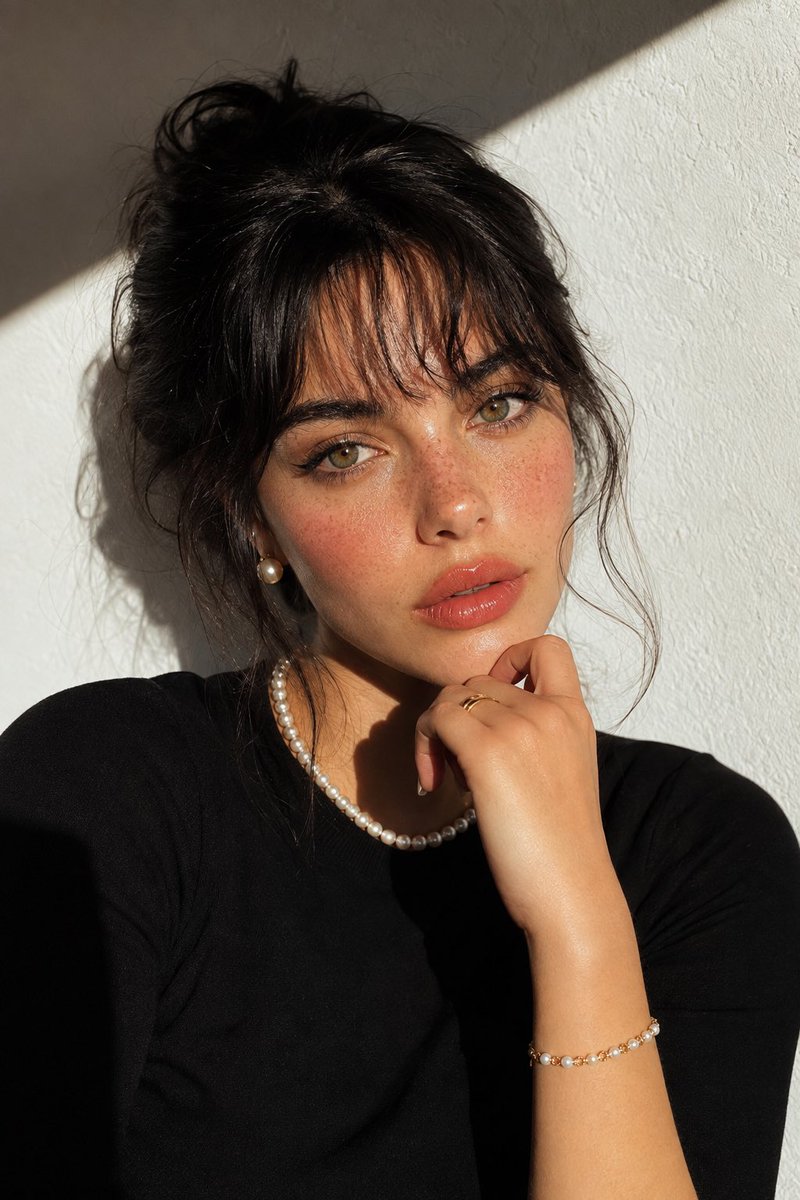
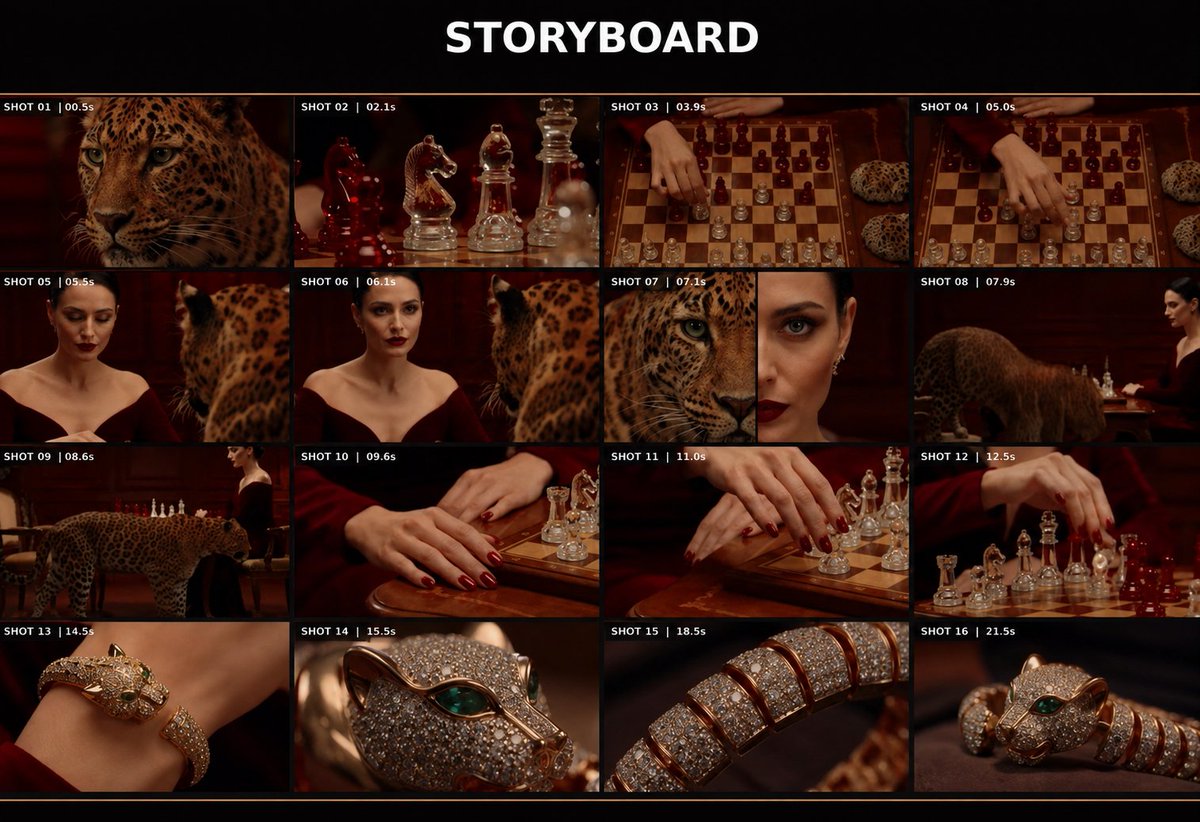
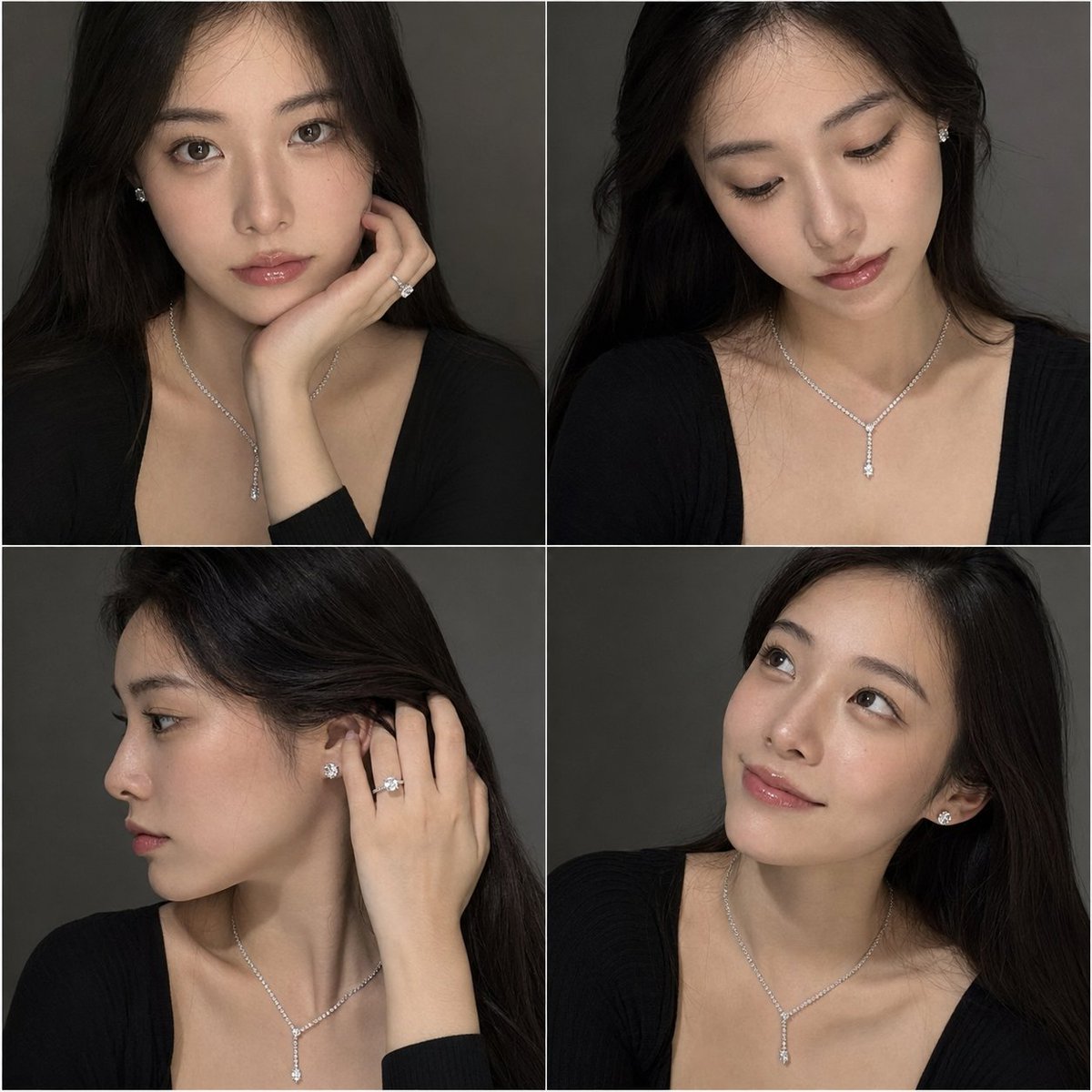
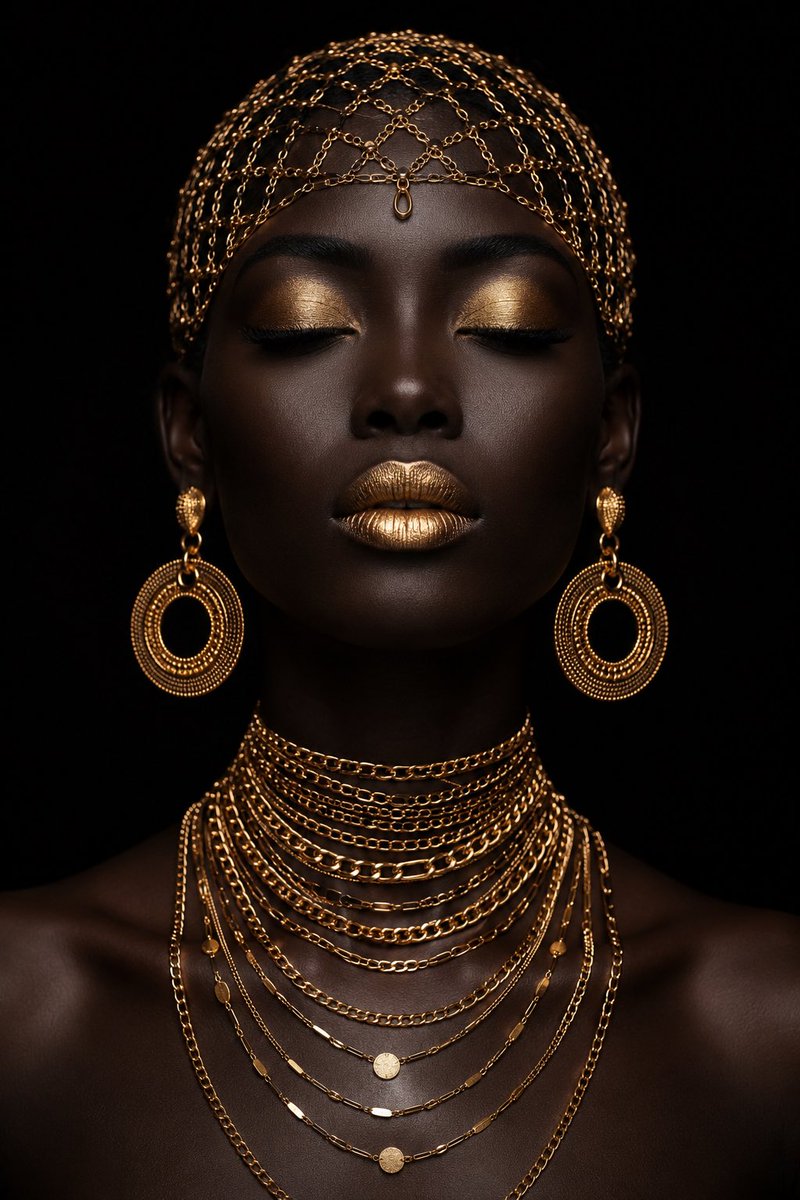
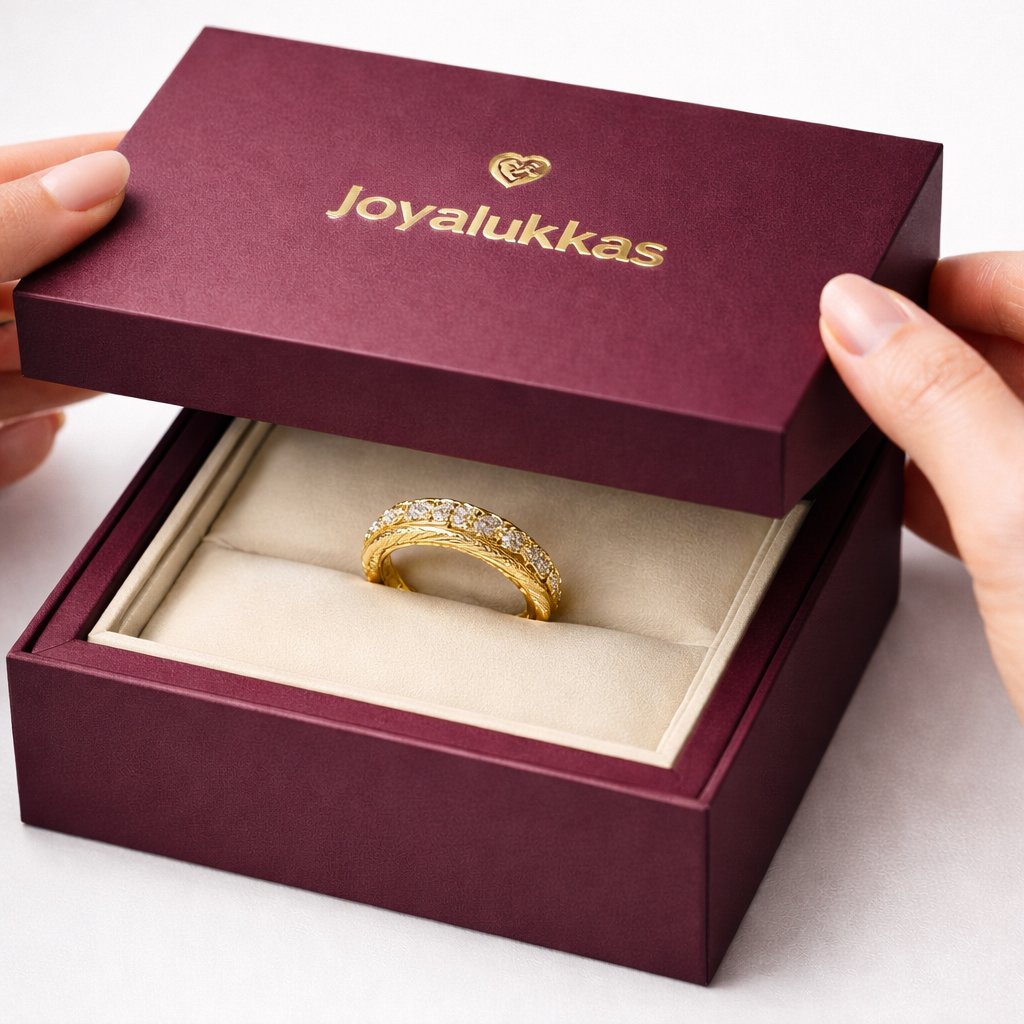
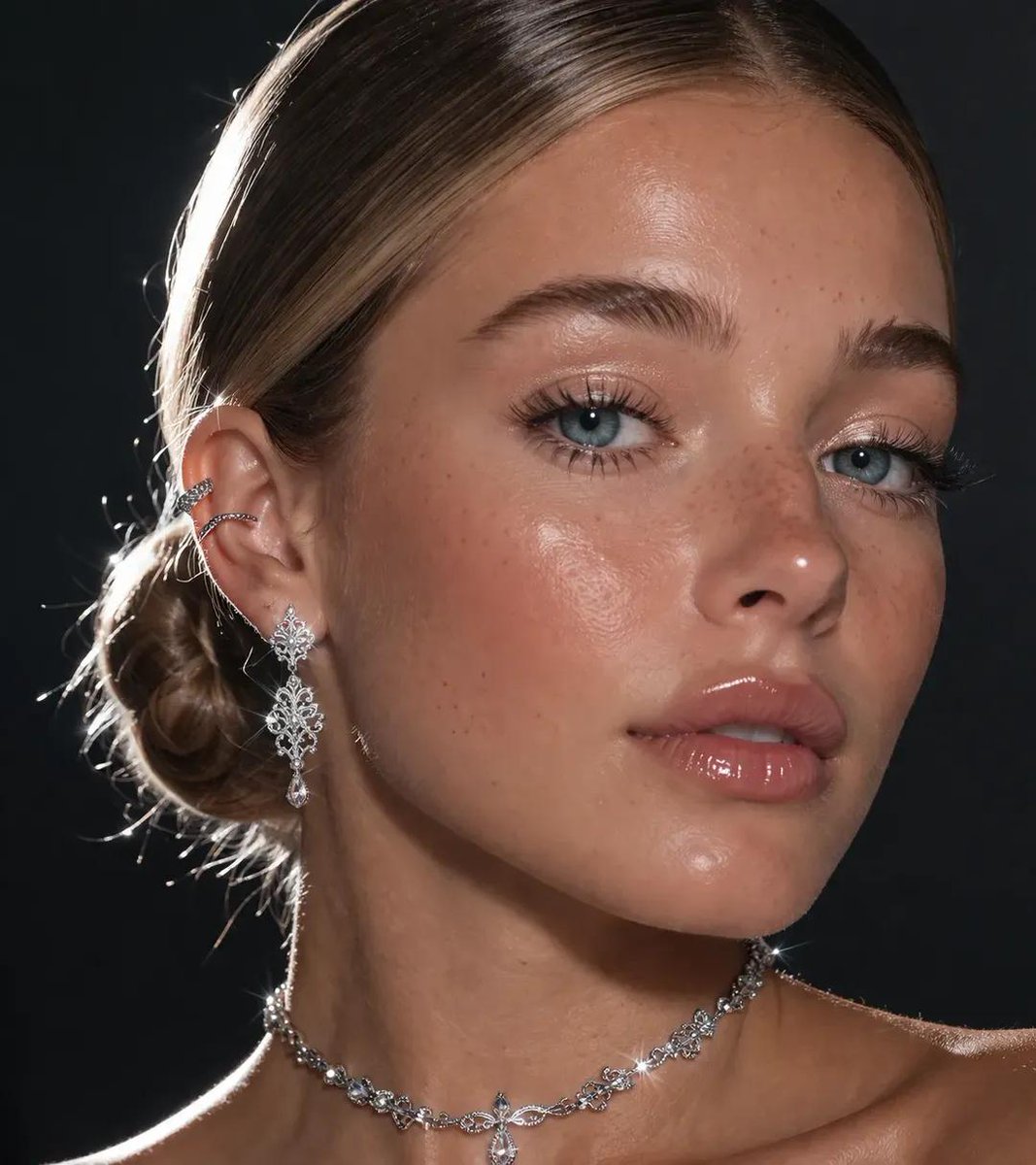
Specify the piece and its scale
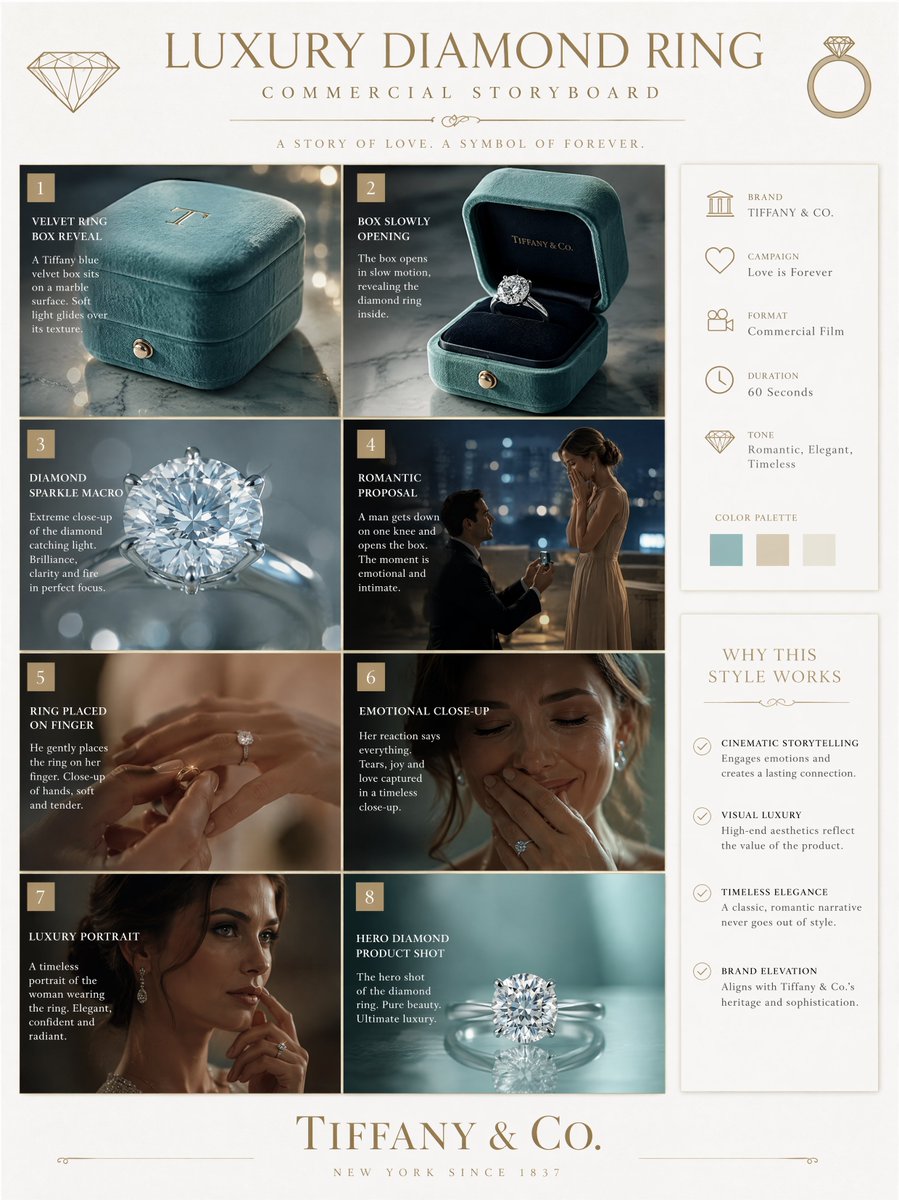
Name the jewelry type, metal finish, setting and stone arrangement. Use a close reference for a real item, especially when prongs, links or engraving matter. If the jewelry is worn by a model, describe the crop and pose so the piece remains visible and proportionate.
Use sparkle selectively
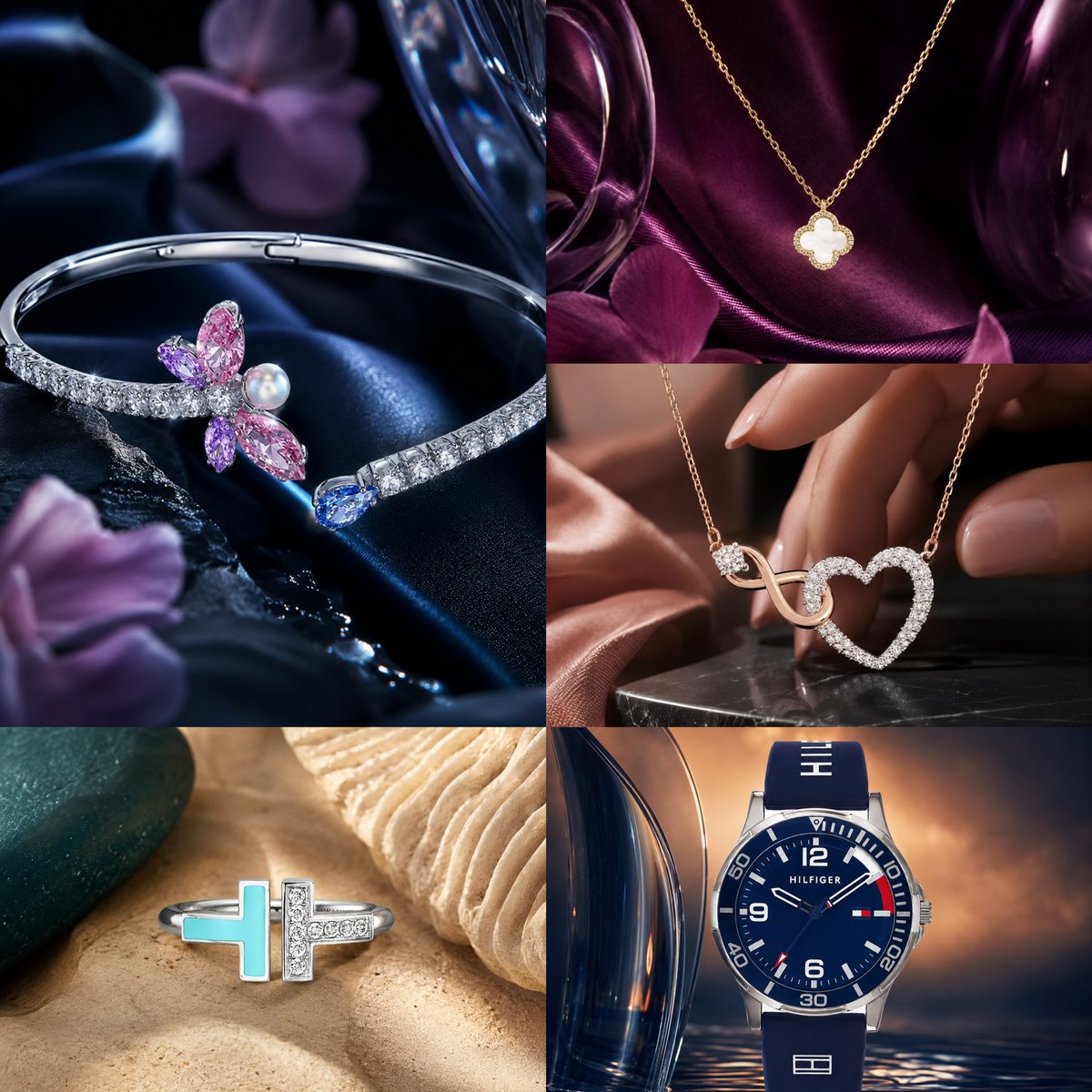
A few crisp highlights can reveal facets and polished metal. Too many starbursts or rainbow flares can hide the actual construction. Check reflections, clasp connections and stone counts, and avoid describing a gem quality or material that has not been supplied in your brief.
Match the scene to the presentation
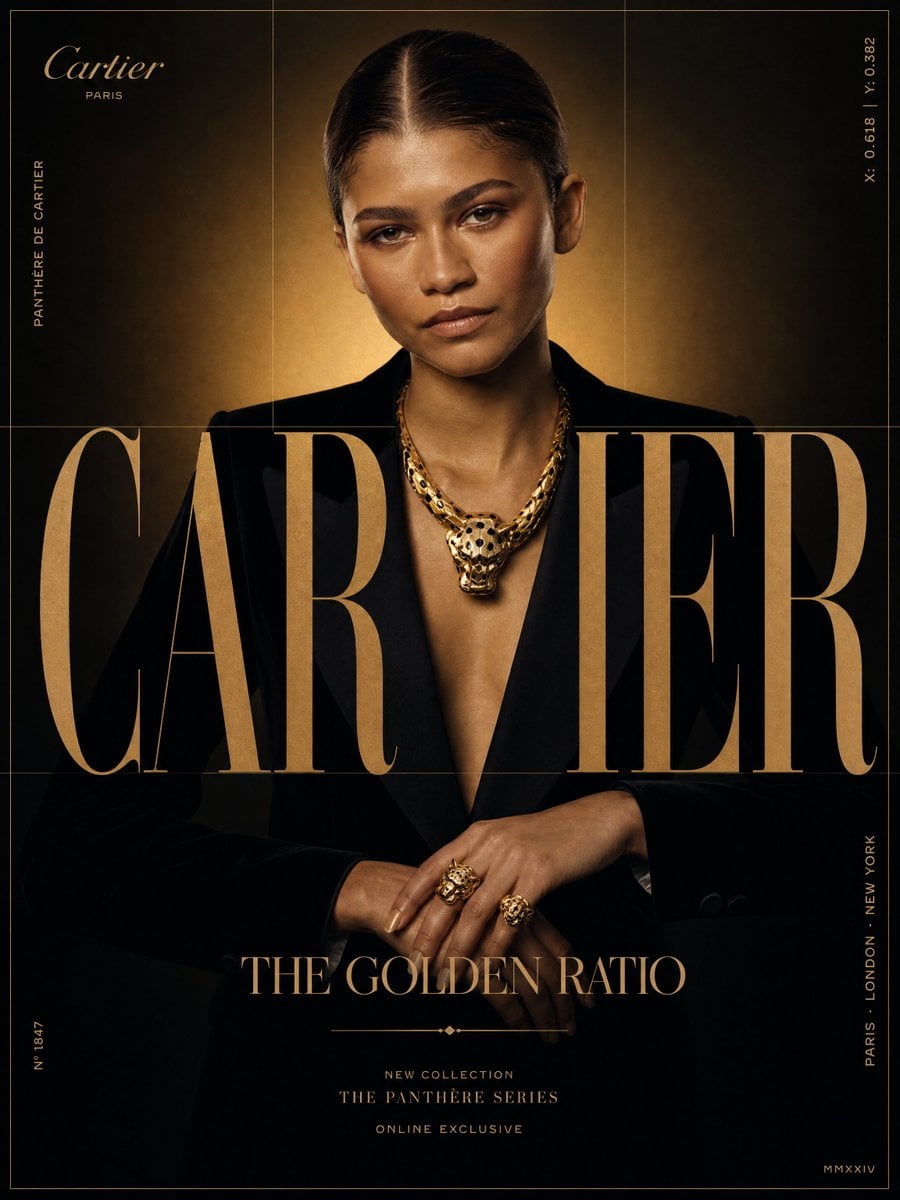
A plain studio surface emphasizes product detail, while fabric or a model adds a lifestyle context. Keep the background consistent when comparing several pieces. For listing imagery, review the result against the physical item rather than relying on an attractive but altered design.
Common questions
- Can I generate a photo of my own ring?
- Upload a sharp reference and describe the desired crop and lighting. Check that the band, setting and stone arrangement still match your item.
- Is this a jewelry CAD tool?
- No. It creates images and visual concepts, not measured manufacturing files, gemstone specifications or physical jewelry.