

Photography
AI Photo Generator
Create AI photos from text or reference images. Explore portrait, product, and lifestyle prompts, choose a visual style, and generate images with WizImage.
Start creatingA starter prompt is ready in the generator. Make it your own.
Prompt
A natural editorial photograph of a person sitting by a large café window, soft afternoon light, relaxed expression, believable skin texture, shallow depth of field, muted warm colors.
View full promptCollapse prompt
A natural editorial photograph of a person sitting by a large café window, soft afternoon light, relaxed expression, believable skin texture, shallow depth of field, muted warm colors.
Make it your own
Studio portraits and product scenes use different lighting and composition. Start with an example that fits your subject, then describe the lens, environment and color. Add a reference photo in the generator when you want to work from an existing image.
Explore a specific style or use case
Explore prompts and examples
892 examples. Open an image to see its original prompt, then create your own version.
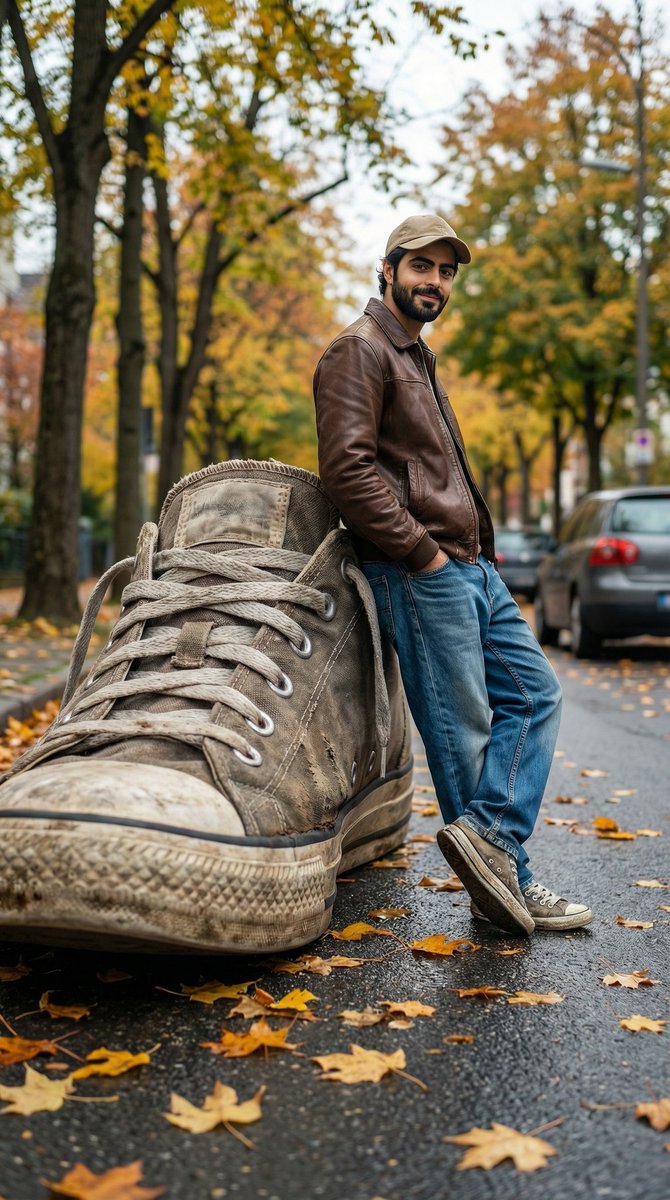 Forced Perspective Giant Sneaker Photo
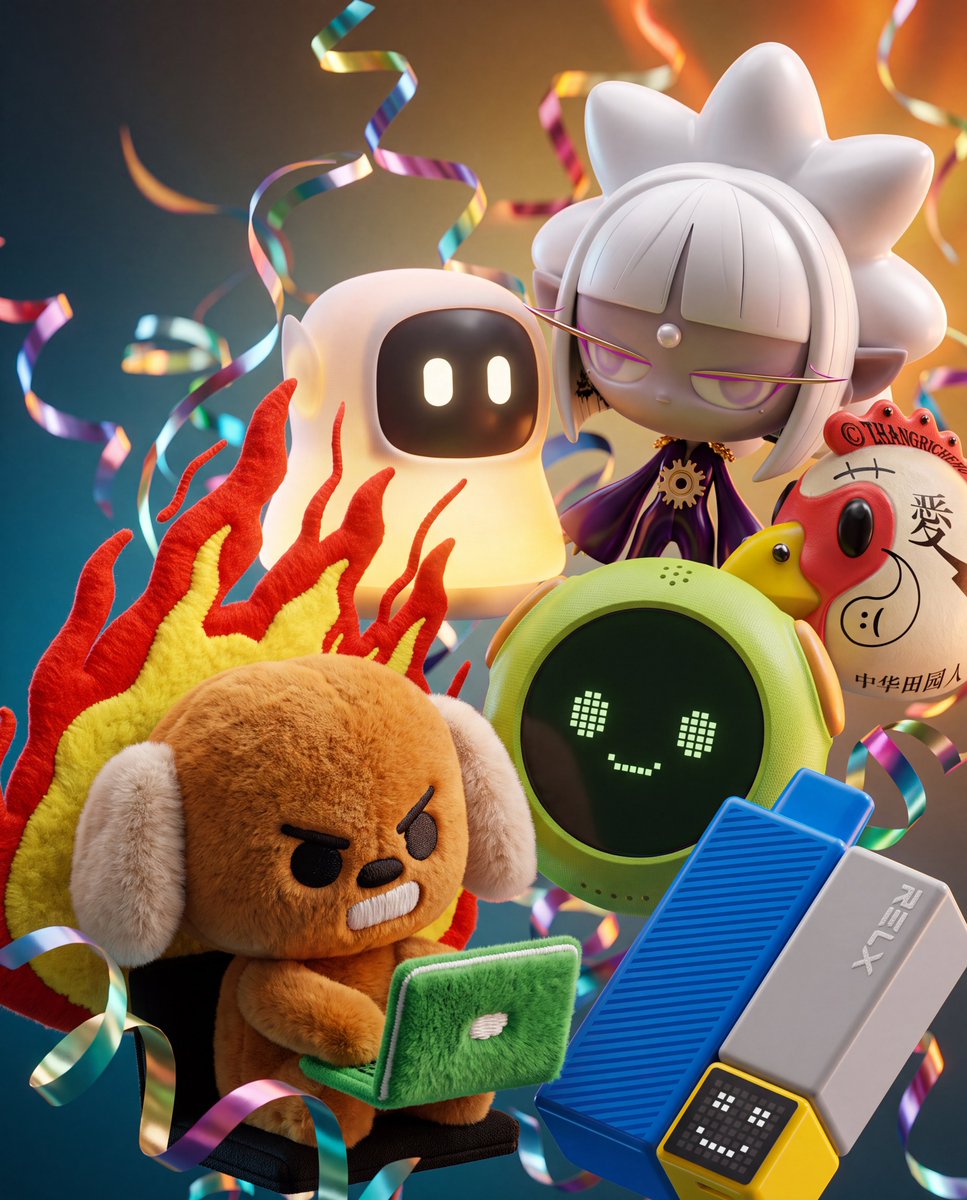 3D Floating Toy Collectibles Cluster
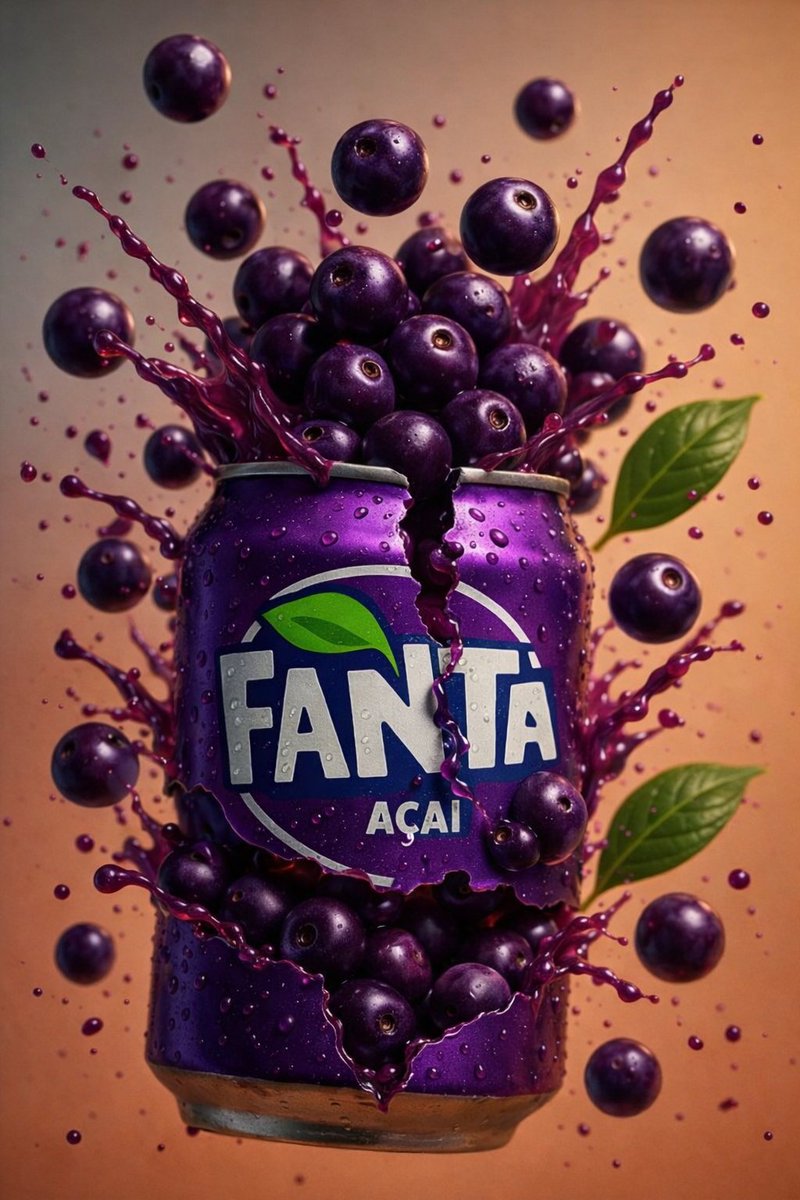 Acai Soda Can Splash
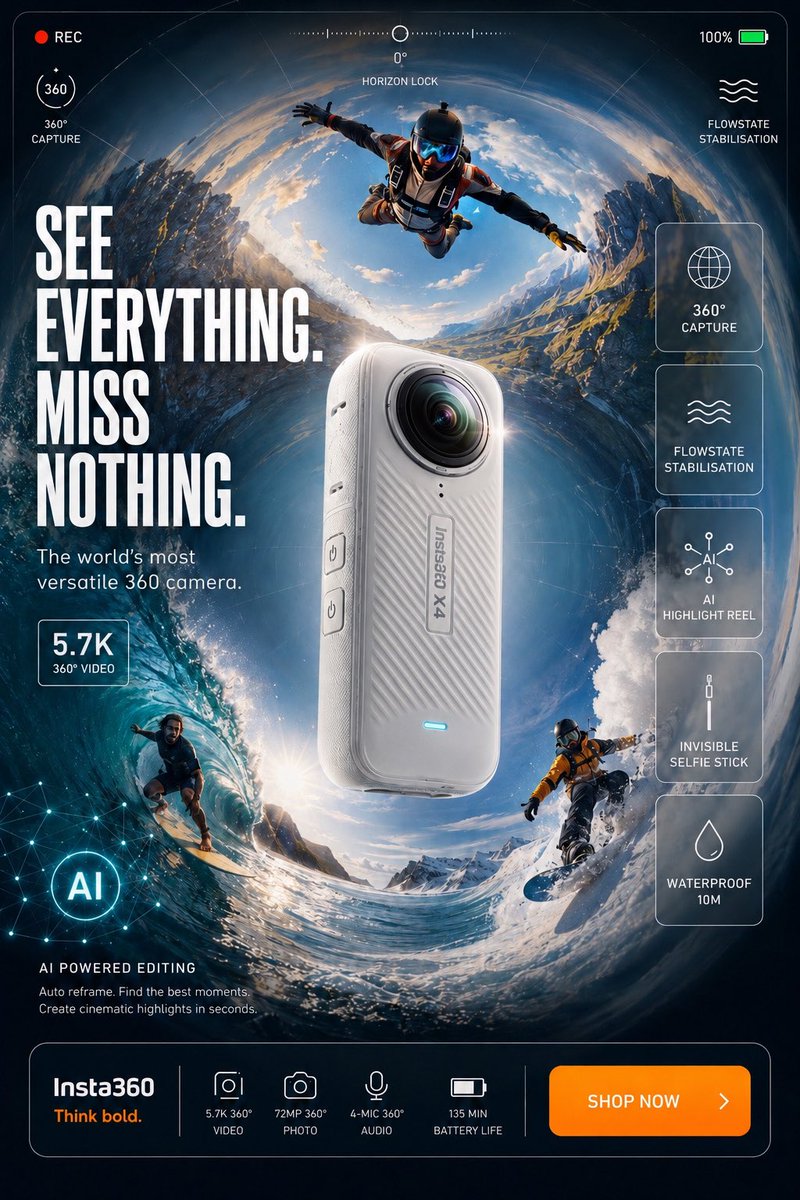 Action Camera Ad Poster
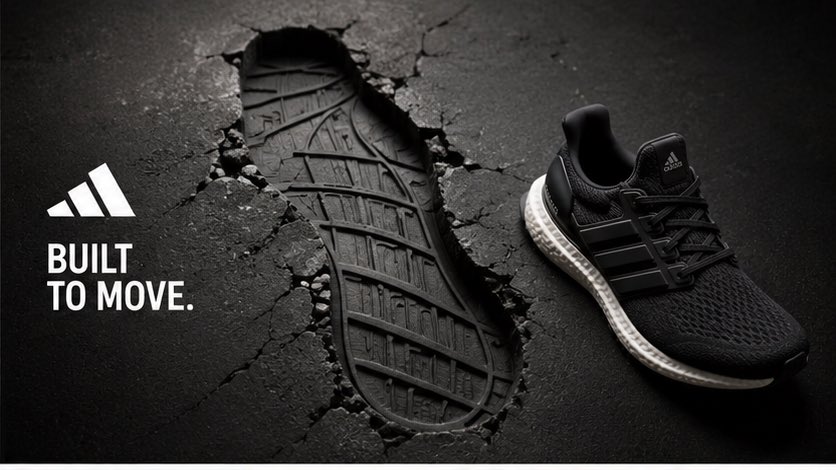 Adidas Footprint Campaign
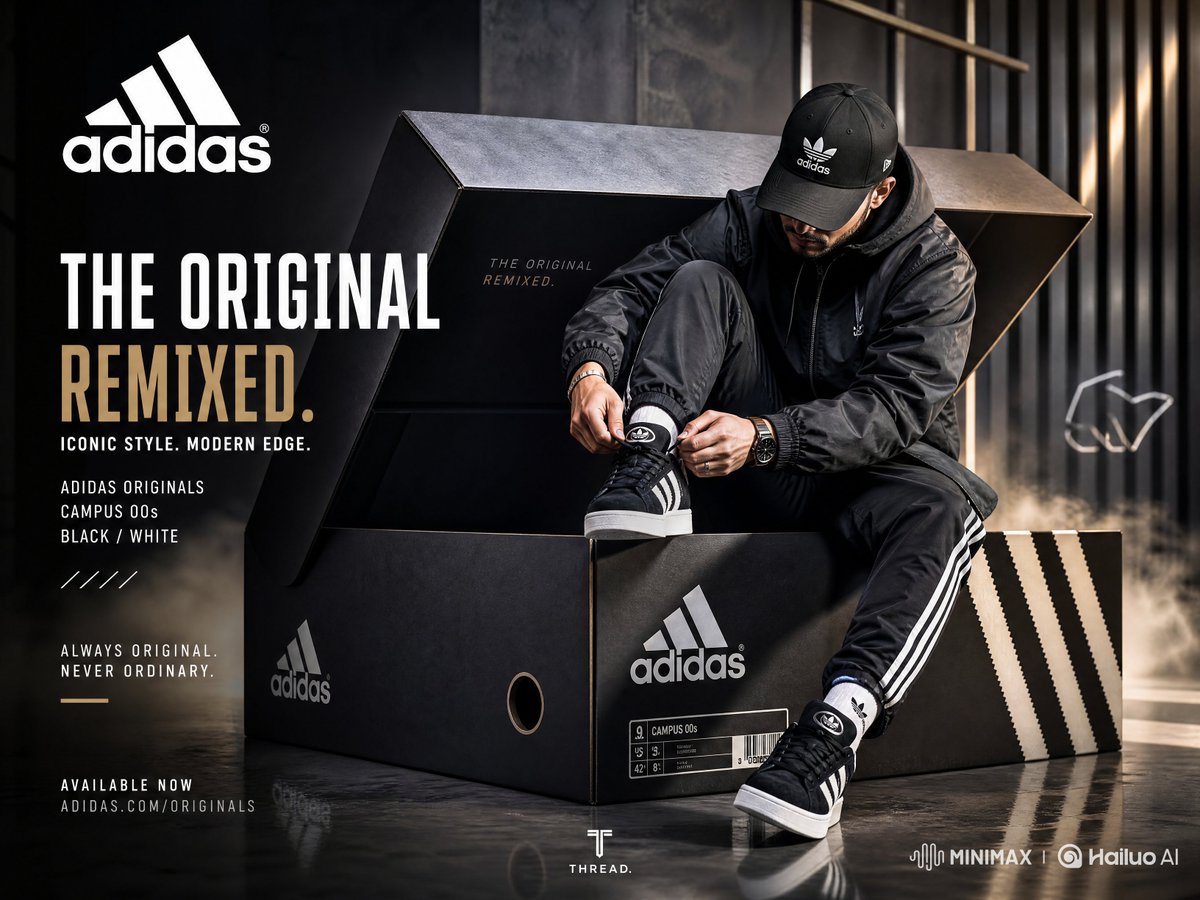 Adidas Sneaker Campaign Poster
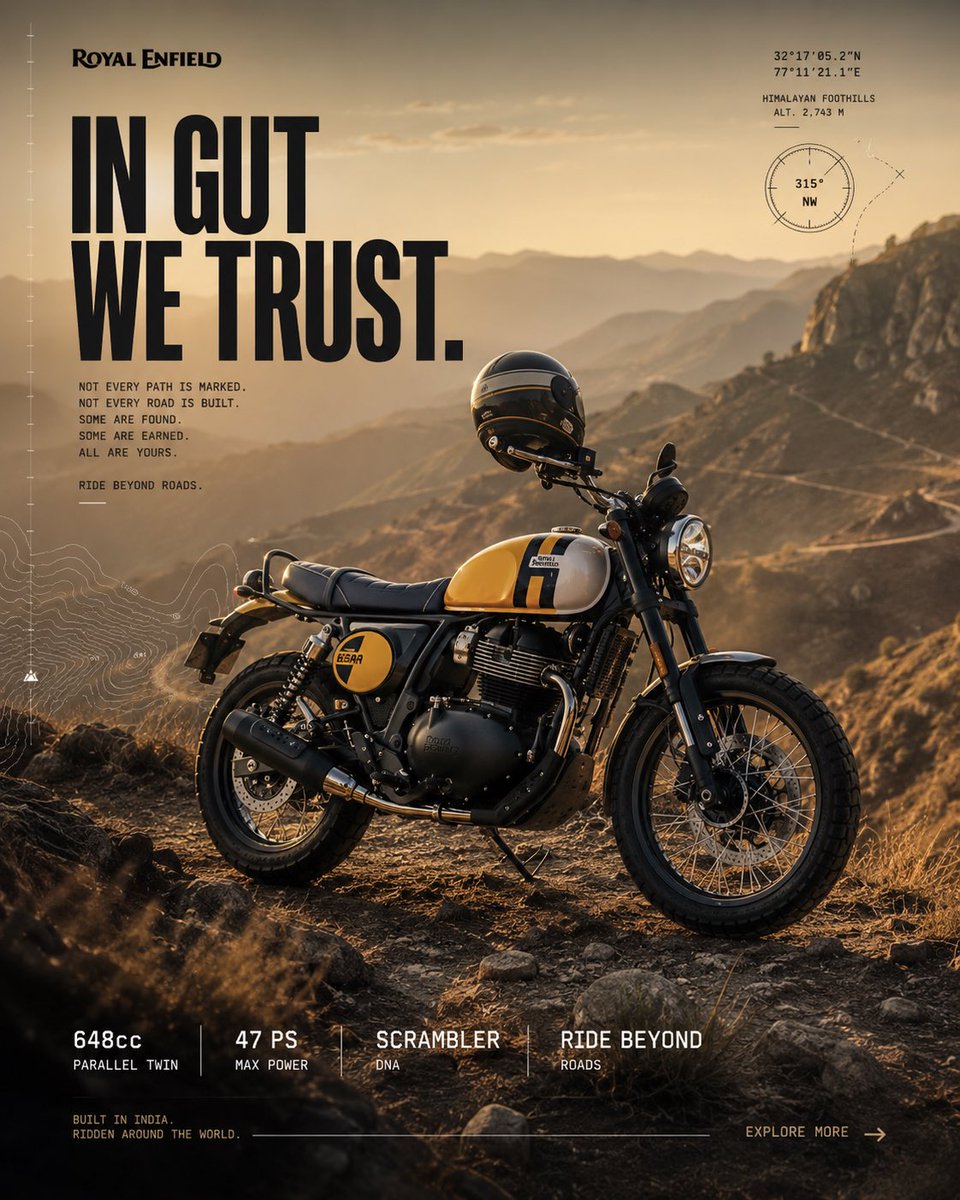 Adventure Motorcycle Campaign
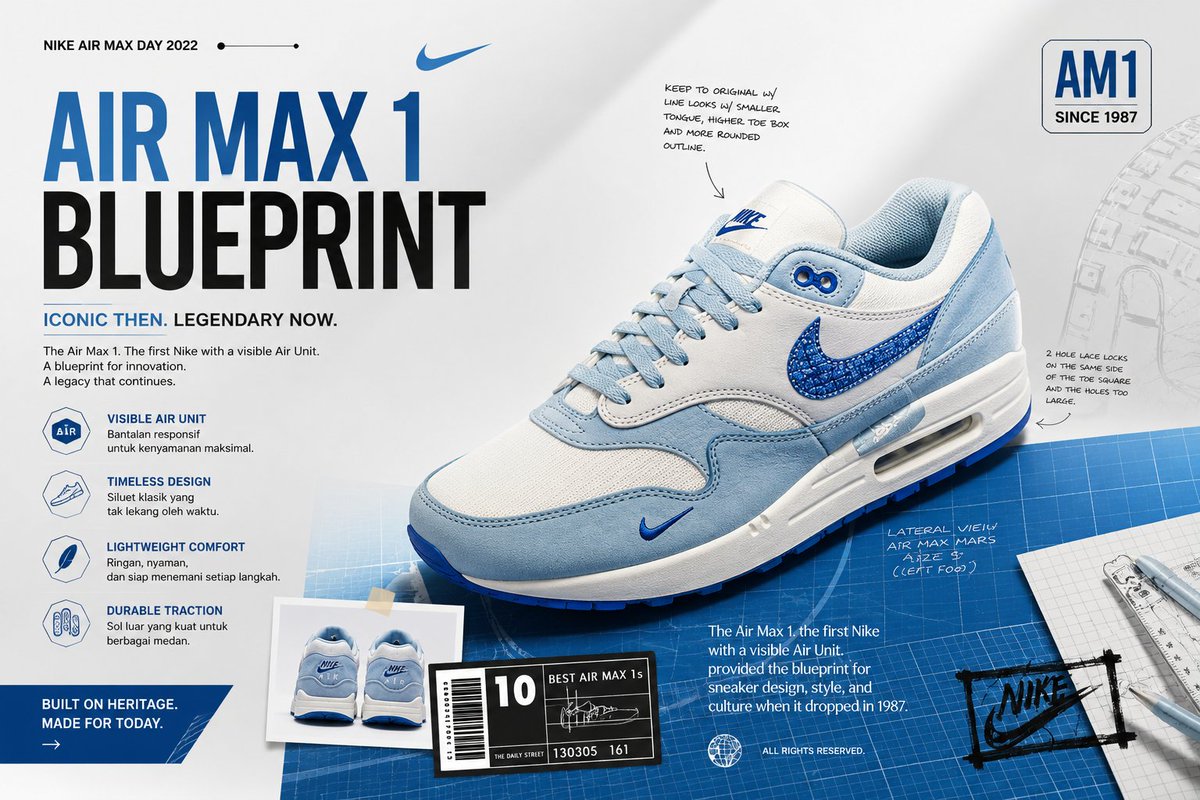 Air Max Blueprint Sneaker Ad
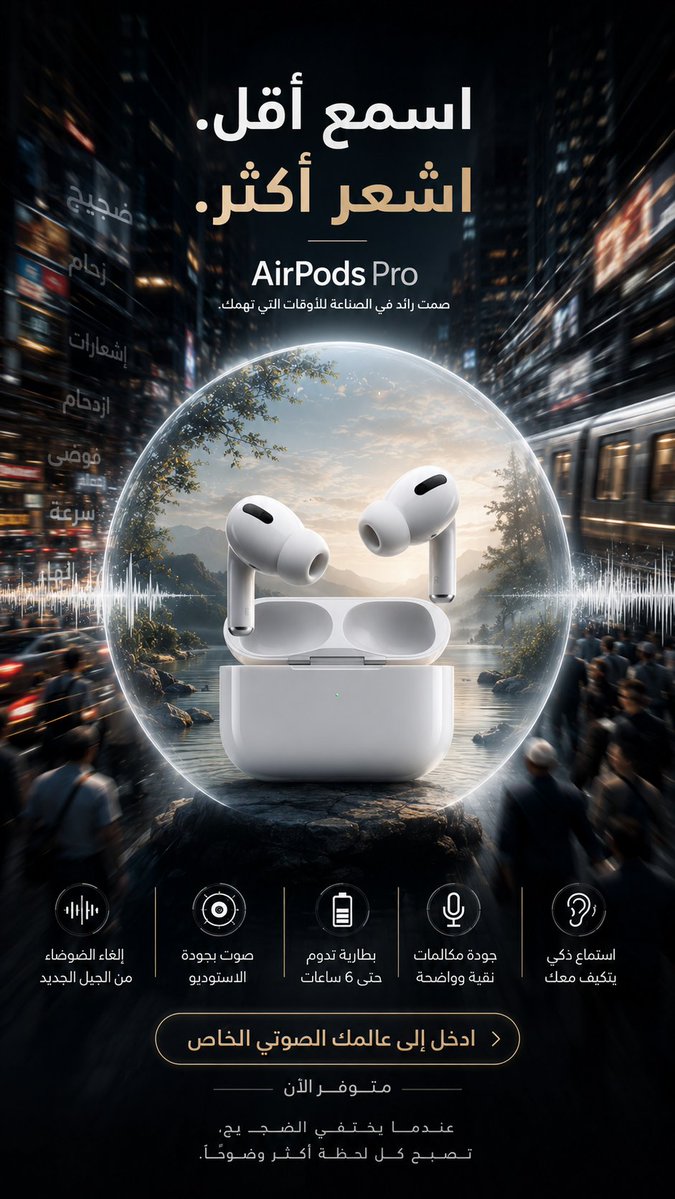 AirPods Pro Noise-Canceling Ad
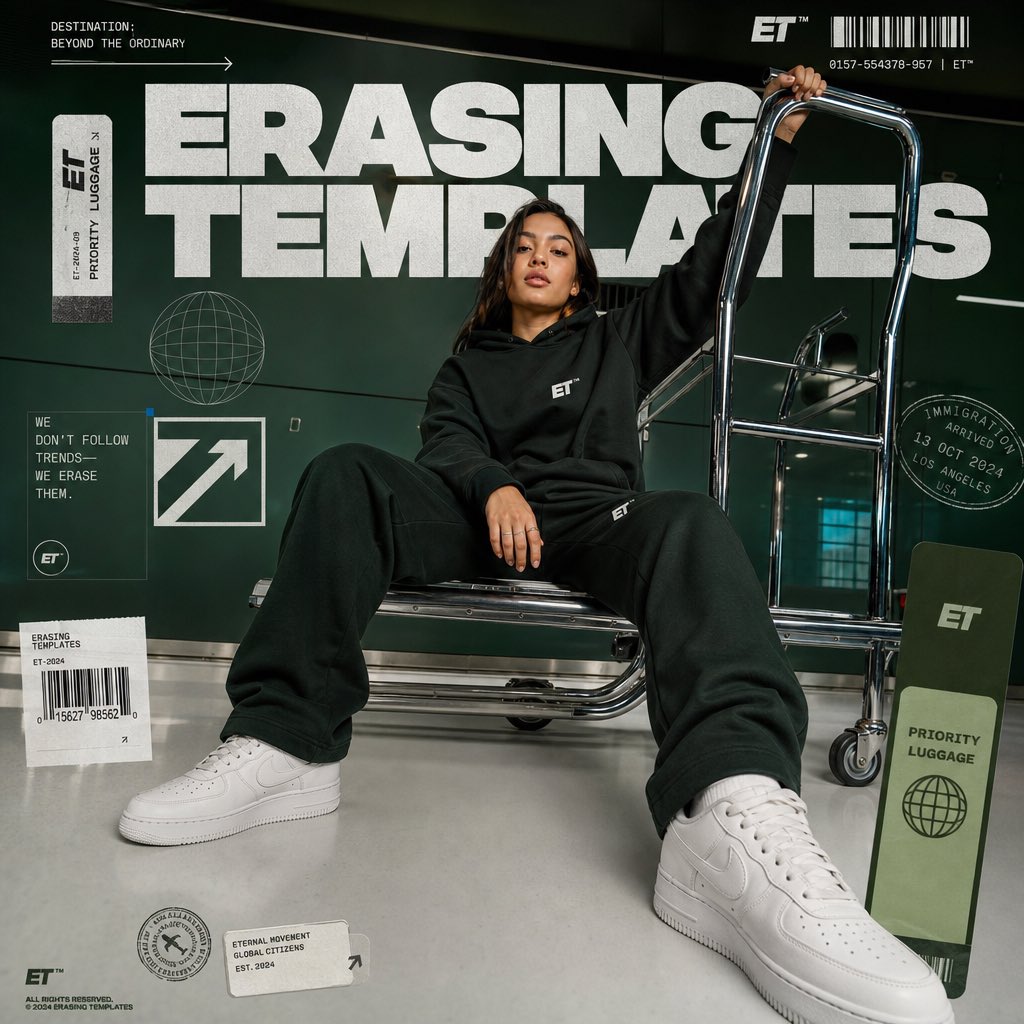 Airport Streetwear Campaign
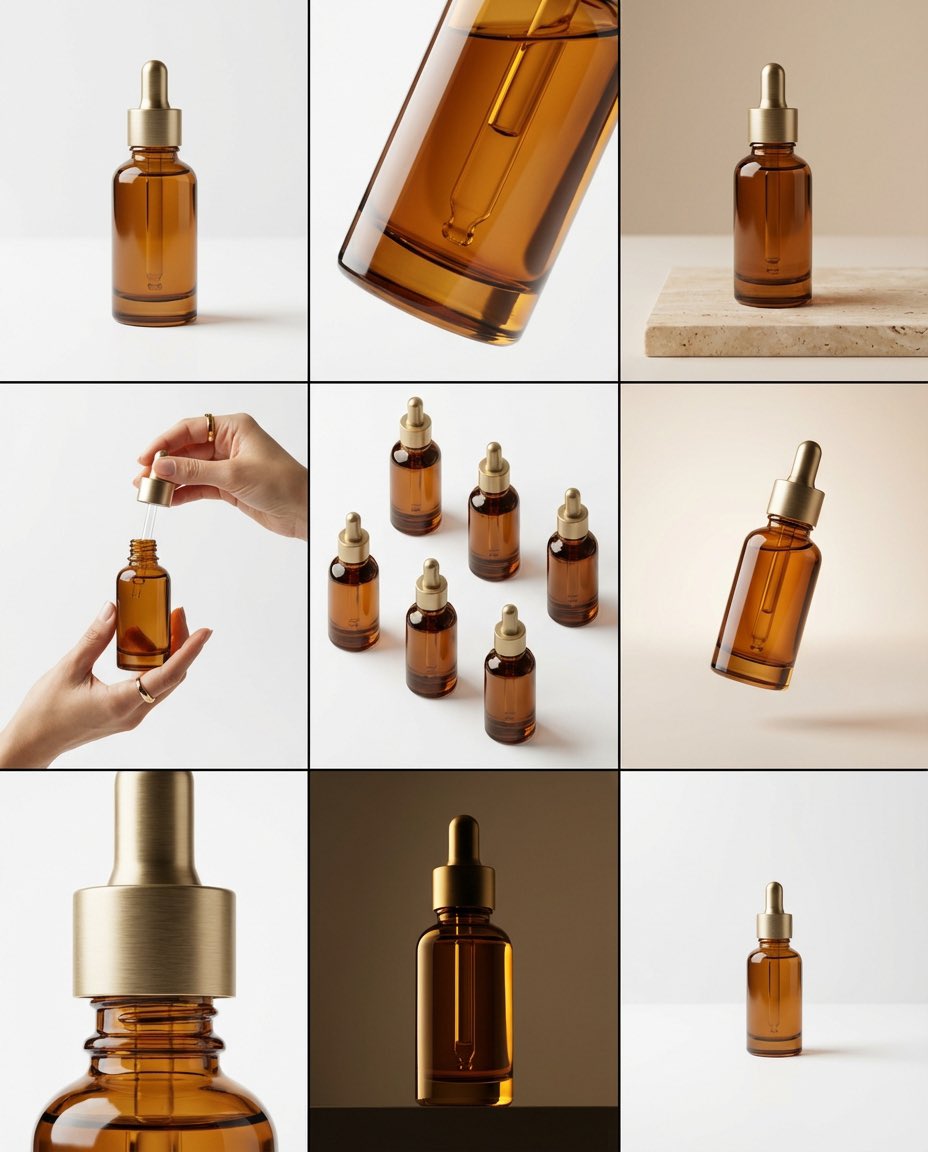 Amber Dropper Bottle Storyboard
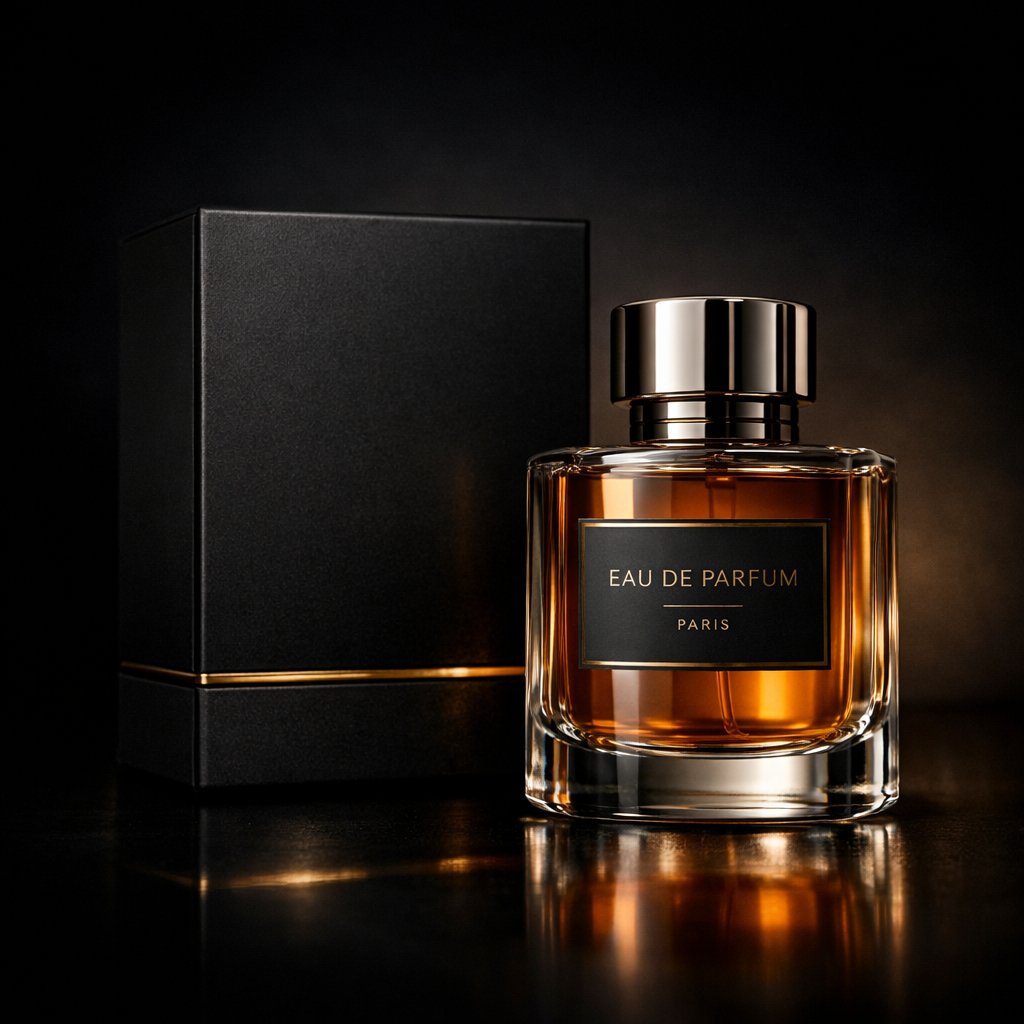 Amber Perfume Studio Shot
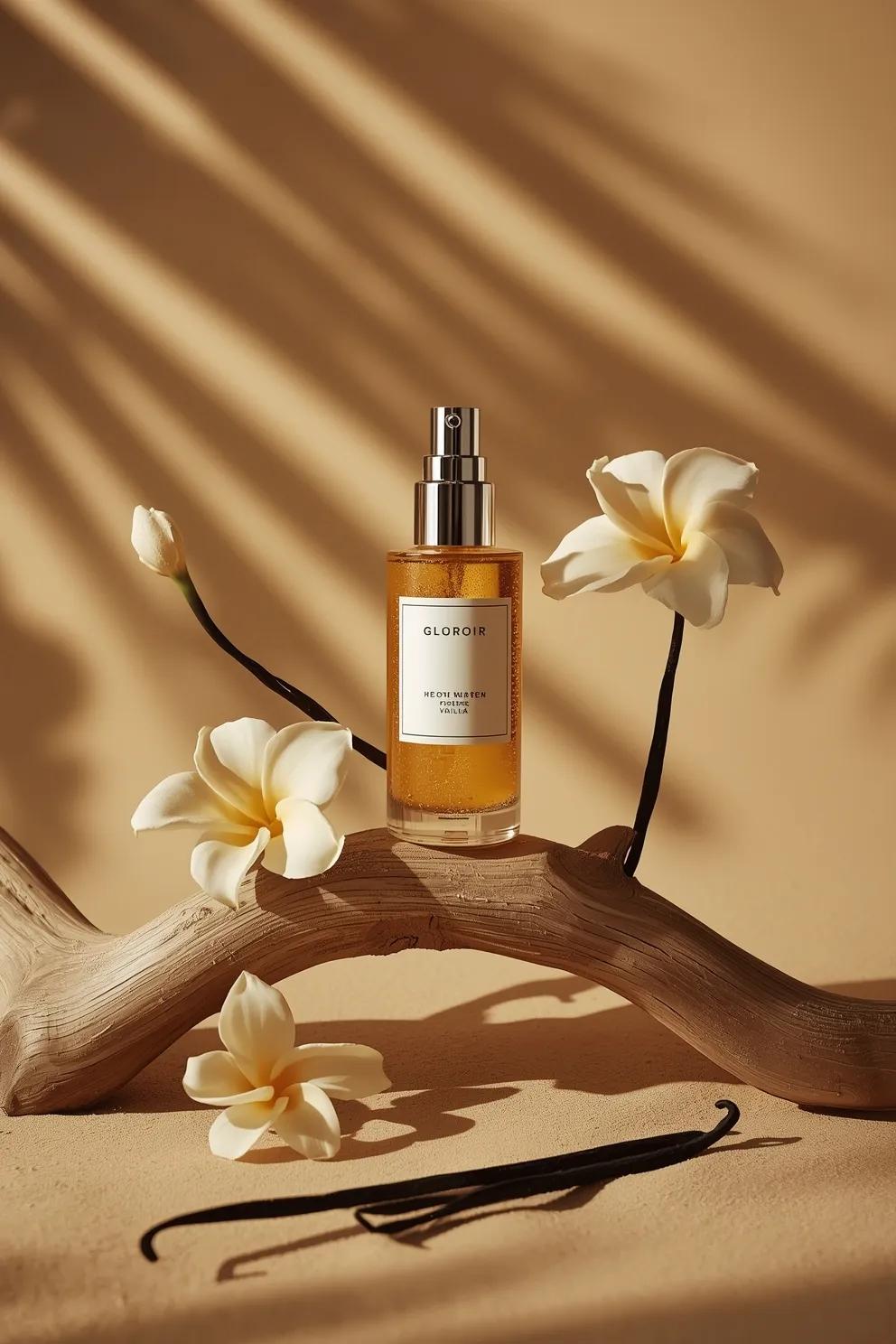 Amber Serum Bottle Ad
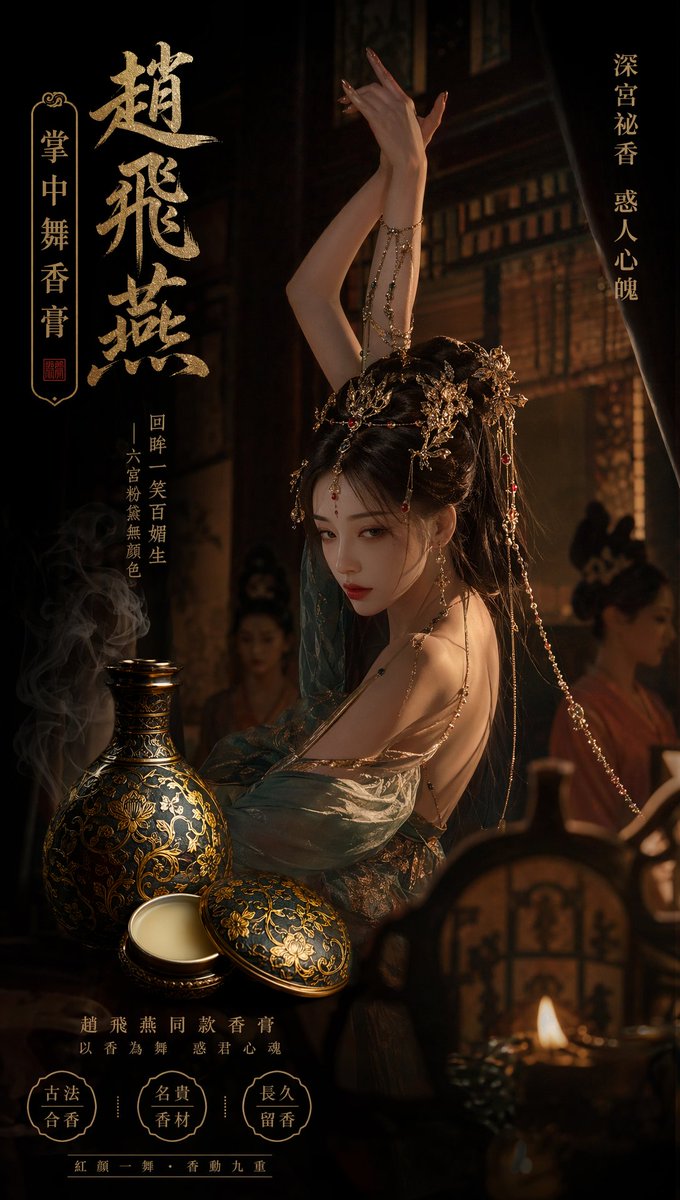 Ancient Palace Perfume Ad
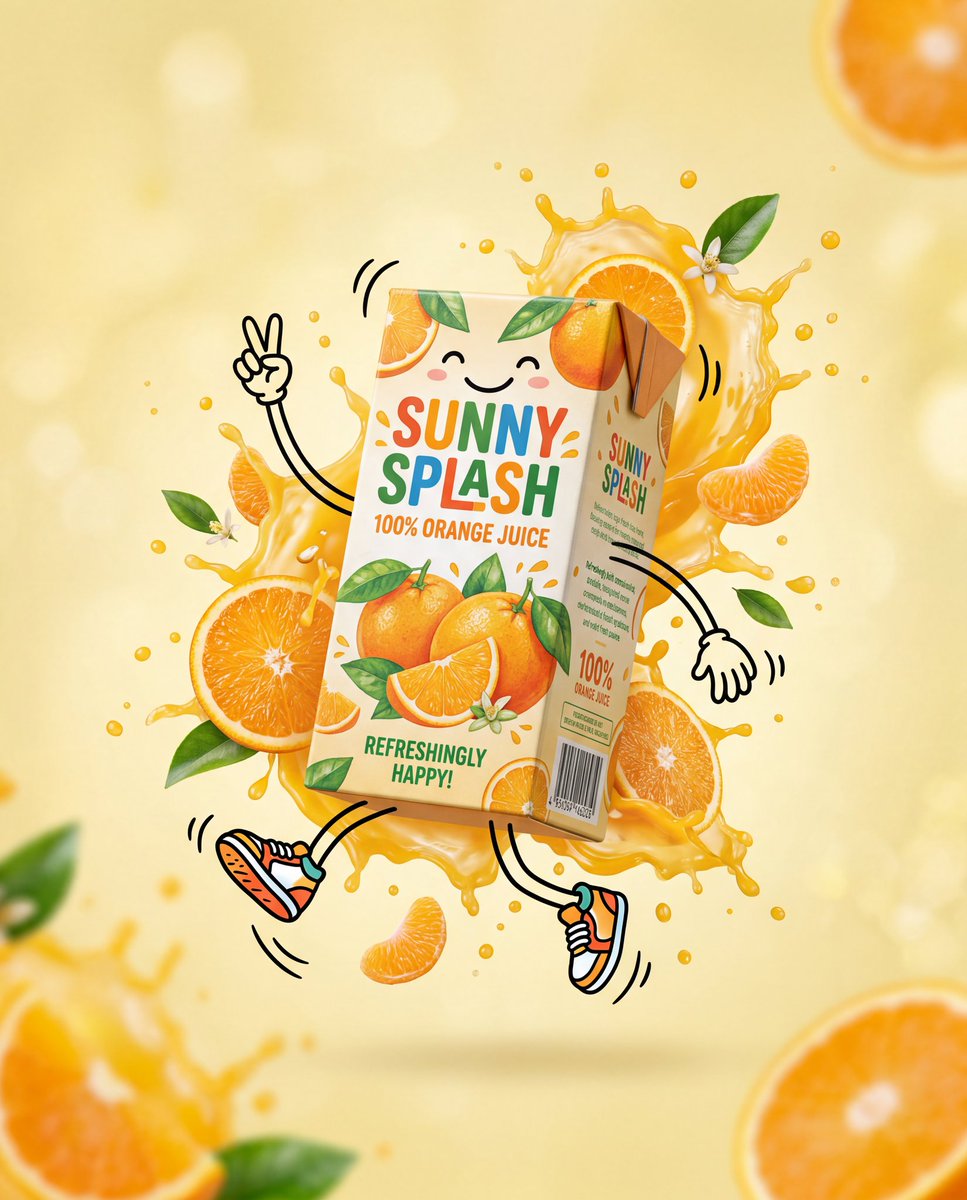 Animated Orange Juice Carton Ad
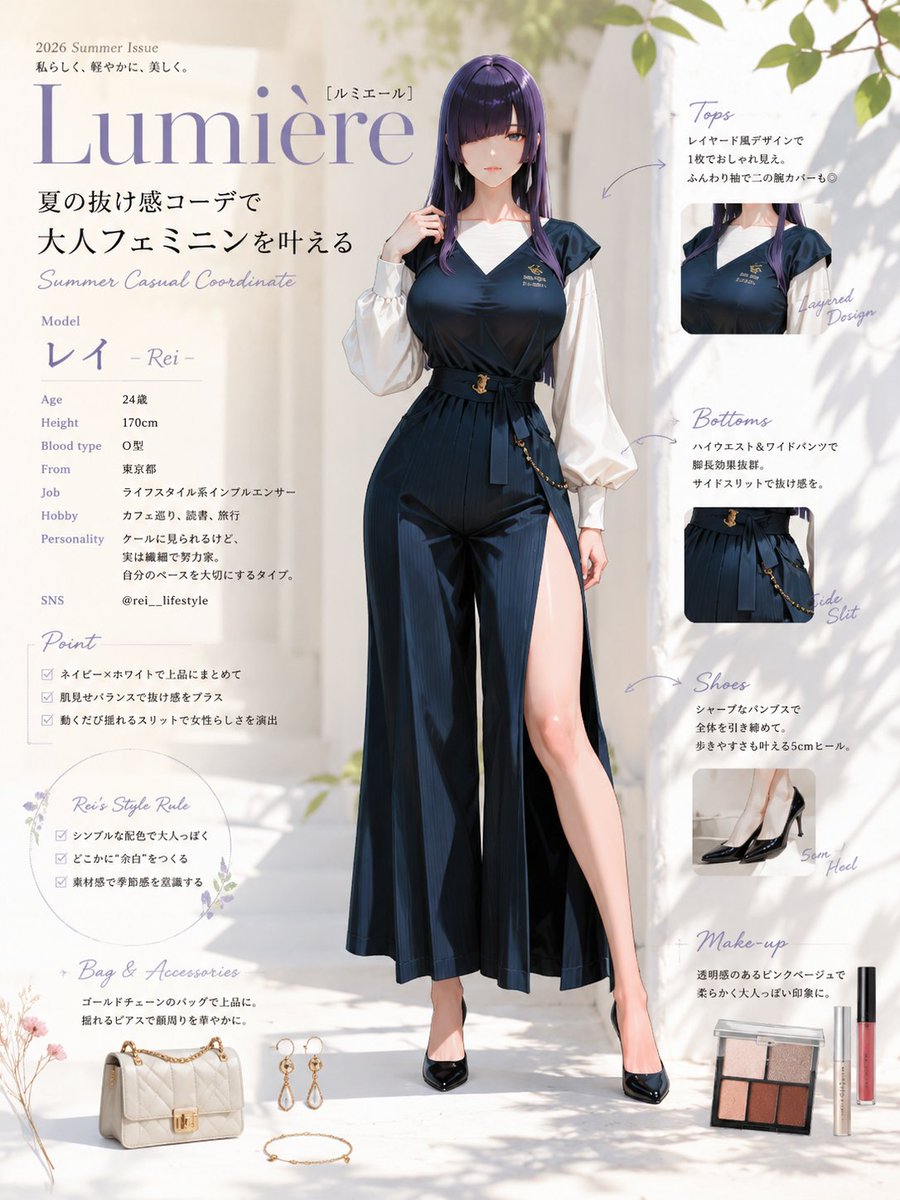 Anime Summer Fashion Lookbook Poster
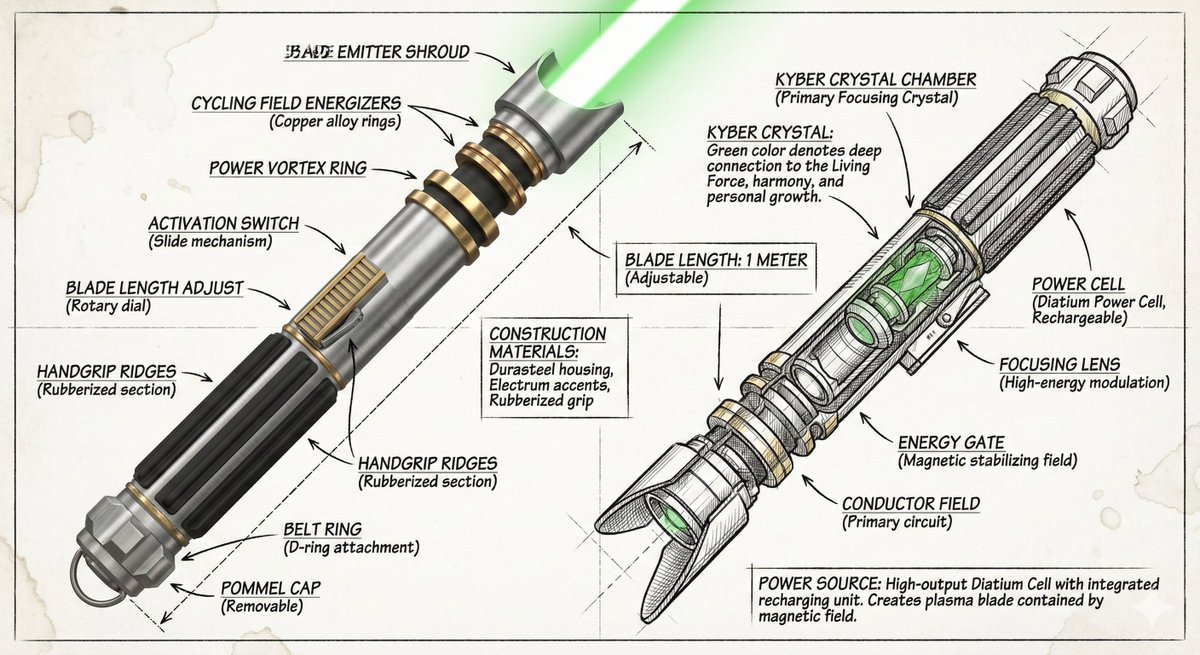 Annotated Sneaker Diagram
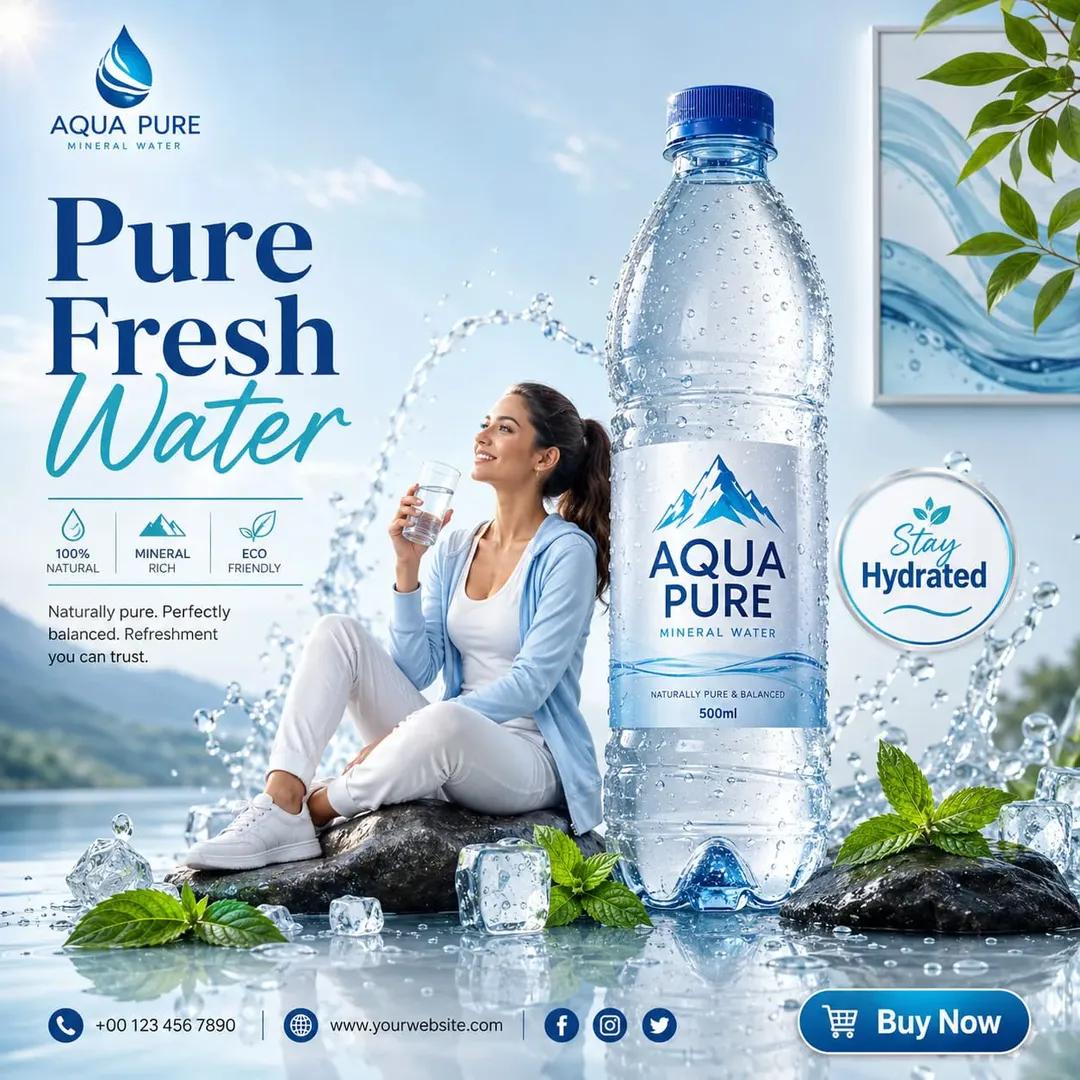 Aqua Pure Water Ad
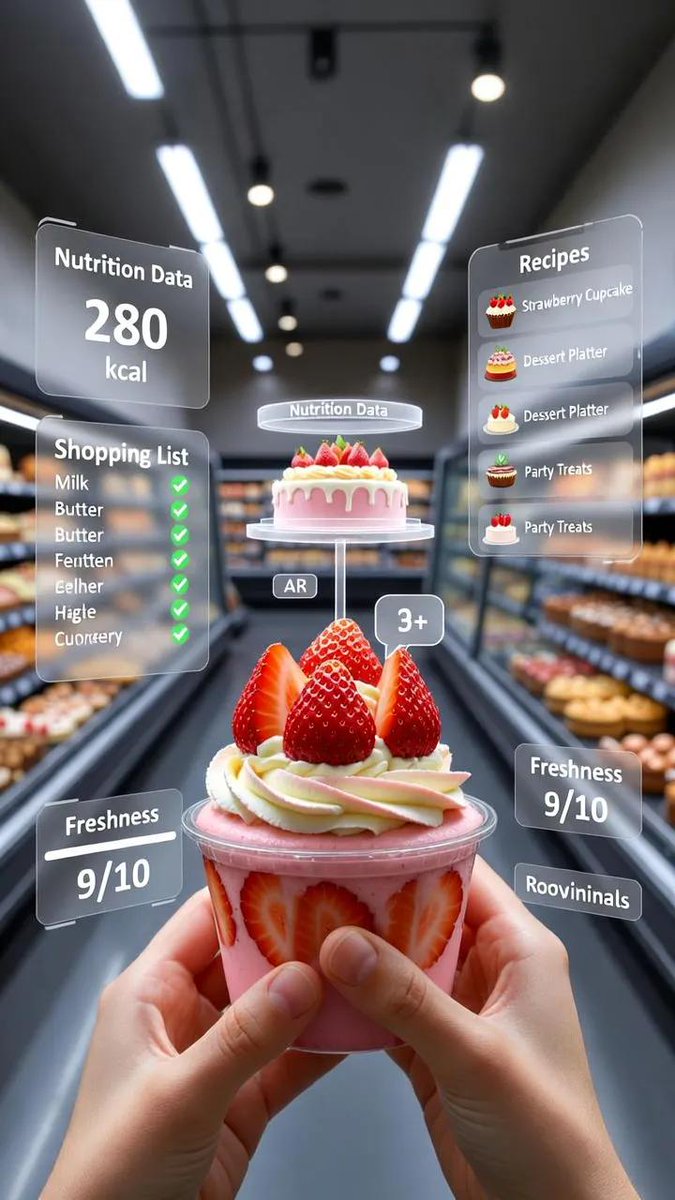 AR Jam Jar Shopping View
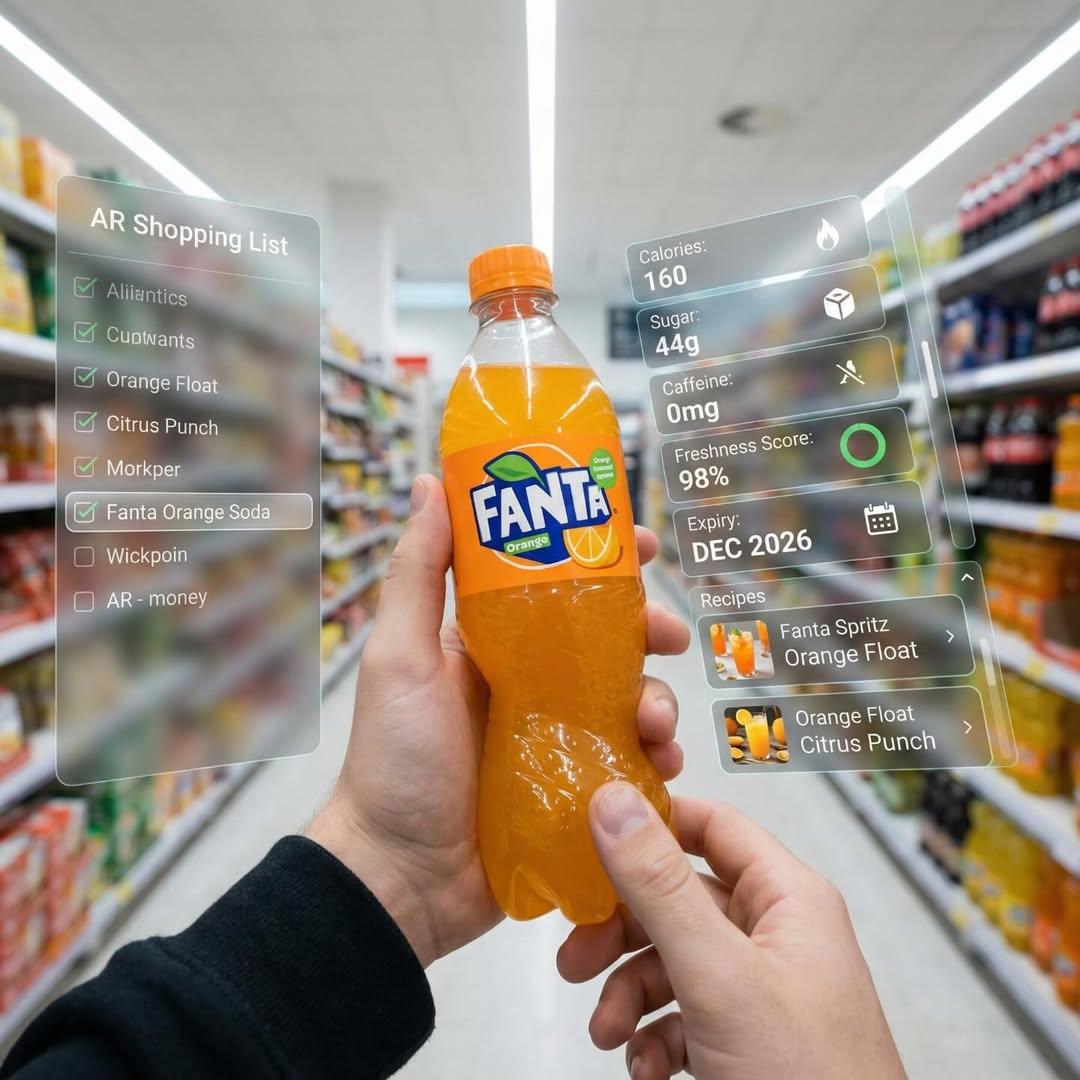 AR Soda Shopping Display
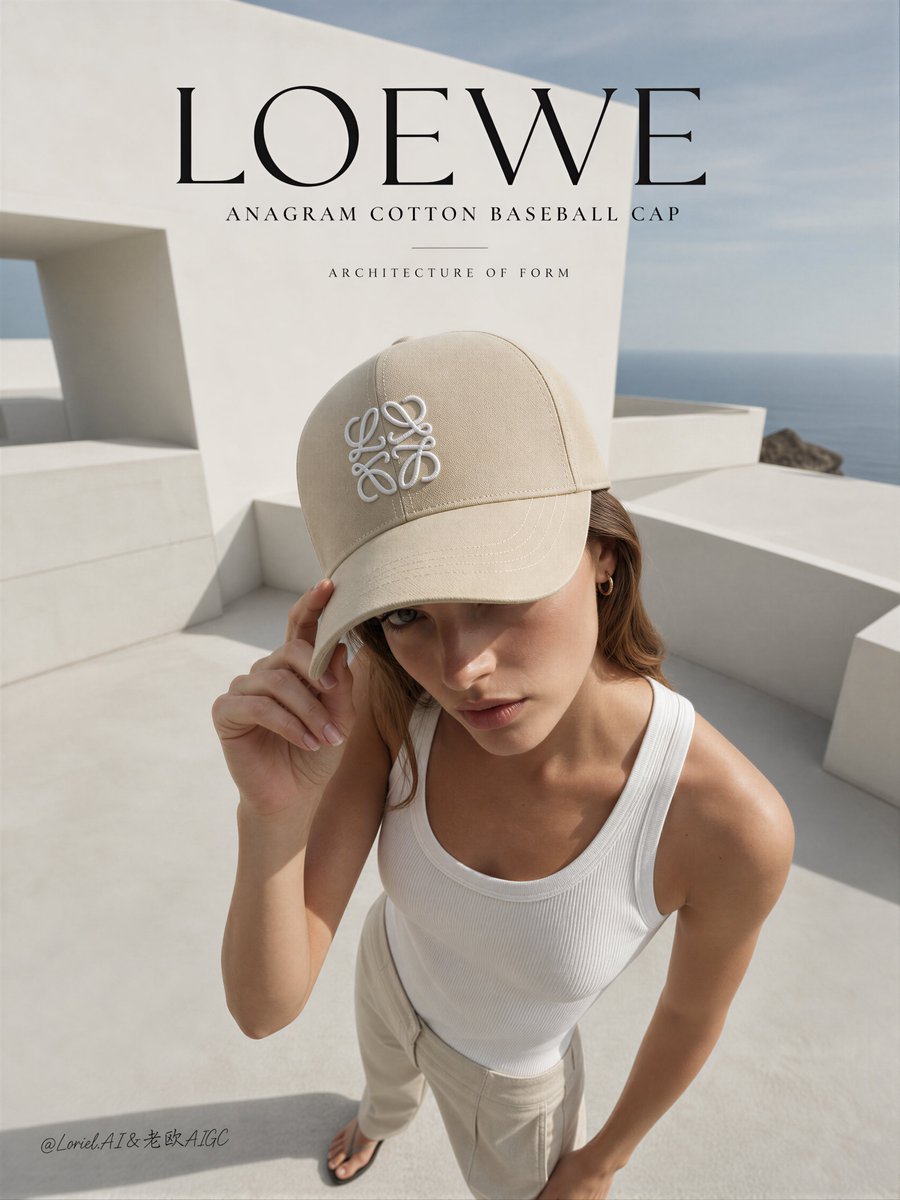 Architectural Luxury Cap Campaign
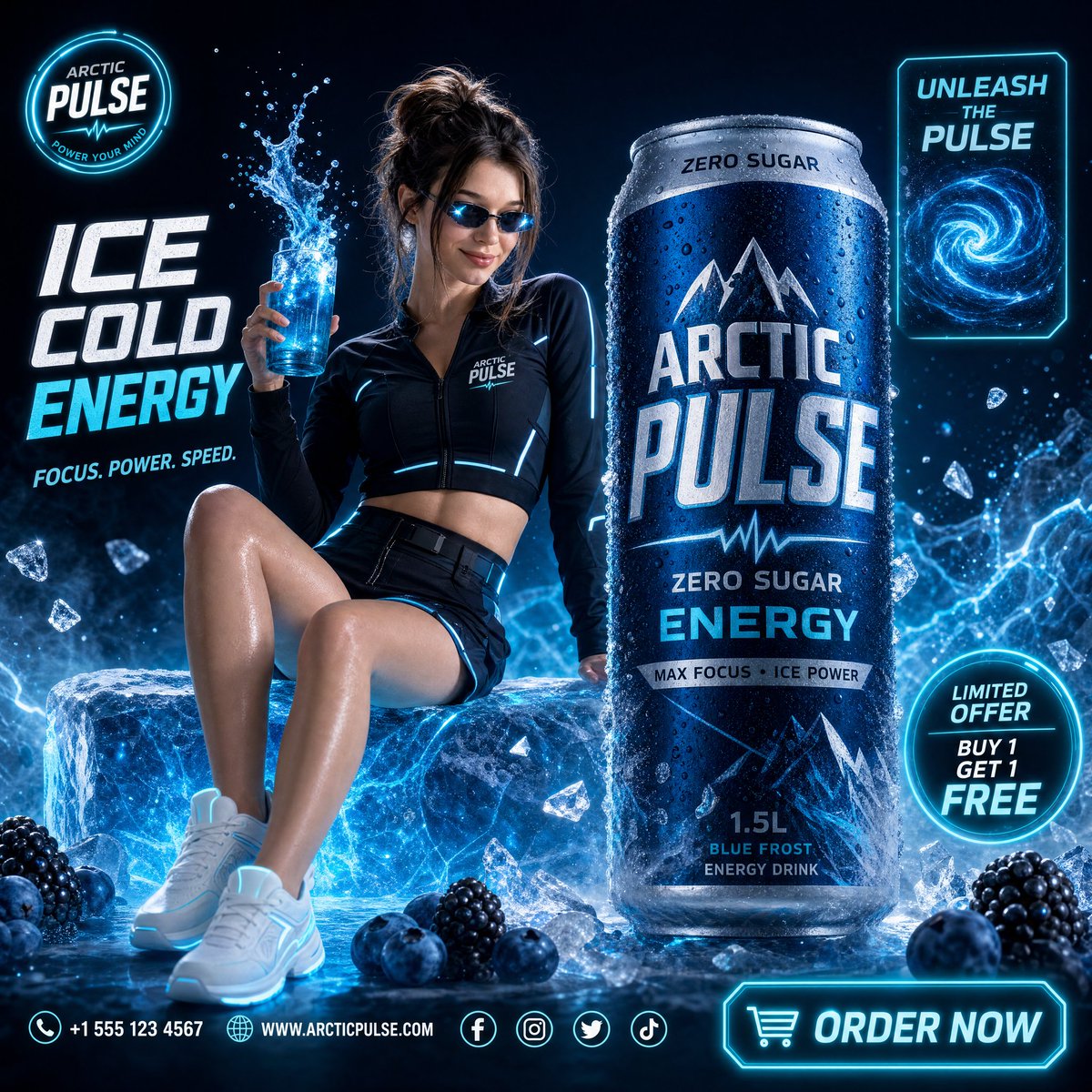 Arctic Energy Drink Ad
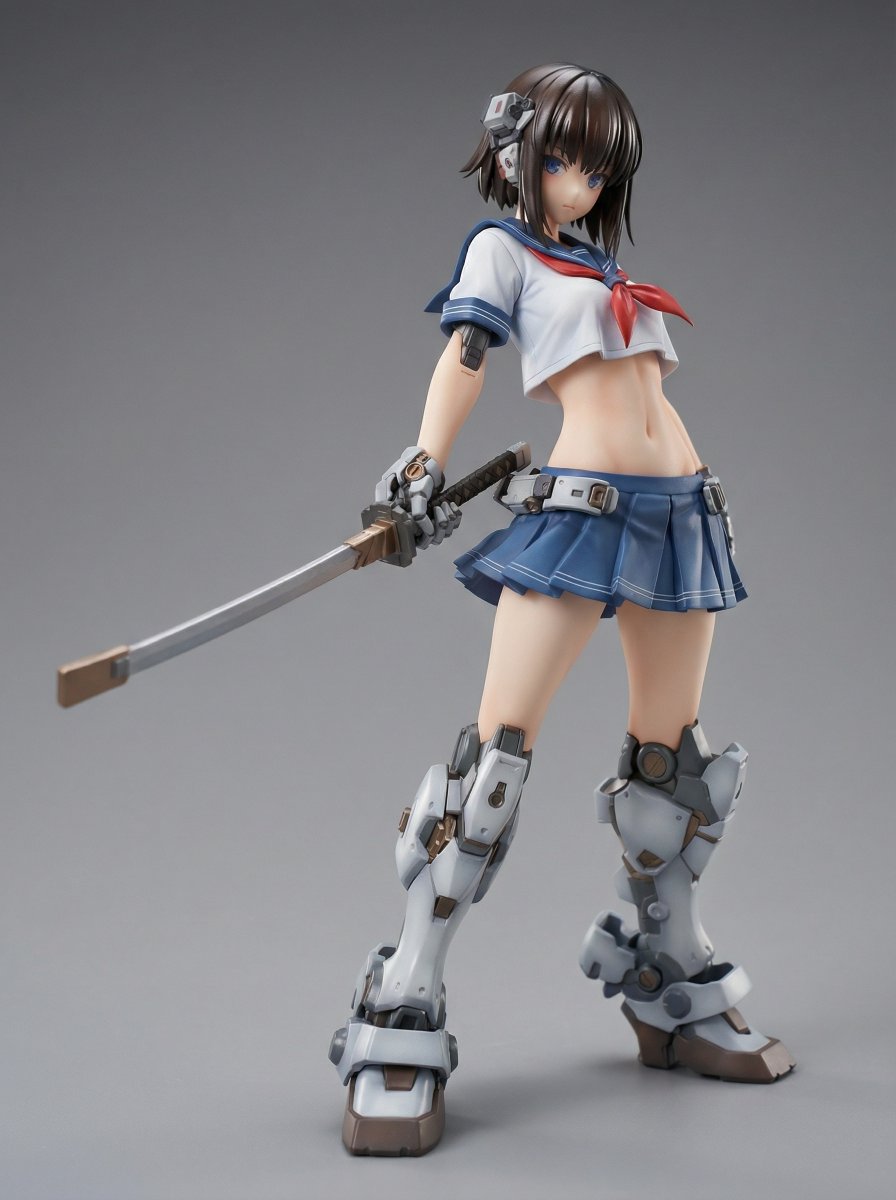 Armored Mecha Girl Figure
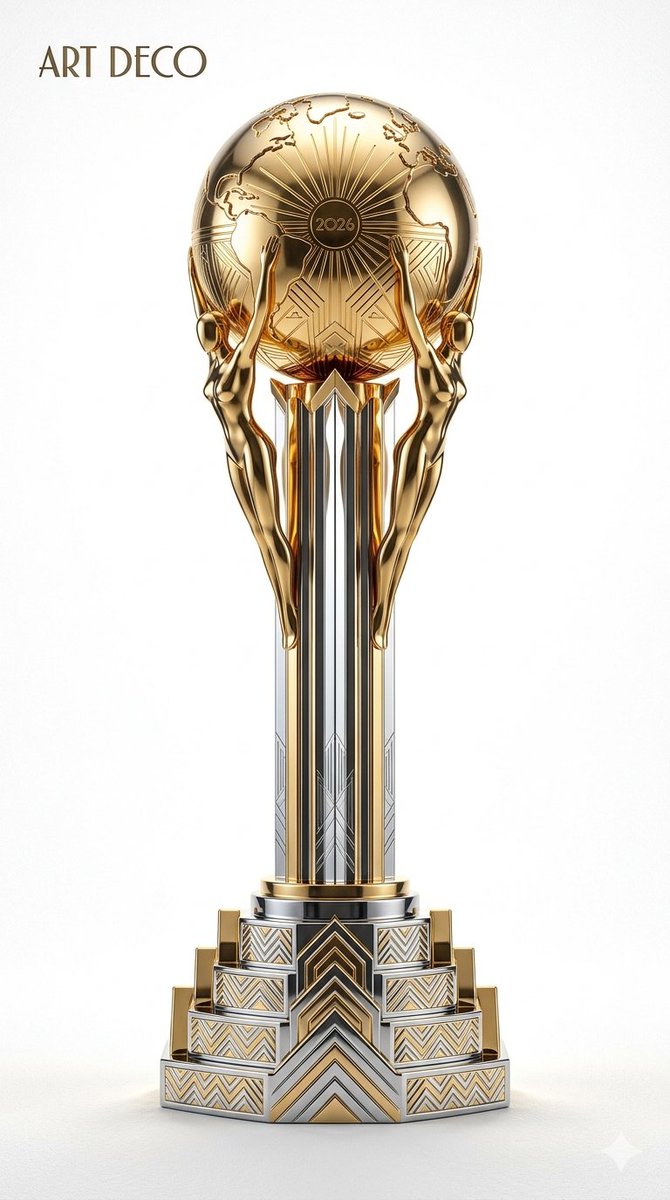 Art Deco Trophy Poster
Describe a photographic scene
Give the model a subject, location, light source, viewpoint, and framing. A product scene and a portrait need different instructions. Use photographic descriptions that are relevant to the image rather than listing unrelated camera terms.
Use references when they help
Add your own reference photos to guide the subject or composition. State what each image contributes and the changes you want. Reference images influence the result but do not guarantee accurate identity, lettering, or product details.
Check the image before using it
Inspect faces, hands, materials, logos, and text. AI-generated photos are synthetic images, not evidence of a real event or an actual product photo shoot. Review any image used to represent a product or person for accuracy.
Common questions
- Can I generate a photo from a text description?
- Yes. Describe the subject, lighting, and composition in the generator. A reference photo is optional when you are creating a new scene from text.
- Can I use my own photo as a starting point?
- Yes. Add your own file in the reference image area and describe the result you want. A source example displayed in the gallery is not automatically used as your uploaded reference.