
Photo transformations
Image to Image AI Generator
Turn reference photos into new AI images. Upload your image, describe a new style or scene, and create variations with image-to-image AI on WizImage.
Start creatingAdd your own photo in the generator. The starter prompt is ready.
Prompt
Transform my uploaded photo into a cinematic editorial portrait. Keep the subject recognizable and preserve the pose, clothing and composition. Use soft directional light, gentle film grain and a warm restrained color palette.
View full promptCollapse prompt
Transform my uploaded photo into a cinematic editorial portrait. Keep the subject recognizable and preserve the pose, clothing and composition. Use soft directional light, gentle film grain and a warm restrained color palette.
Make it your own
Image-to-image AI creates a new image using a reference photo and a text prompt. Add your own image in the generator, describe what you want to change, and choose an available model. You can explore a different style, setting, or lighting. Review the result carefully: faces, product details, and text may change, even when you ask to preserve them. The examples below offer visual directions and prompts; they are not before-and-after demonstrations.
Explore prompts and examples
133 examples. Open an image to see its original prompt, then create your own version.
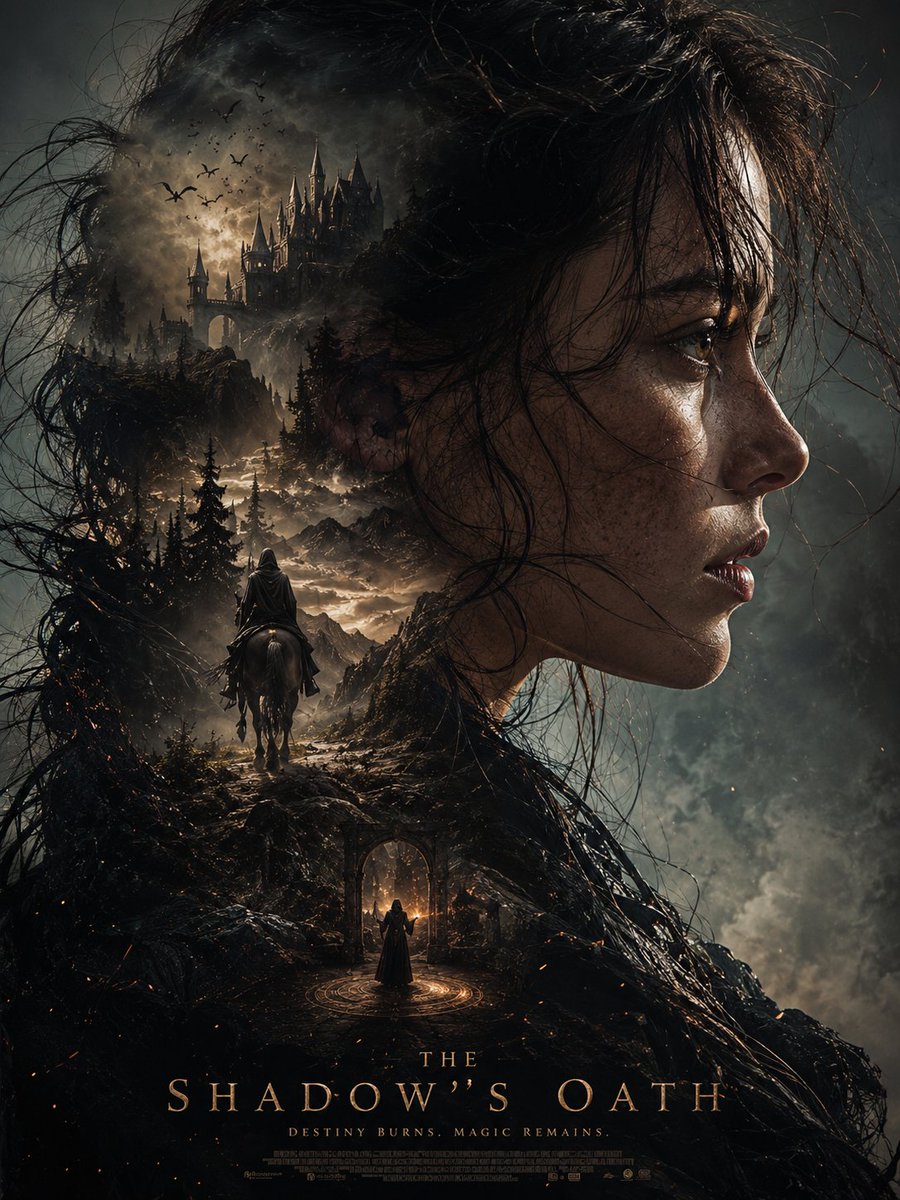 Dark Fantasy Double Exposure Portrait
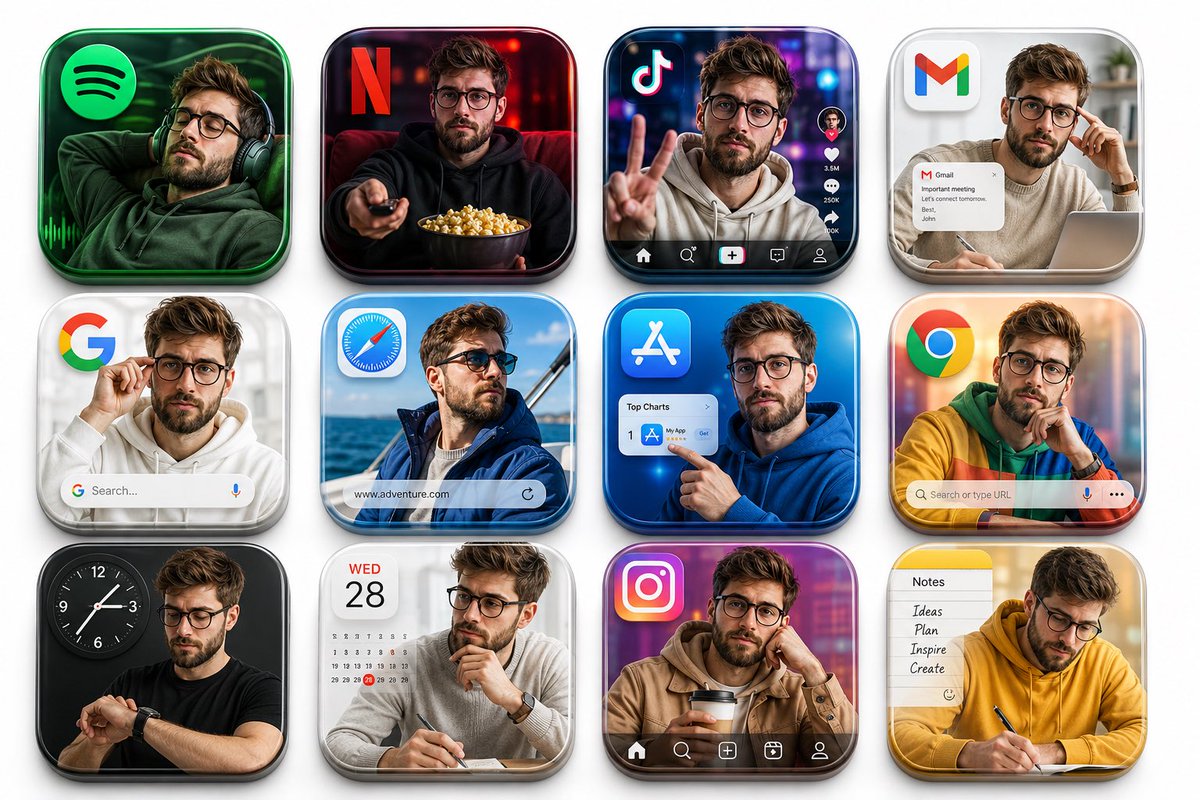 3D App Icon Portrait Grid
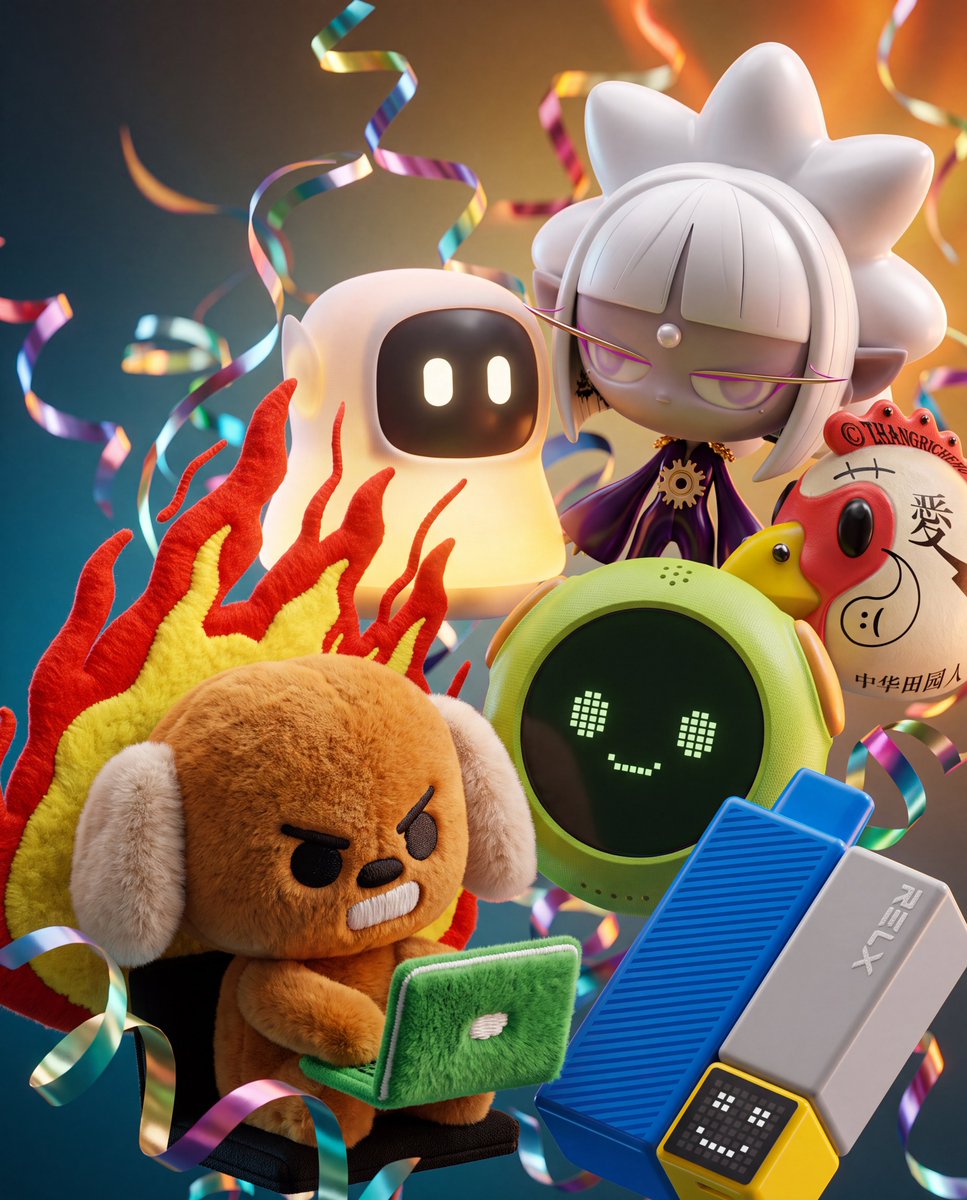 3D Floating Toy Collectibles Cluster
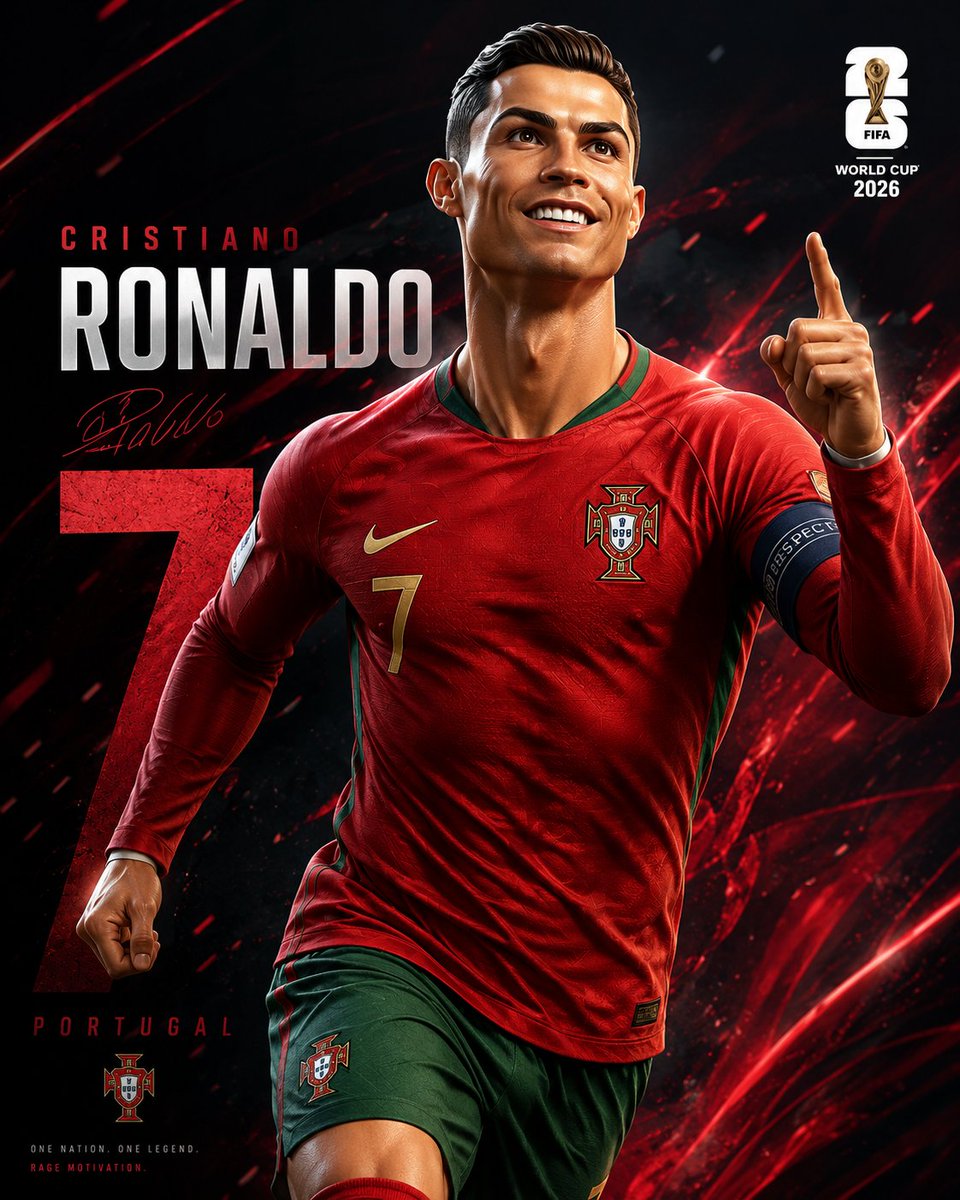 3D World Cup Football Poster
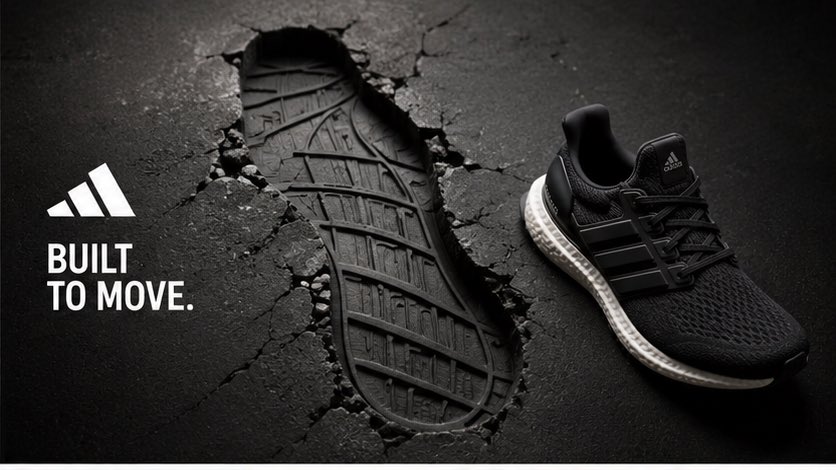 Adidas Footprint Campaign
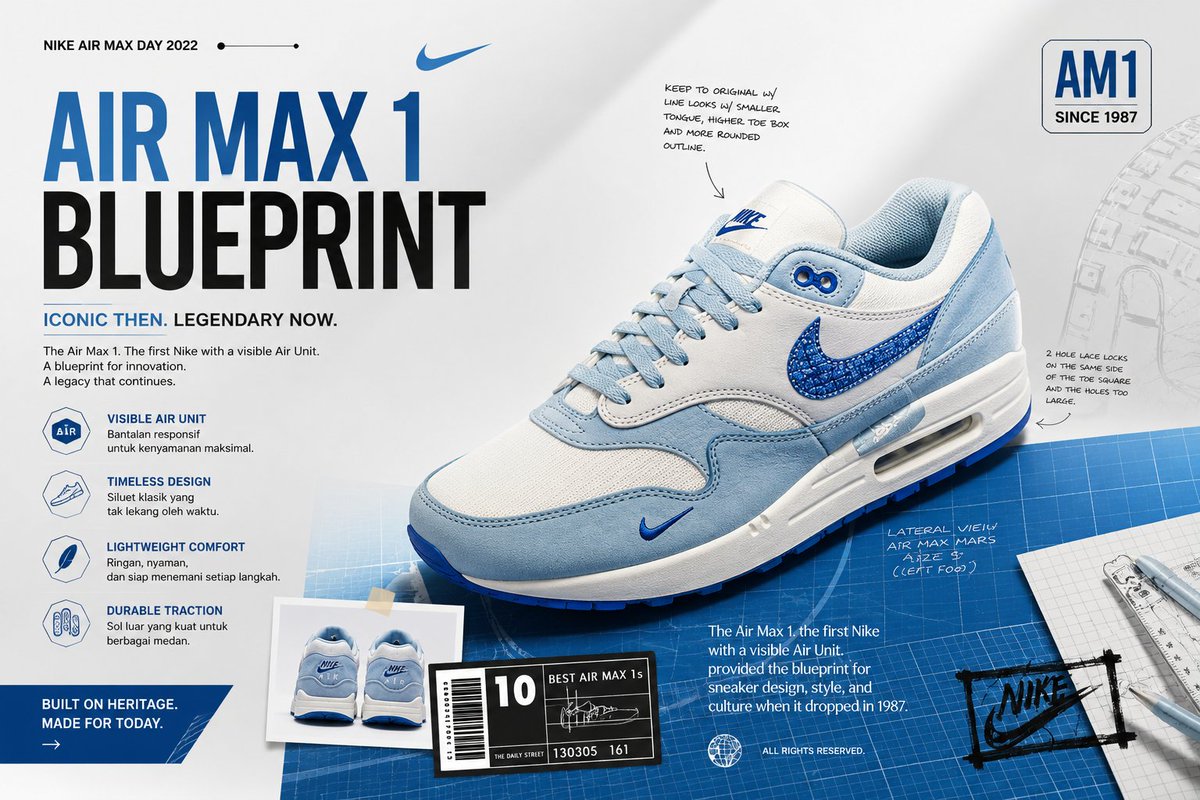 Air Max Blueprint Sneaker Ad
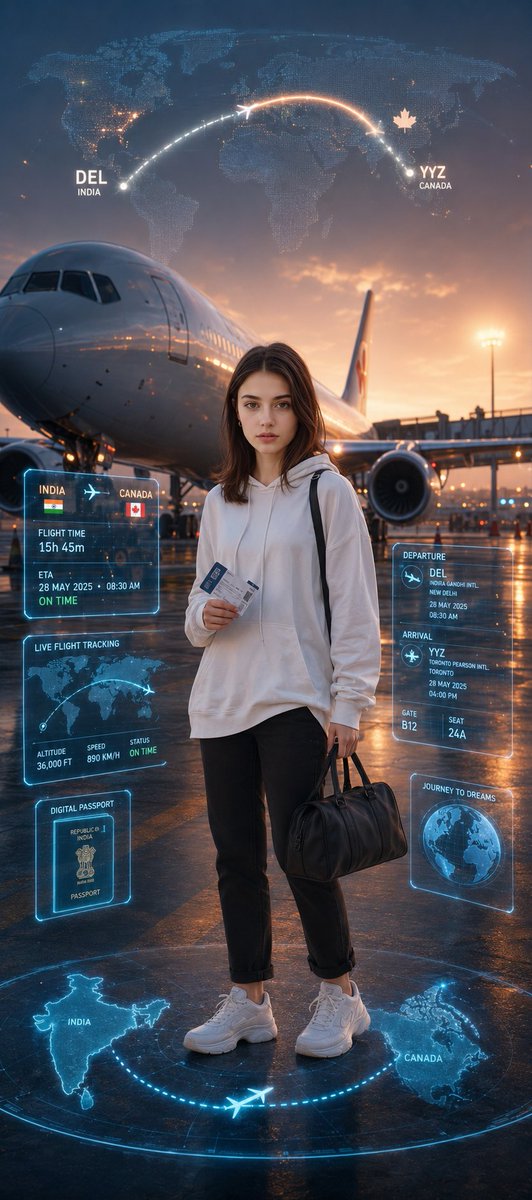 Airport Dream Journey Poster
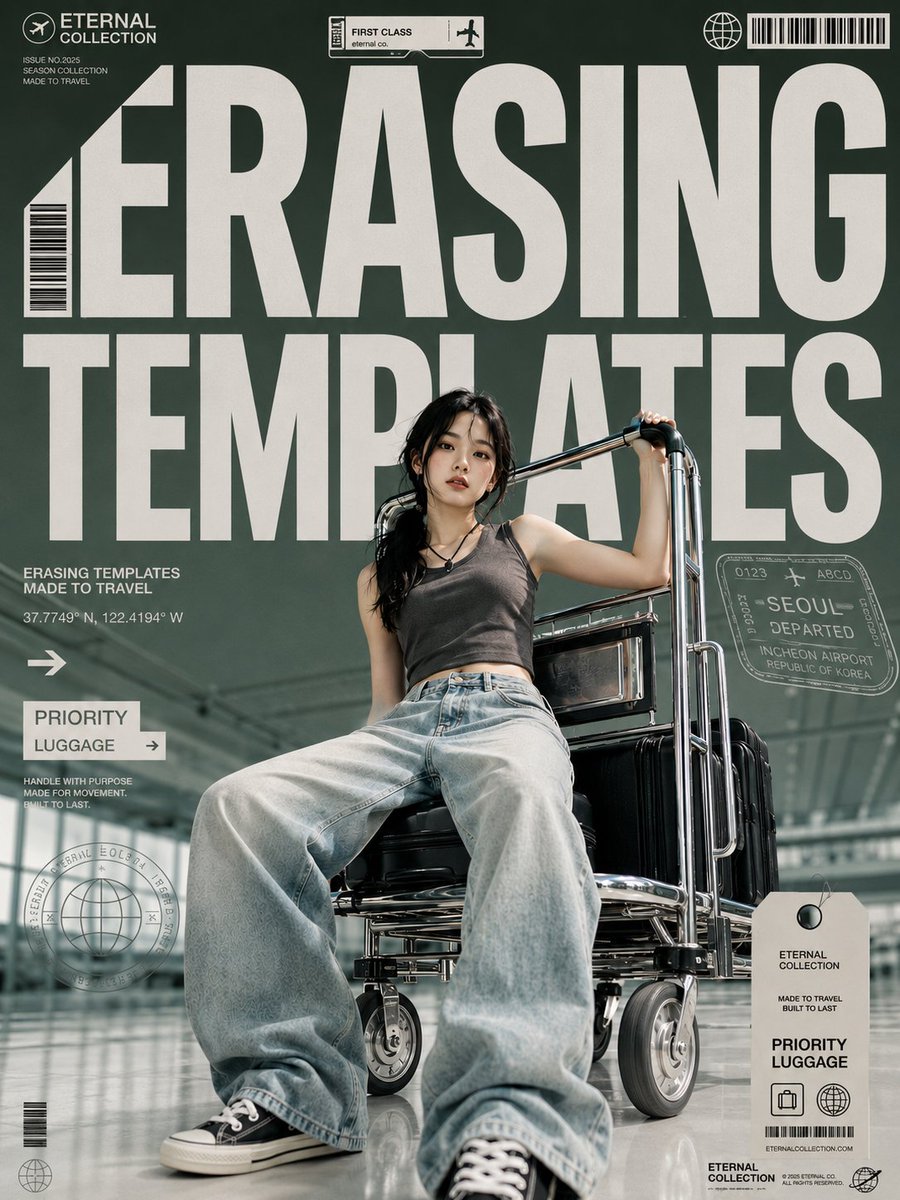 Airport Luggage Fashion Poster
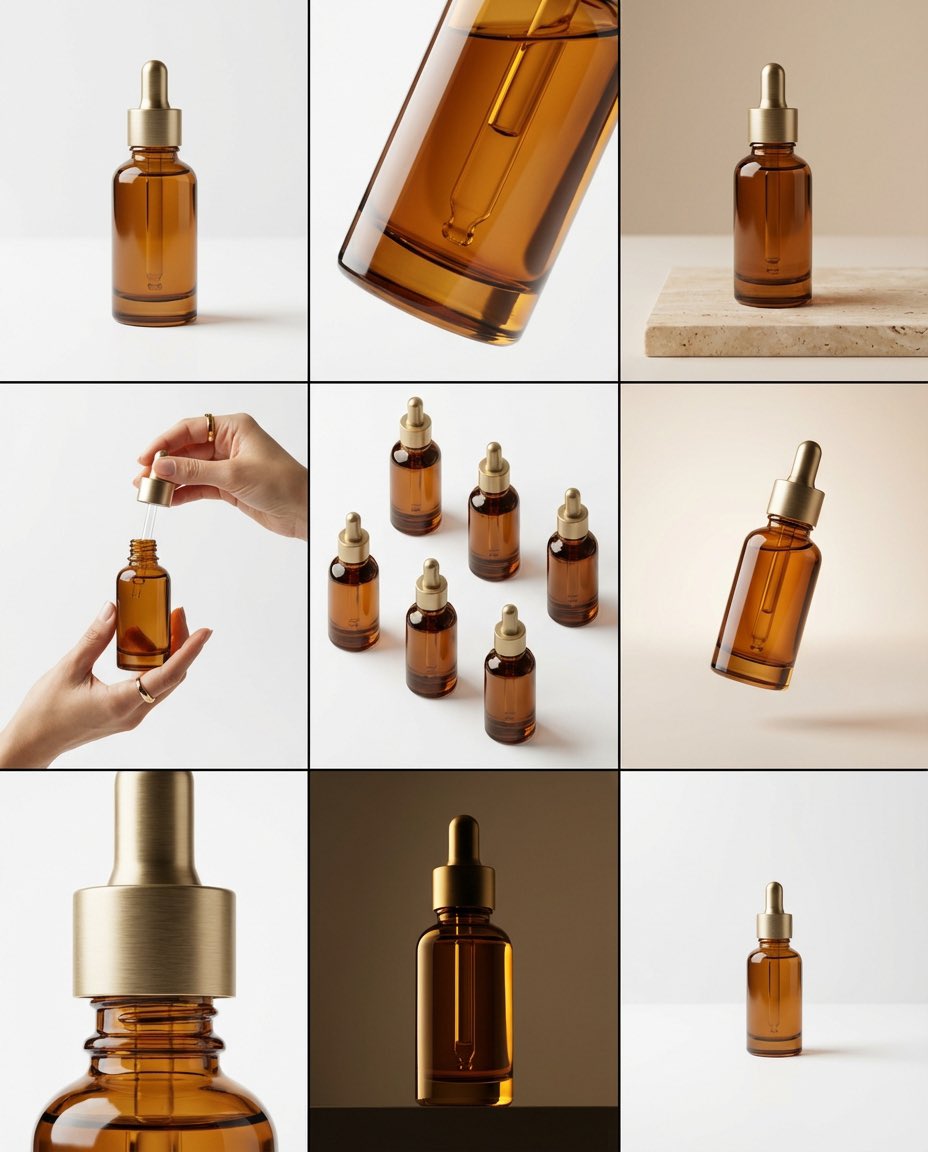 Amber Dropper Bottle Storyboard
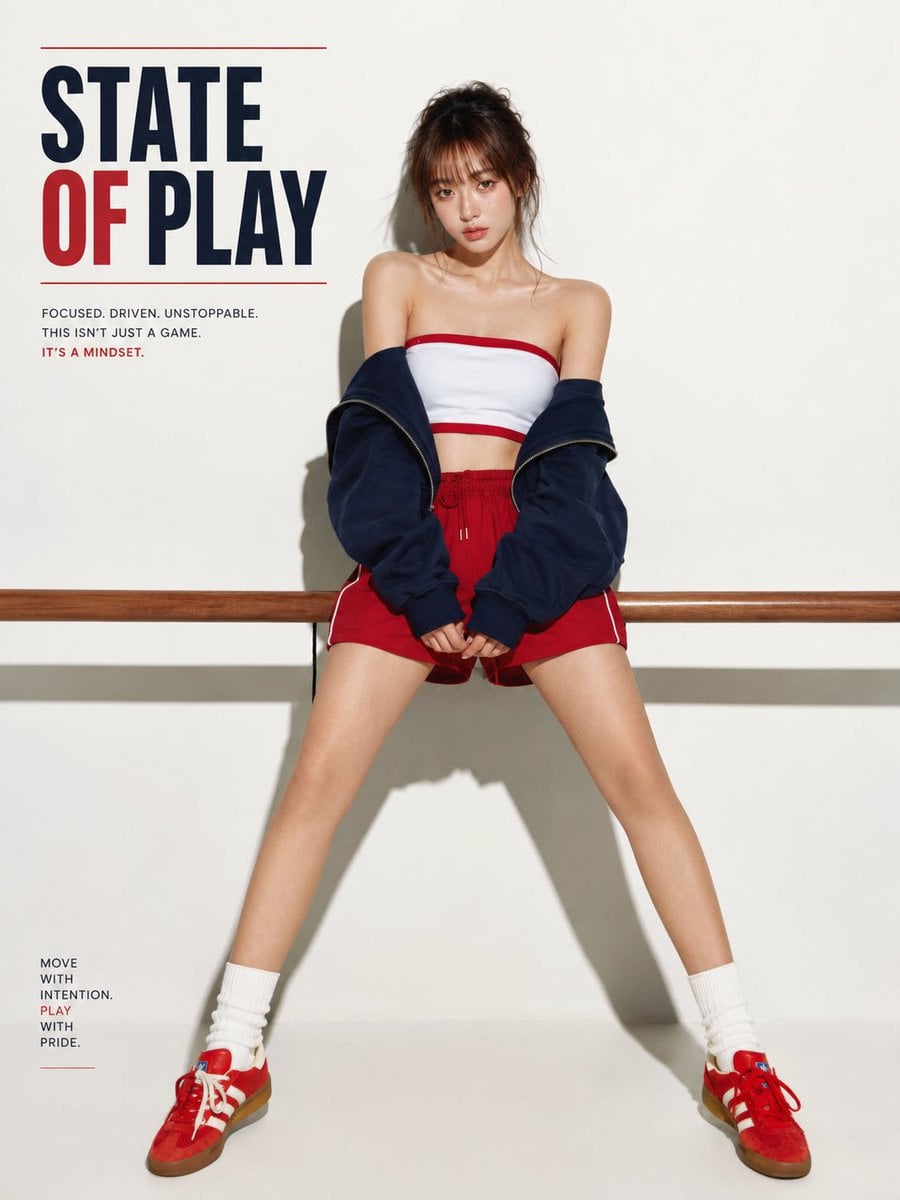 American Sport Campaign Poster
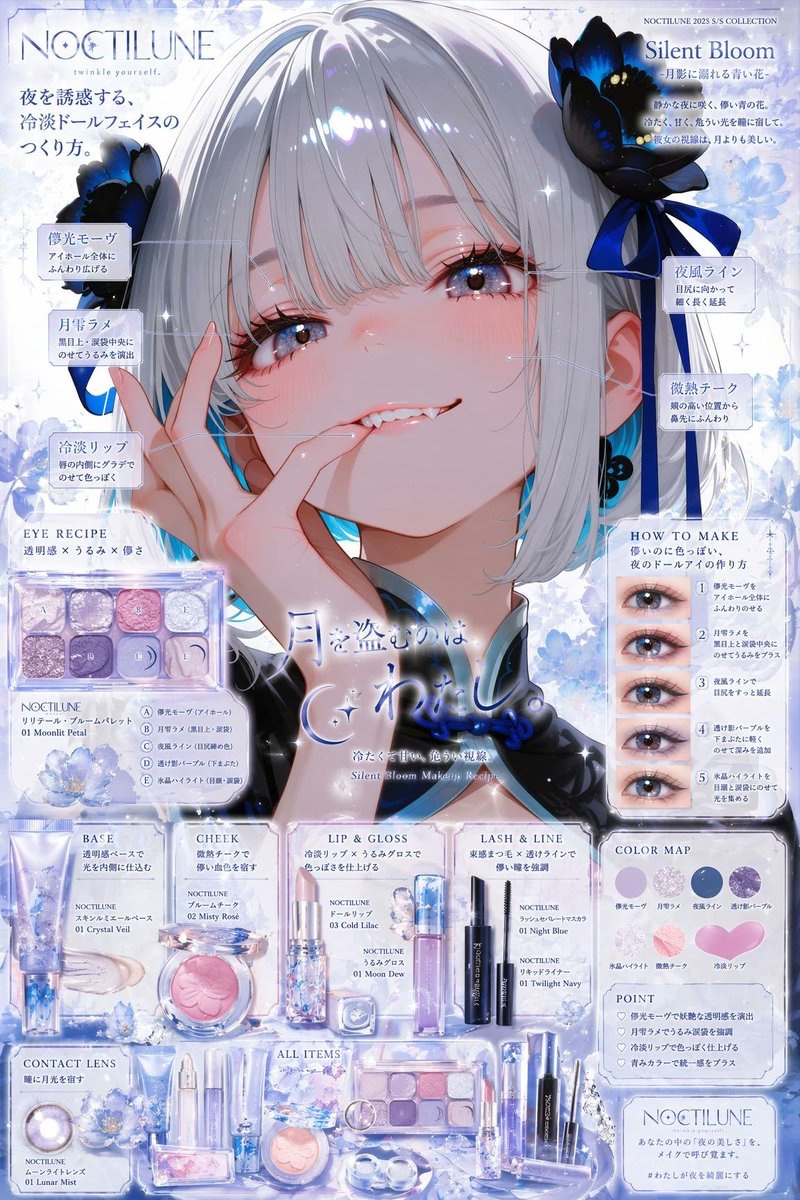 Anime Character Makeup Ad Poster
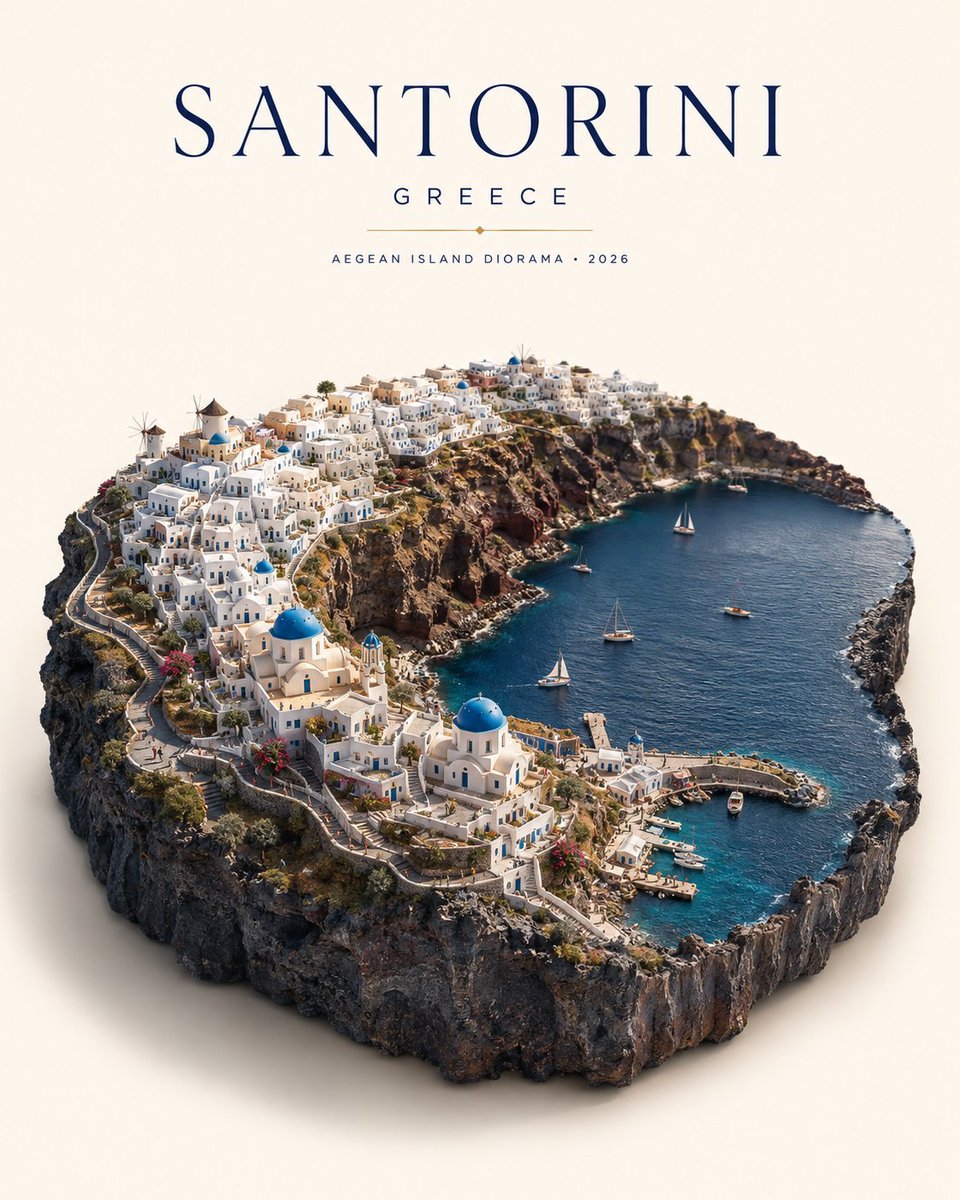 Anime World Diorama Poster
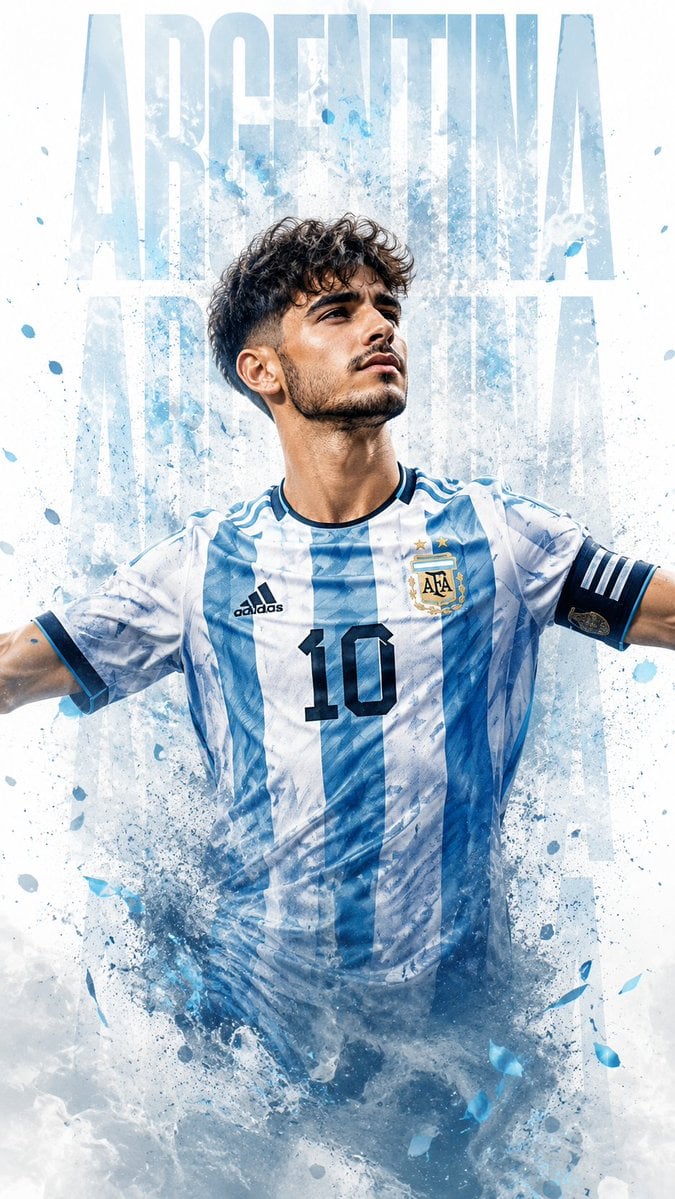 Argentina Number 10 Football Poster
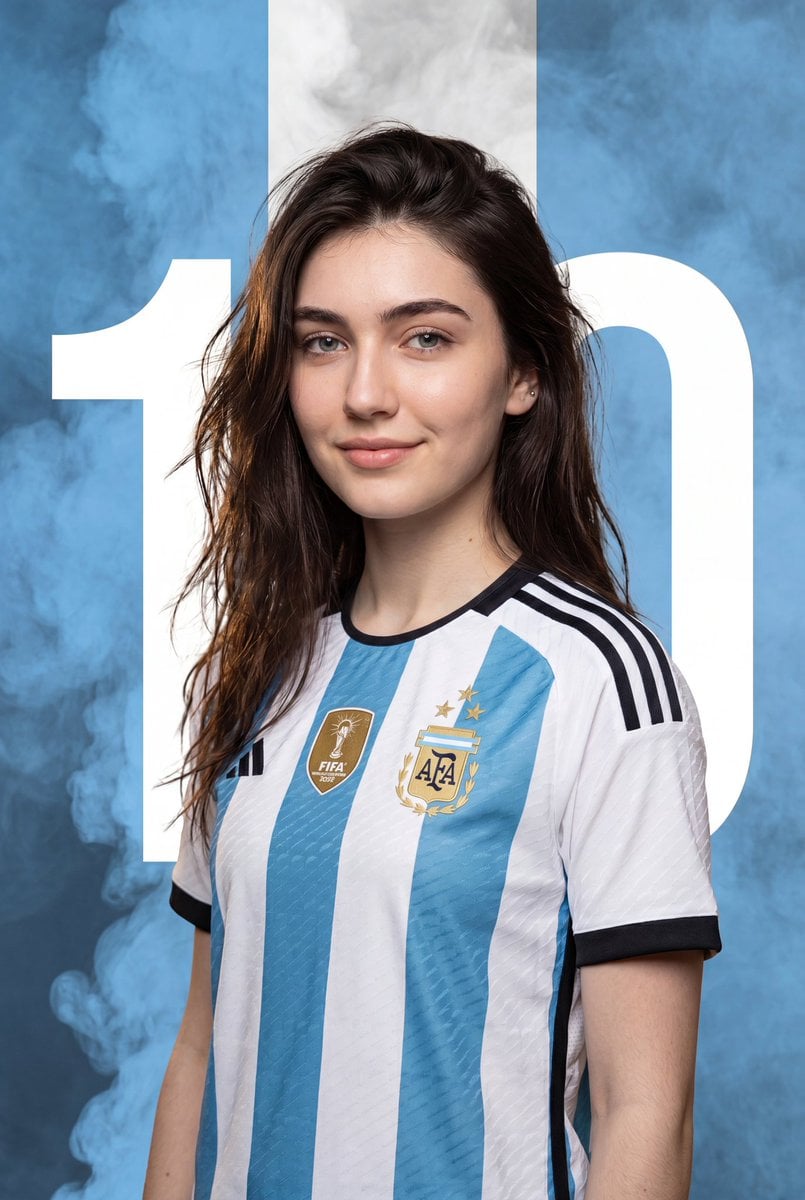 Argentina Soccer Poster Portrait
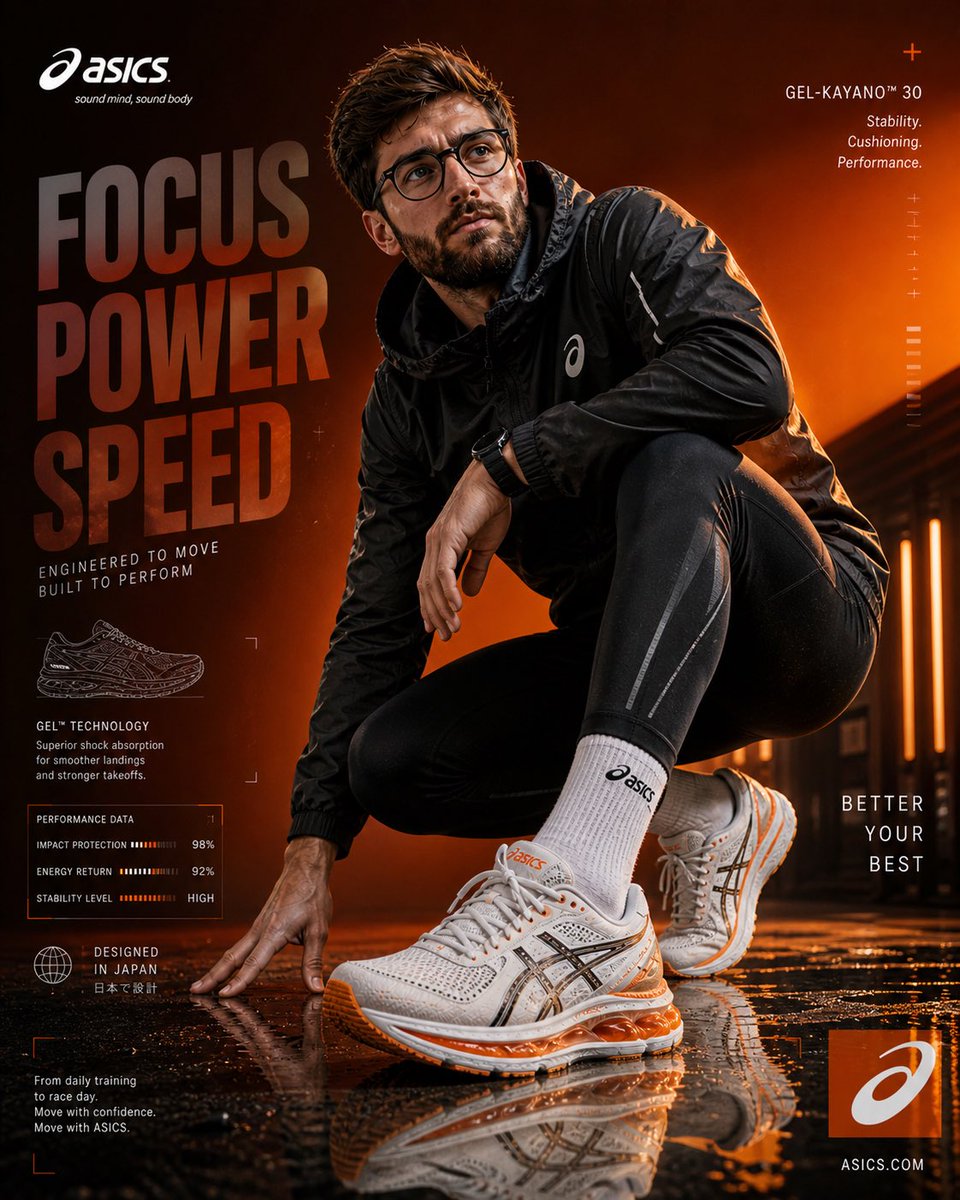 Asics Running Shoe Ad Poster
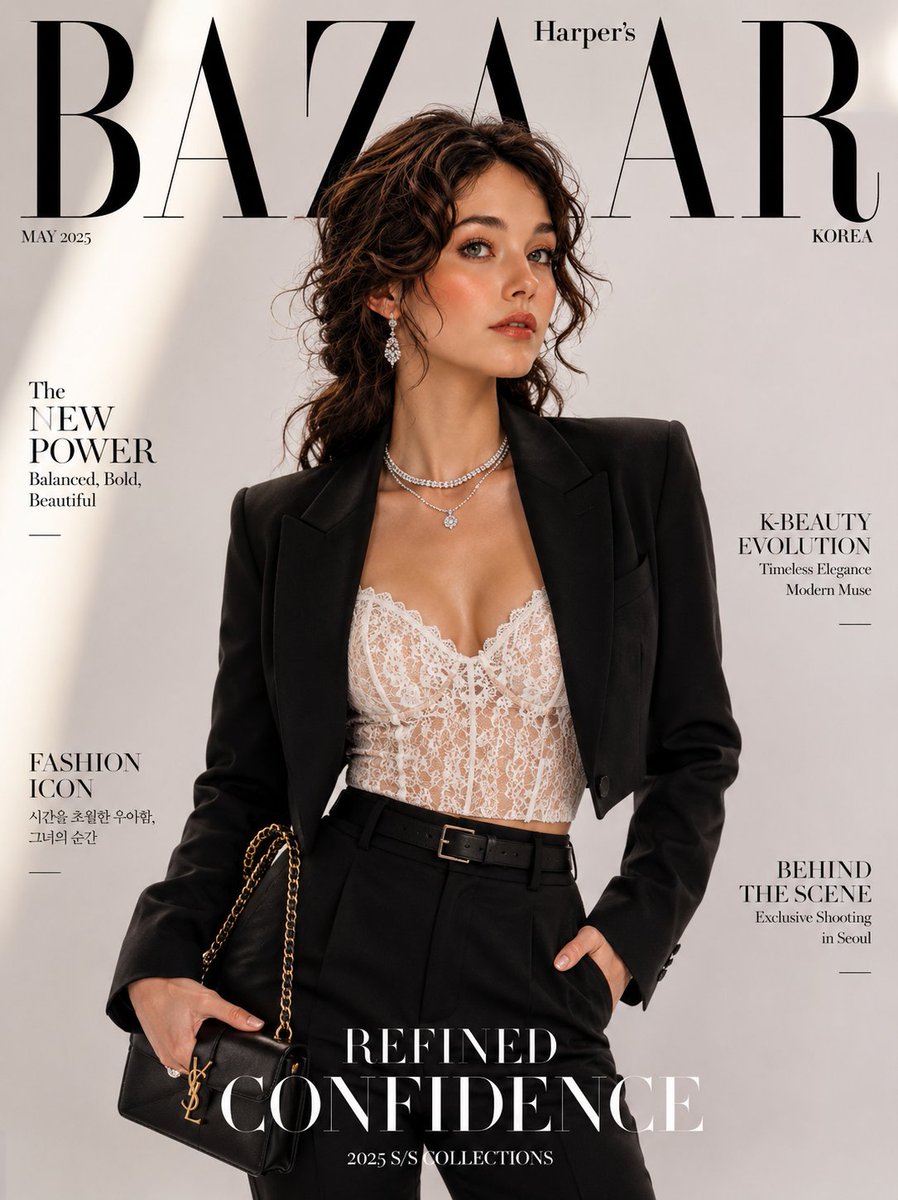 Bazaar Style Pantsuit Cover
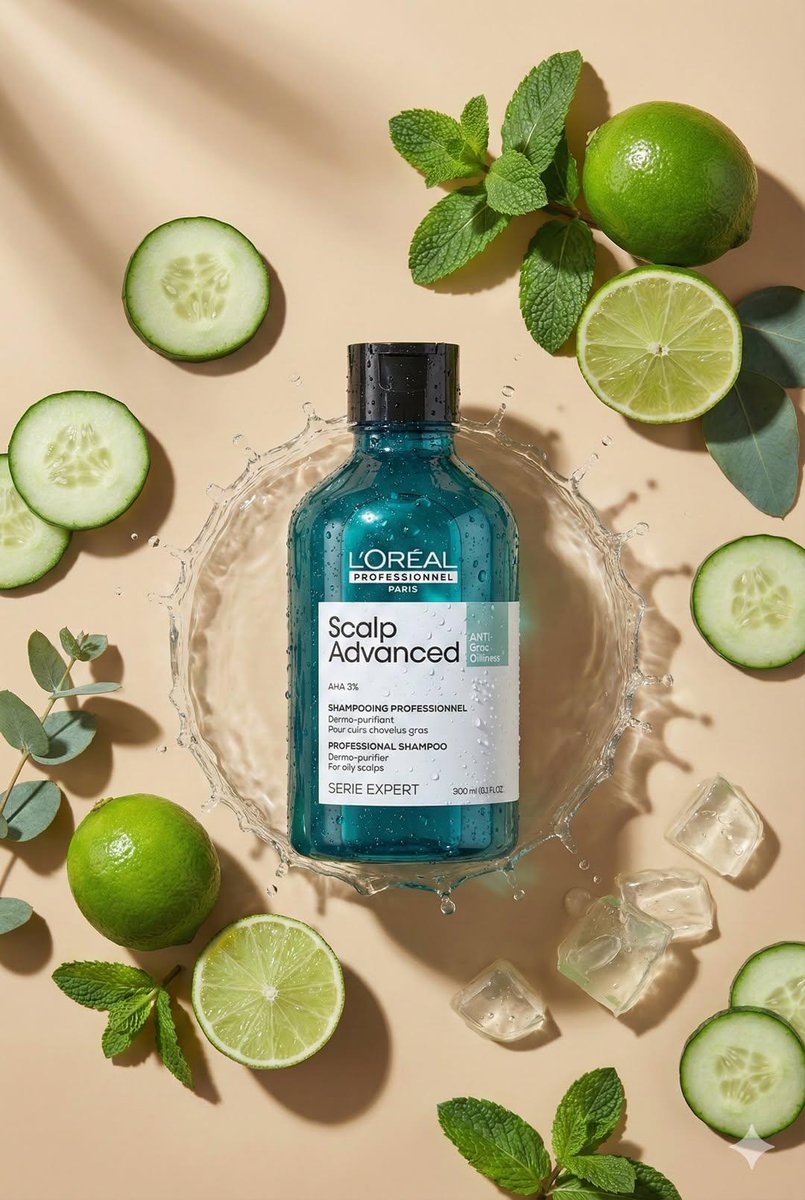 Beige Product Flat Lay
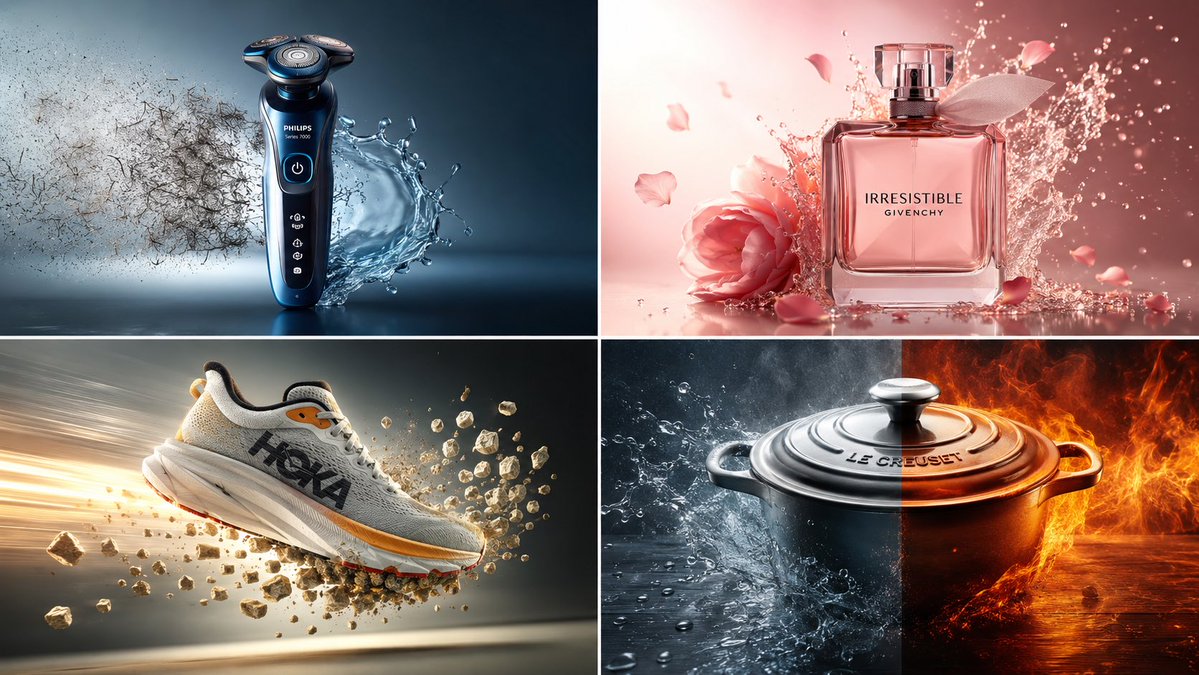 Benefit Collision Product Ad
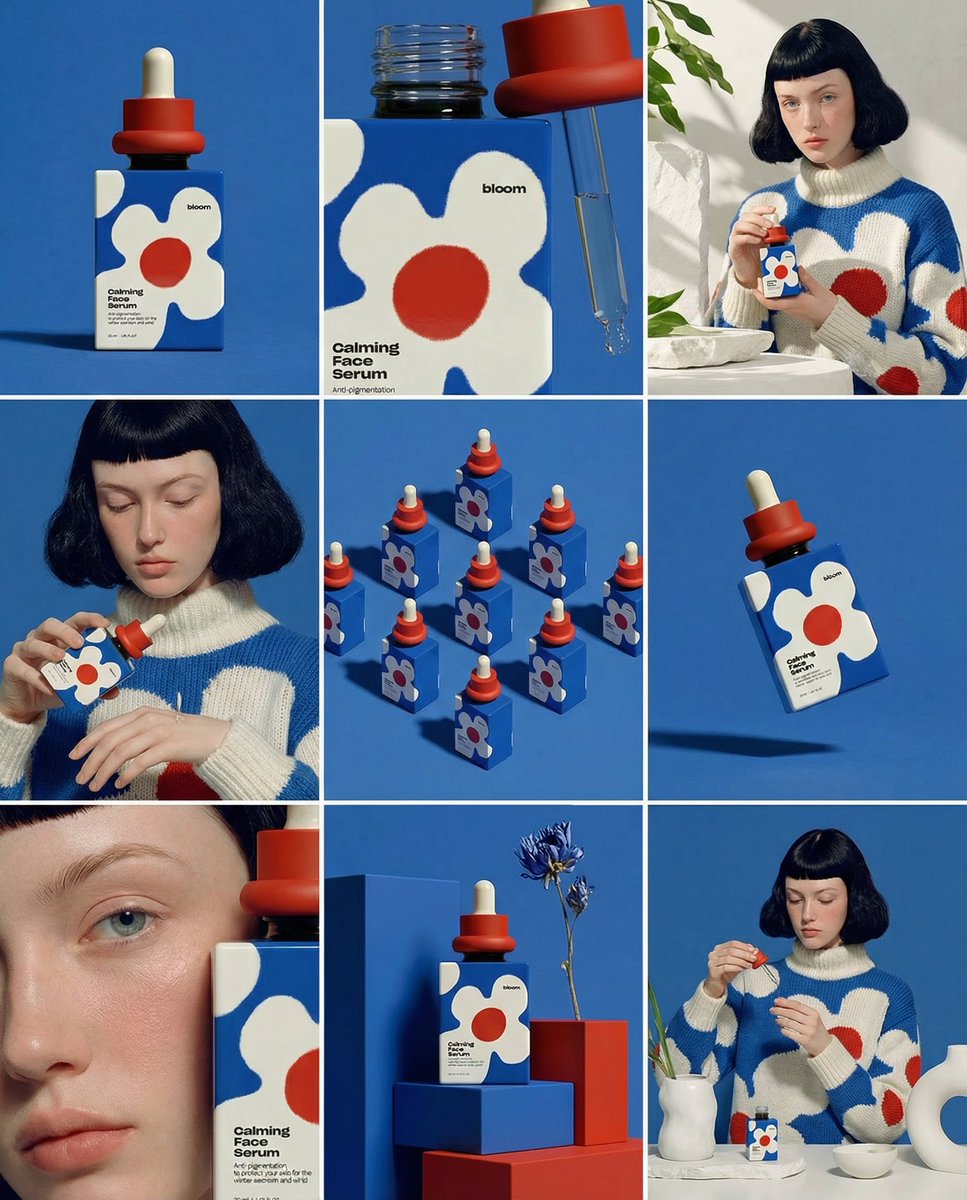 Bloom Serum Storyboard Grid
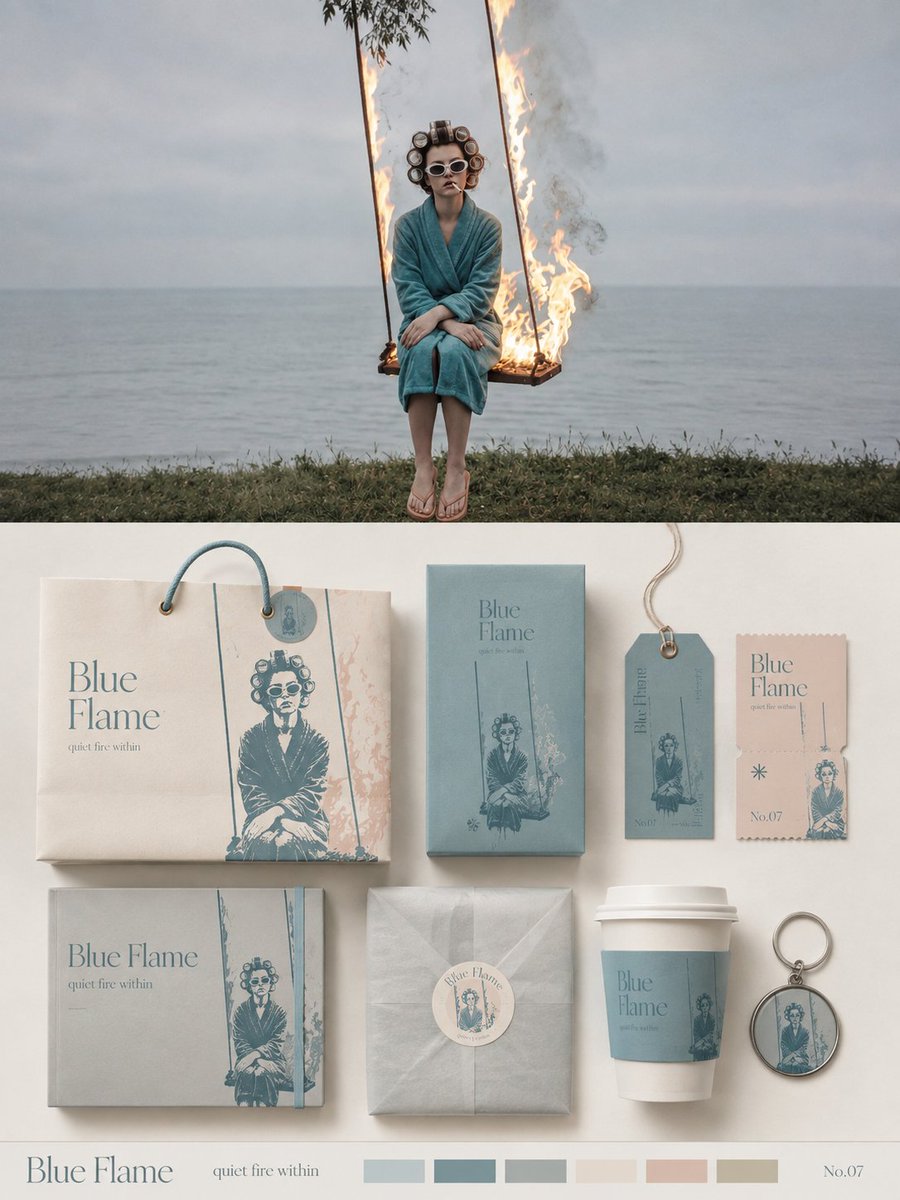 Blue Flame Packaging Identity
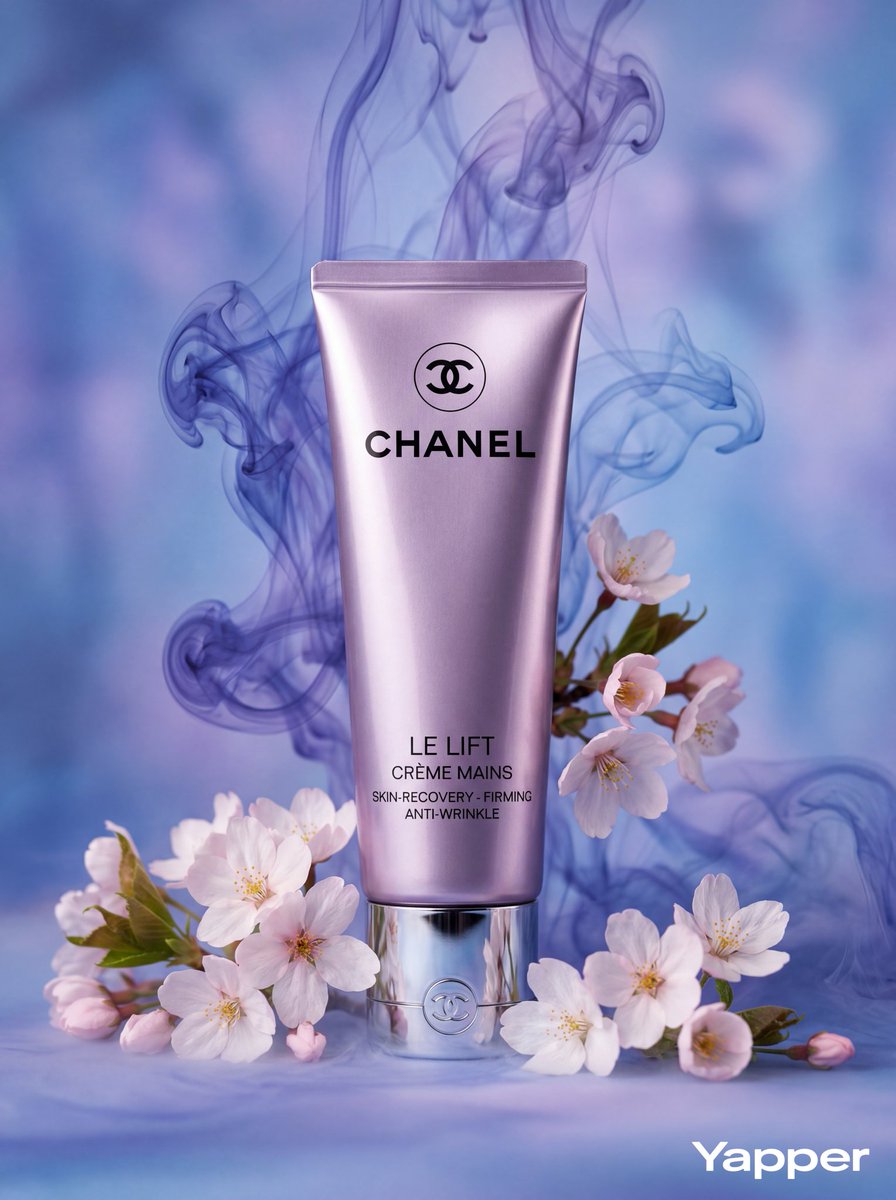 Blue Smoke Cosmetic Ad
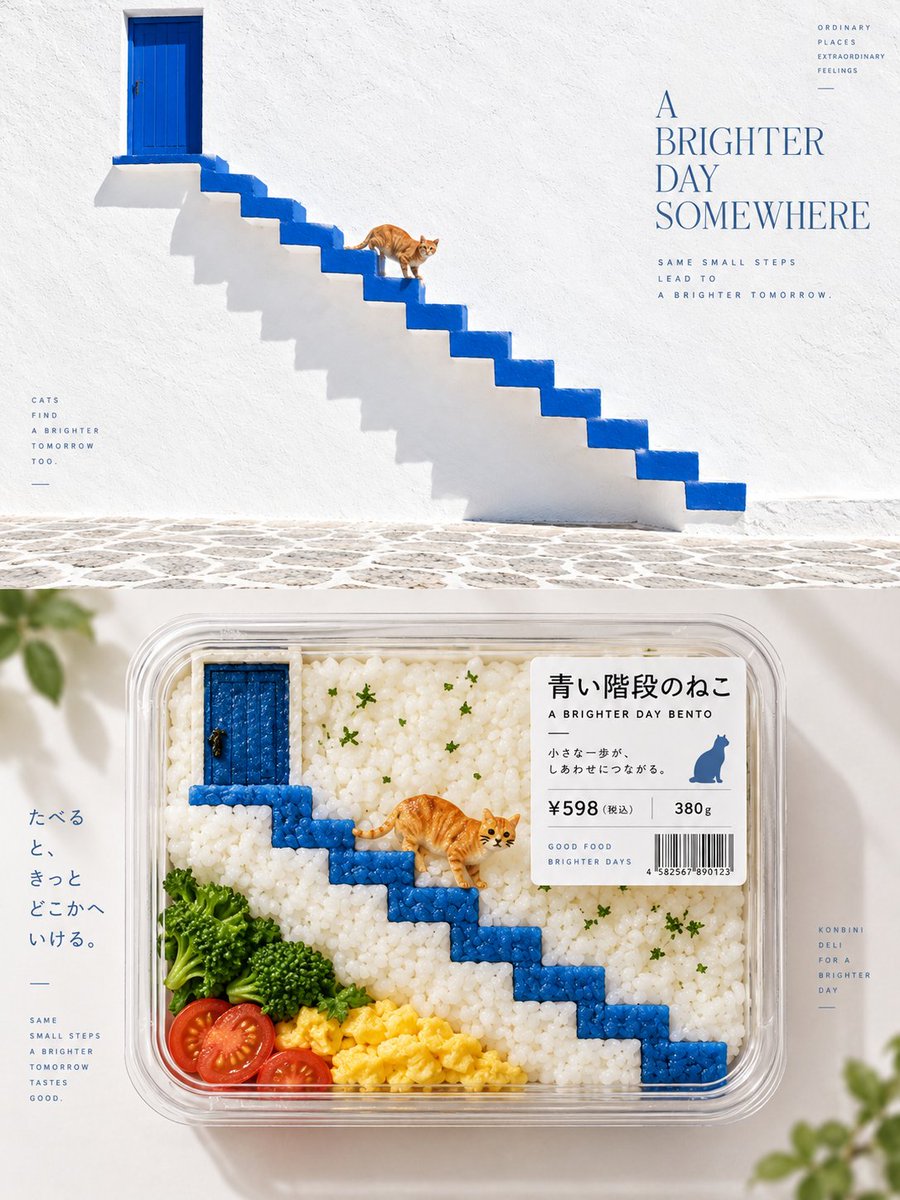 Blue Stair Cat Bento Poster
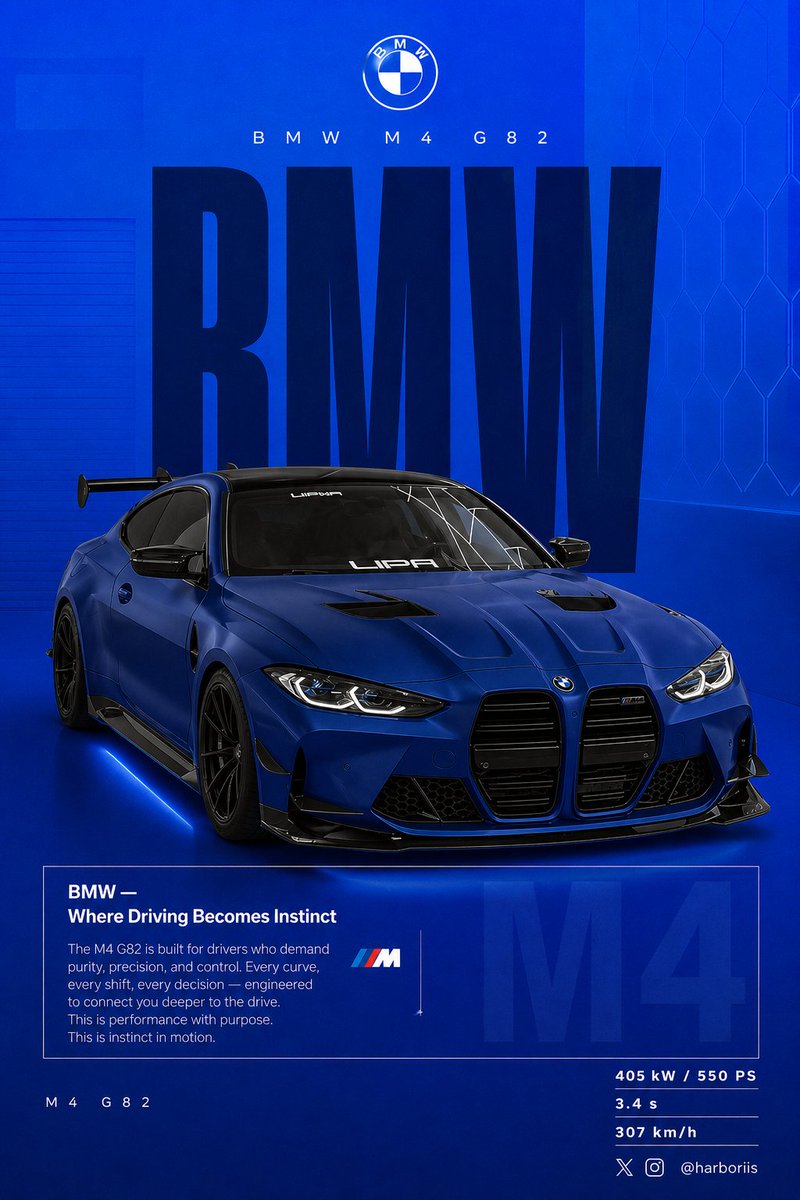 BMW Performance Poster
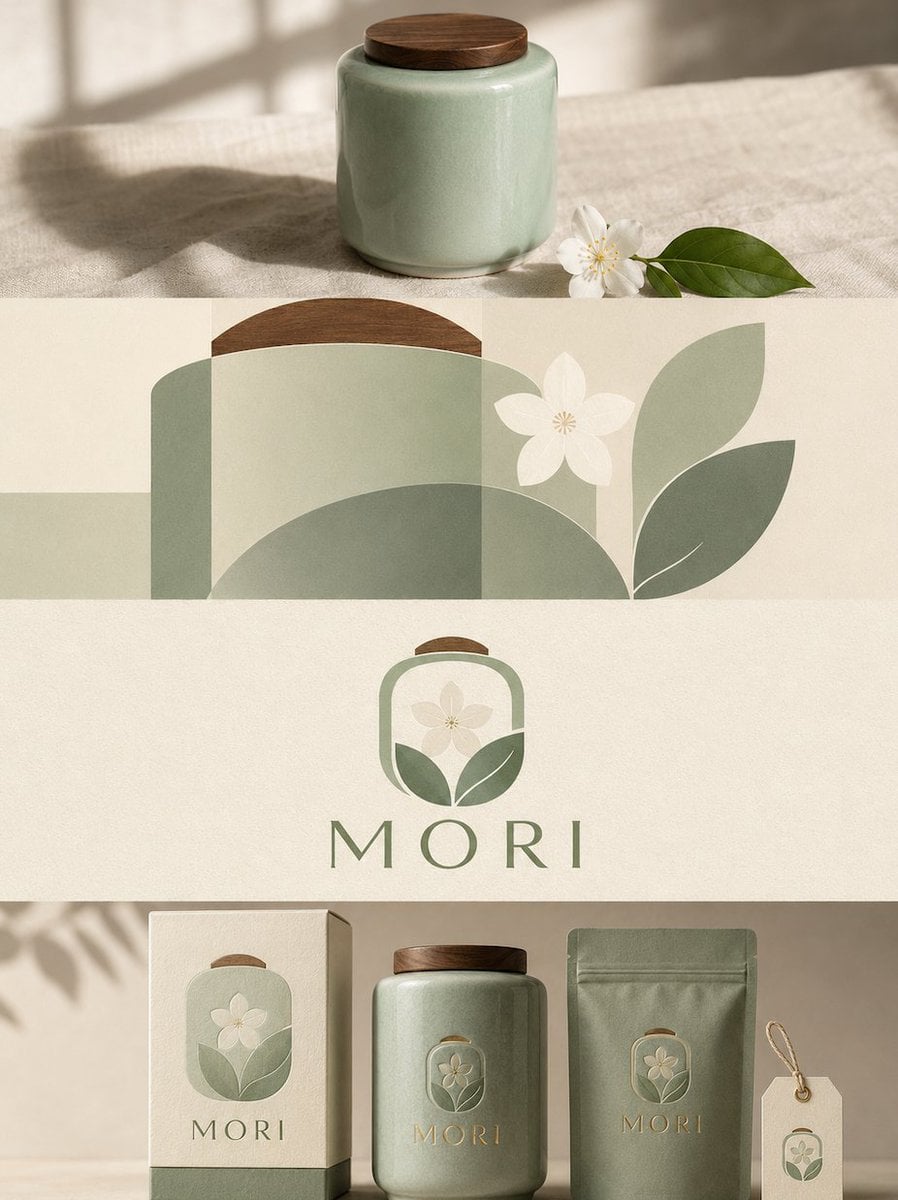 Botanical Packaging Mood Board
How image-to-image AI works
A reference image gives the model visual context; your prompt describes what the new image should show. Add your own photo in the reference area and explain the requested style, scene, or lighting. A gallery example is not automatically an uploaded input.
Describe changes and reference roles
Name the subject, describe the change, and identify details you would like to retain. When using several images, explain which supplies the subject and which supplies a style or composition. These instructions guide generation rather than guarantee exact preservation.
Review the result and the cost
Select a model and output options, then review the displayed credit cost before submitting. Check faces, product details, lettering, and composition in the result. Refine one part of your prompt at a time so you can assess the effect.
Common questions
- Can AI generate an image from another image?
- Yes. Add a reference image and a text prompt in the WizImage generator. The model creates a new image guided by those inputs. It can change details, so compare the result with your reference.
- Which reference image files can I use?
- Add up to five JPEG, PNG, or WebP images, with a maximum size of 10 MB per image. Use images you have permission to upload.
- Is image-to-image generation free?
- Generation requires an account and uses credits. Signup credits let new users try supported generation options. The generator displays the cost before you submit; consult Models and Pricing for current costs and plans.
- Is this the same as precise photo editing?
- No. The model generates a new image and may change faces, text, or other details. For exact localized edits or pixel-level preservation, a dedicated image editor may be more suitable.